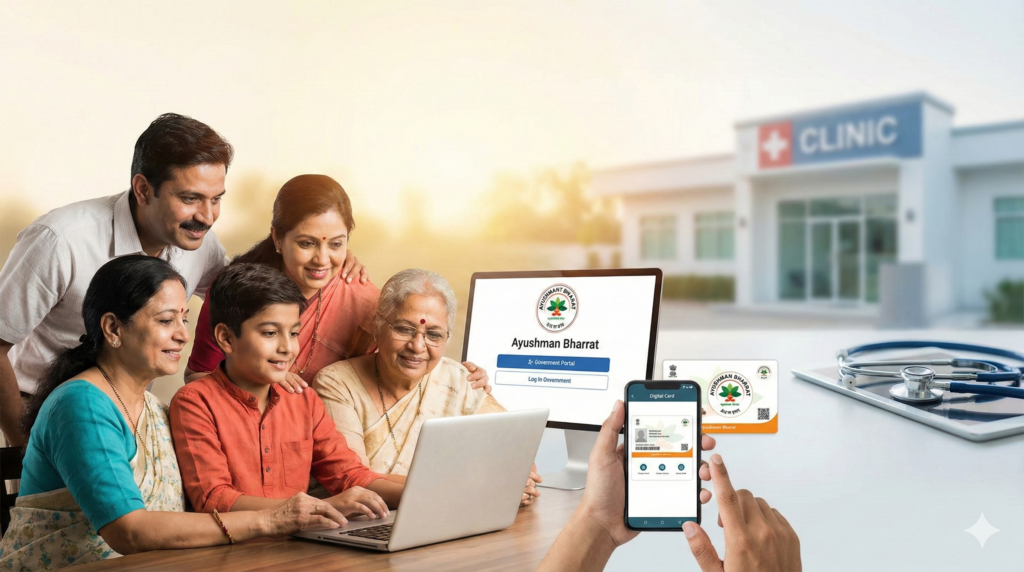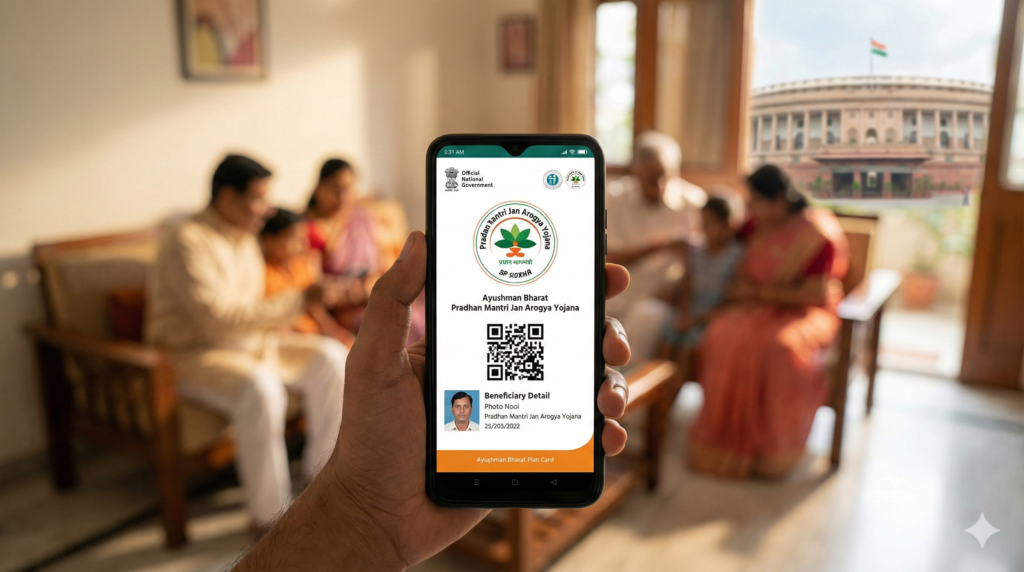
Is your family eligible for ₹5 Lakh free medical treatment? Here is the exact way to check the official government lists online.
India’s public health assurance landscape is massive, primarily anchored by Ayushman Bharat Pradhan Mantri Jan Arogya Yojana (PM-JAY), but also supported by powerful state-specific schemes like Swasthya Sathi (West Bengal), Aarogyasri (Andhra Pradesh/Telangana), and MJPJAY (Maharashtra).
Many citizens worry when they fall ill because they are unsure if they are covered. This guide solves that problem. It provides a purely factual, step-by-step method to check your name in the beneficiary list using official government portals, whether you are looking for the central PM-JAY list or a specific state scheme.
Who Needs This Service?
You need to check these lists if you belong to a low-income or lower-middle-income household and want to avail cashless medical treatment at empanelled government and private hospitals.
Eligibility Overview:
-
SECC 2011 Data: Families listed in the Socio-Economic Caste Census 2011 (deprived categories).
-
Ration Card Holders: Most states automatically include NFSA (National Food Security Act) ration card holders (Pink/Yellow/White cards depending on state).
-
State-Specific Criteria: Residents with valid Domicile Certificates, specific occupational groups (e.g., construction workers, street vendors), or state government employees/pensioners (in schemes like EHS).
Required Documents
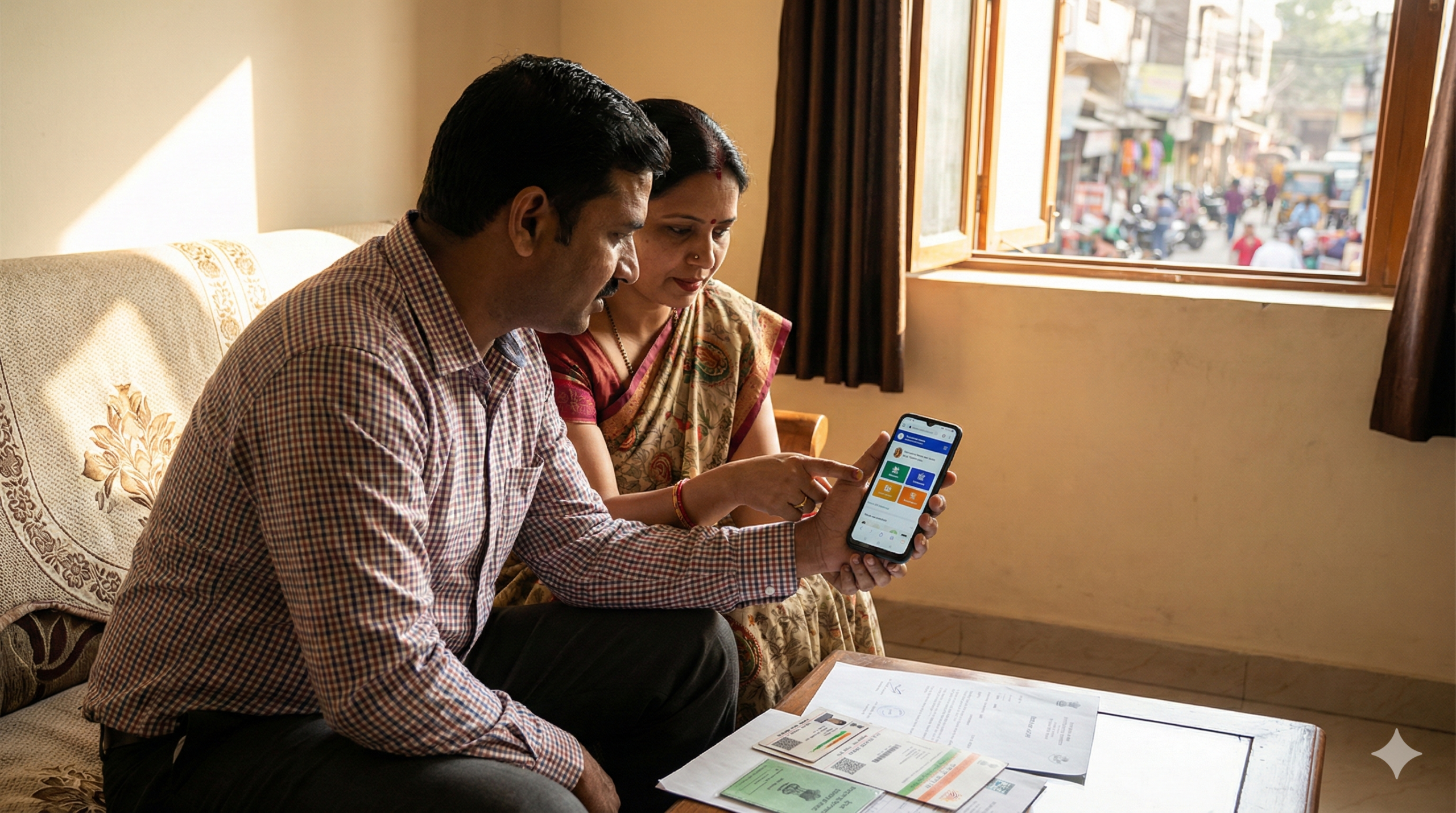
Before logging in, ensure you have the following documents ready to verify your identity and fetch data accurately:
-
Aadhaar Card: Mandatory for OTP verification and identity proof.
-
Active Mobile Number: Required to receive the Login OTP (One Time Password). Ideally, this should be linked to your Aadhaar.
-
Ration Card: The specific Ration Card Number is often the fastest way to search family details.
-
State Health Card (if applicable): Old RGJAY card, Swasthya Sathi URN, or Jan Aadhaar card (for Rajasthan).
Part 1: How to Check Name in Ayushman Bharat (PM-JAY) List
(Applicable for most states including UP, Bihar, MP, Gujarat, Assam, Haryana, etc.)
The National Health Authority (NHA) has launched a unified portal where citizens can search for themselves.
Official Portal: https://beneficiary.nha.gov.in/
Step-by-Step Process:
-
Access the Portal:
Open your browser and visit
https://beneficiary.nha.gov.in/. -
Login as Beneficiary:
-
On the homepage, you will see a box on the right side titled “Login”.
-
Select the radio button marked “Beneficiary” (Do not select Operator).
-
Enter Mobile Number: Type your 10-digit mobile number.
-
Verify: Click the “Verify” button next to the number.
-
Enter OTP: You will receive a 6-digit OTP on your mobile. Enter it in the box.
-
Captcha: Type the characters shown in the image and click “Login”.
-
-
Search for Beneficiary:
Once logged in, you will see the “Scheme” search page. Fill in the dropdowns exactly as follows:
-
Scheme: Select “PMJAY” (Note: In some states, you might see state-specific names co-branded here).
-
State: Select your State (e.g., Uttar Pradesh, Bihar, Maharashtra).
-
Sub-Scheme: Usually “PMJAY” or the specific ration card category (e.g., “BOCW” for construction workers).
-
District: Select your District.
-
Search By: This is crucial. Select “Family ID” (Ration Card Number) or “Aadhaar Number”.
-
Expert Tip: Searching by “Name” often fails due to spelling differences. Always prefer Aadhaar or Family ID.
-
-
-
View Results:
-
Click the search icon.
-
If your name is in the list, a table will appear below showing the names of all family members associated with that ID.
-
Status Column: Look at the “Card Status” column.
-
“Approved”: Your card is ready.
-
“Identified” / “Not Generated”: Your name is in the list, but you need to do e-KYC to get the card.
-
-
Part 2: State-Specific Health Scheme Lists
Some states run their own portals separate from or in addition to the central portal. Use these if you cannot find your name on the central NHA portal.
1. West Bengal: Swasthya Sathi
-
Official URL:
https://swasthyasathi.gov.in/ -
Process:
-
Visit the homepage and look for the menu bar named “Find Your Name”.
-
You will be redirected to the “Data Search” page.
-
Enter your Mobile Number and click “Submit” (You may get an OTP).
-
Select your District, Block/Municipality, and Panchayat.
-
Select “Search By”: Options include Aadhaar, Khadya Sathi Ration Card Number, or RSBY URN.
-
Enter the ID number and click “Submit”.
-
The system will display your Swasthya Sathi URN and family members’ names if eligible.
-
2. Rajasthan: Chief Minister Ayushman Arogya Yojana
(Formerly Chiranjeevi Yojana)
-
Official URL:
https://chiranjeevi.rajasthan.gov.in/orhttps://jansoochna.rajasthan.gov.in/ -
Process:
-
Go to the Jan Soochna Portal if the main Chiranjeevi site is redirecting.
-
Click on “Click here for schemes”.
-
Select “Ayushman Rajasthan” or “Chiranjeevi Yojana”.
-
Enter your Jan-Aadhaar Number (This is mandatory for Rajasthan).
-
Click “Search”.
-
The screen will display your Eligibility Status: “Yes” or “No”.
-
If “Yes”, it will show the category (Free or Paid) and the validity period.
-
3. Andhra Pradesh: Dr. YSR Aarogyasri
-
Official URL:
https://ysraarogyasri.ap.gov.in/orhttps://navasakam.ap.gov.in/ -
Process:
-
Visit the Navasakam portal (often more user-friendly for status checks).
-
Look for the “Know Your Health Card Status” link.
-
Enter your Aadhaar Number or UHID (Unique Health ID).
-
Click “Submit”.
-
The system will show your Aarogyasri Card details and the active members linked to it.
-
Note: You can also download the “YSR Aarogyasri” App from the Google Play Store to check status via mobile.
-
4. Maharashtra: MJPJAY (Mahatma Jyotiba Phule Jan Arogya Yojana)
-
Official URL:
https://www.jeevandayee.gov.in/ -
Process:
-
Visit the official website.
-
Look for the “Beneficiary” section or “Documents Required” to understand eligibility.
-
Unlike PM-JAY, MJPJAY largely relies on the Ration Card (Yellow/Orange) and Aadhaar card directly at the hospital counter.
-
Online Check: MJPJAY is now integrated with PM-JAY in many districts. Use the
beneficiary.nha.gov.inportal (Select State: Maharashtra) to check eligibility online. If you have a valid Orange/Yellow ration card, you are automatically eligible even if not found online, provided you present the physical card at the hospital.
-
5. Tamil Nadu: CMCHISTN
-
Official URL:
https://www.cmchistn.com/ -
Process:
-
On the homepage, click on “Beneficiary” > “Search Beneficiary”.
-
You will be asked to login or enter details.
-
Enter your Ration Card Number or URN.
-
Click “Search”.
-
The portal will display your policy number and member details.
-
Part 3: Offline Process (If Online Fails)
If you cannot navigate the internet or face technical errors, you can check your eligibility offline.
-
Common Service Centres (CSC):
-
Visit your nearest CSC (Jan Seva Kendra) in your village or ward.
-
Provide your Aadhaar Card and Ration Card to the Village Level Entrepreneur (VLE).
-
They will search the “BIS” (Beneficiary Identification System) for a nominal fee (usually ₹30 for card print, search is often free).
-
-
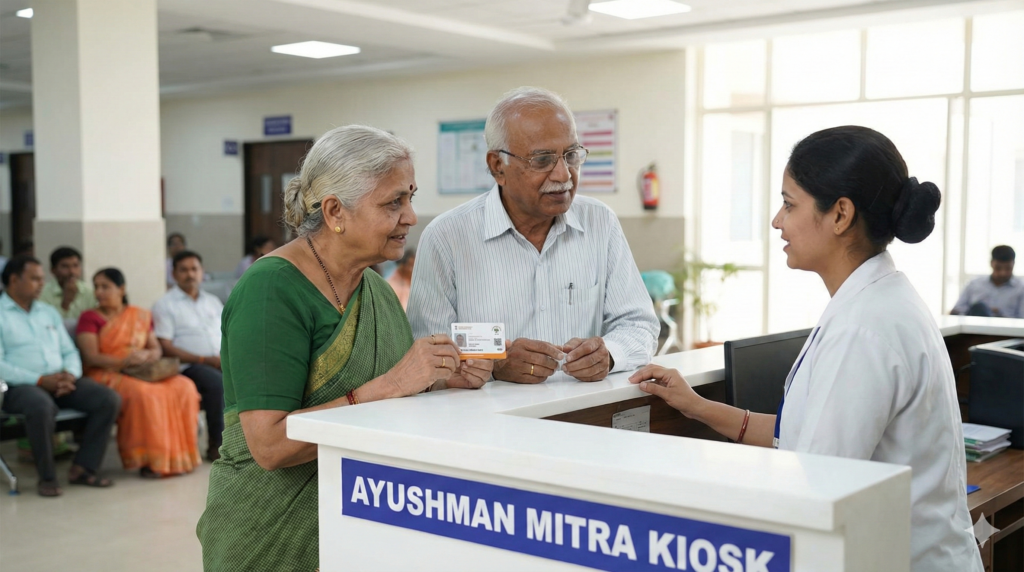
Empanelled Hospitals (Ayushman Mitra):
-
Go to any government district hospital or a private hospital empanelled under the scheme.
-
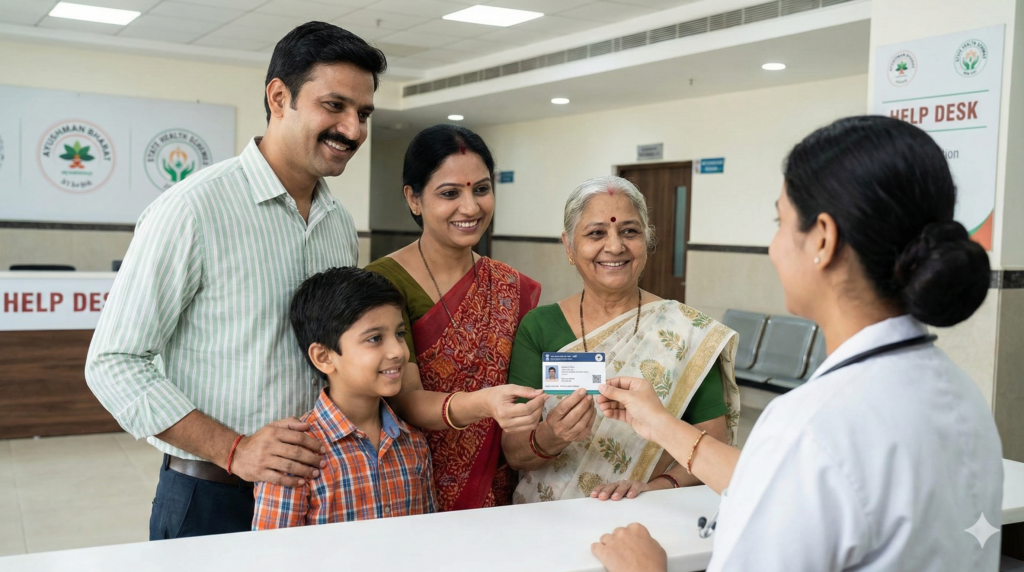
Look for the “Ayushman Mitra” or “Aarogyamitra” desk.
-
Show them your documents. They have direct access to the database to confirm your eligibility immediately.
-
-
ASHA Workers / Anganwadi Workers:
-
In rural areas, ASHA workers carry the list of eligible families (SECC list). You can ask them to check if your name is on their register.
-
How to Track Application Status
If you have applied for a card or completed your e-KYC but haven’t received the card yet:
-
Login to
https://beneficiary.nha.gov.in/using the same mobile number. -
Search for your family using the ID you used previously.
-
Look at the “Card Status” column.
-
Pending: Your application is being reviewed by the ISA (Insurance State Agency) or SHA (State Health Agency). This usually takes 1-7 days.
-
Rejected: Click on the info icon to see the reason (usually “Fuzzy Match” or “Photo unclear”).
-
Approved: A “Download” button will appear. You can download the PDF card immediately.
-
Common Problems and Solutions
Error 1: “No Records Found”
-
Reason: You might be searching by Name (spelling mismatch) or your Aadhaar is not seeded in the database.
-
Solution: Switch the search method to “Family ID” and enter your Ration Card Number. If that fails, try searching for other family members (e.g., Head of Family).
Error 2: “Beneficiary Data Mismatch” (Name/DOB incorrect)
-
Reason: The name in the SECC 2011 database differs from your current Aadhaar card.
-
Solution: Visit a CSC or Hospital. They have an option to “Upload Supporting Document” (like a Voter ID or Panchayat certificate) to override the mismatch and send it for manual approval by the State Health Agency.
Error 3: OTP Not Received
-
Reason: Network congestion or “DND” services active on mobile.
-
Solution: Wait for 2 minutes and click “Resend OTP”. If it persists, try logging in late at night or early morning when traffic is low.
Error 4: Family Member Missing
-
Reason: New members (newborns or daughters-in-law) added to the Ration Card recently may not have updated in the Health database yet.
-
Solution: Use the “Add Member” feature on the PM-JAY beneficiary portal. You will need the Head of Family’s authentication and the new member’s Aadhaar + Marriage/Birth Certificate.
Error 5: “State Not Showing in Dropdown”
-
Reason: Some states (like Delhi or Odisha) may not have fully adopted the central PM-JAY scheme or have specific restrictions.
-
Solution: Check if your state has a separate portal (refer to the State-Specific section above) or visit the local District Hospital.
Official Helpline Numbers (Toll-Free)
Use these government numbers for grievances or to check status via phone.
| Authority / State | Helpline Number | Email Support |
| National (PM-JAY) | 14555 / 1800-111-565 | pmjay@nha.gov.in |
| Andhra Pradesh | 104 / 1800-599-1111 | ap_c461@drntrvaidyaseva.ap.gov.in |
| Bihar | 104 / 1800-345-6604 | – |
| Gujarat | 1800-233-1022 | – |
| Haryana | 1800-180-2020 | – |
| Karnataka | 1800-425-2203 / 104 | – |
| Madhya Pradesh | 1800-233-2085 | – |
| Maharashtra | 1800-233-2200 / 155388 | – |
| Rajasthan | 181 | – |
| Tamil Nadu | 1800-425-3993 | tnhealthinsurance@gmail.com |
| Uttar Pradesh | 1800-180-0447 | – |
| West Bengal | 1800-345-5384 | – |
(Note: 14555 is the universal number for Ayushman Bharat inquiries across India).
Important Safety Warning
Beware of Fake Websites: Scammers create fake portals looking like PM-JAY to steal Aadhaar data.
-
ALWAYS check the URL ends with .gov.in or .nic.in.
-
NEVER pay money to download the card online. The PDF download is FREE on the official website.
-
NEVER share your OTP with anyone calling you claiming to be a “Health Official”.
This information is sourced from the National Health Authority (NHA) and respective State Health Agency official portals as of January 2026. Schemes and URL structures are subject to government updates. Always verify details on the official beneficiary.nha.gov.in portal.