Who Needs This Service?
This service is required by all candidates who have applied for government job examinations conducted by various recruitment boards in India. This includes aspirants appearing for exams by Staff Selection Commission (SSC), Union Public Service Commission (UPSC), Railway Recruitment Boards (RRB), Institute of Banking Personnel Selection (IBPS), State Public Service Commissions, and other central/state government recruitment agencies. The admit card is mandatory for entry into the examination center, and candidates must download it before the exam date.
Required Documents
To download your admit card and access exam schedules, you need:
- Registration Number/Application Number – Provided at the time of online application submission
- Date of Birth – As entered in your application form
- Password/Login Credentials – Created during registration on the recruitment portal
- Valid Email ID – Registered during application process
- Mobile Number – Linked to your application for OTP verification
- Photograph and Signature (digital copies) – For verification against admit card details
- Valid Photo ID Proof – Aadhaar Card, Voter ID, PAN Card, Driving License, or Passport (to carry to exam center along with admit card)
Online Process to Download Admit Card
For Staff Selection Commission (SSC) Exams
Step 1: Visit the official SSC website at https://ssc.gov.in
Step 2: On the homepage, locate the “Admit Card” section or click on the specific exam link (SSC CGL, CHSL, MTS, GD, etc.)
Step 3: Click on the “Download Admit Card” link for your respective exam
Step 4: You will be redirected to the regional SSC website based on your region (Northern, Eastern, Western, Southern, Central, Karnataka-Kerala, Madhya Pradesh, or North-Western Region)
Step 5: Enter your Registration Number and Password/Date of Birth in the login page
Step 6: Complete the captcha verification
Step 7: Click on “Submit” button
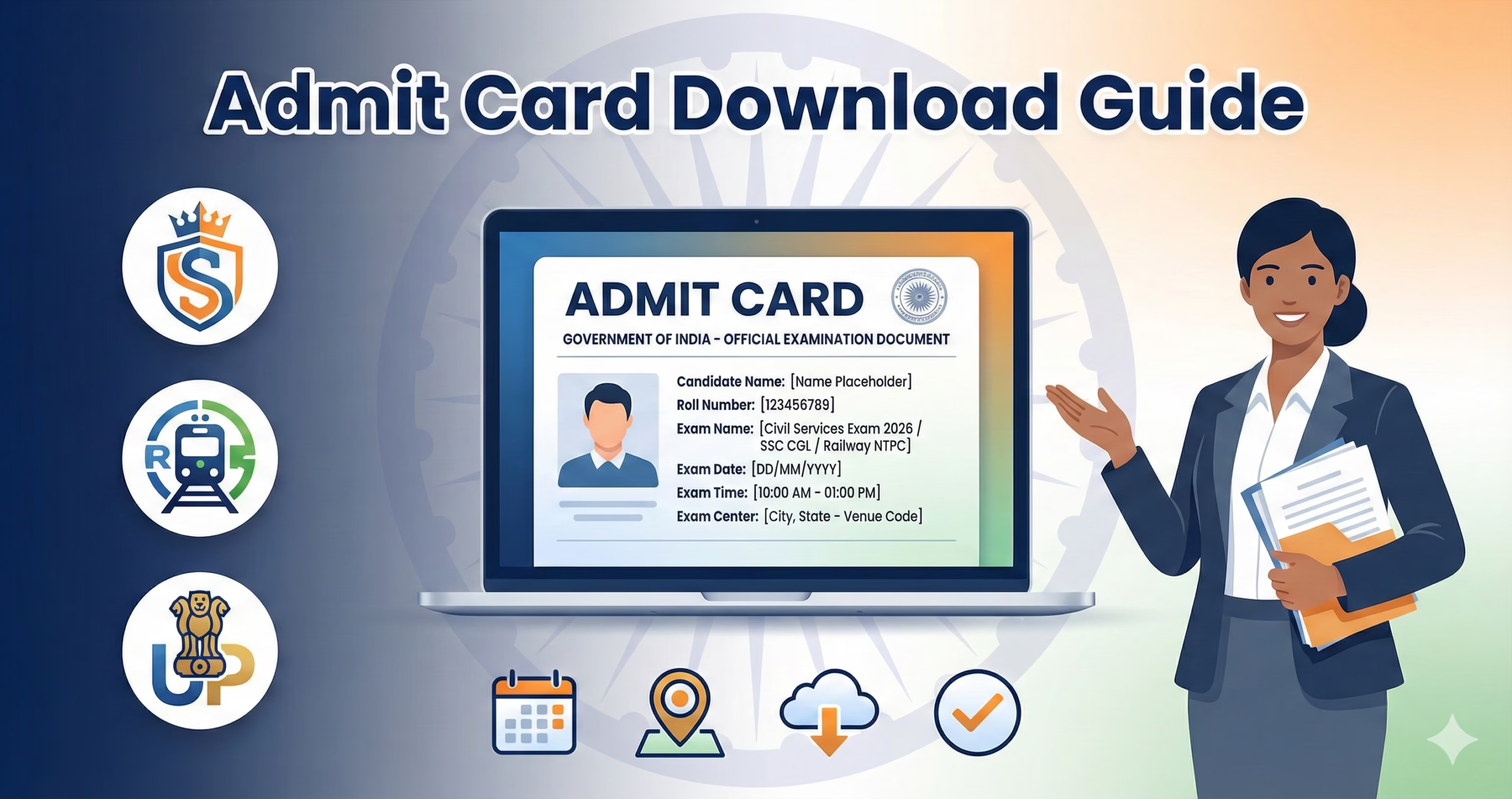
Step 8: Your admit card will appear on screen showing:
- Candidate’s name, photograph, and signature
- Roll number and registration number
- Exam name, date, and time
- Examination center address with reporting time
- Important instructions
Step 9: Download the admit card as PDF and take multiple printouts (recommended: 2-3 color copies)
Official SSC Regional Websites:
- SSC Northern Region: https://sscnr.gov.in
- SSC Eastern Region: https://sscer.org
- SSC Western Region: https://sscwr.gov.in
- SSC Southern Region: https://sscsr.gov.in
For Railway Recruitment Board (RRB) Exams
Step 1: Go to the official RRB website at https://indianrailways.gov.in and click on “RRB” section
Step 2: Select your RRB zone from the list (RRB Ahmedabad, Allahabad, Bangalore, Bhopal, etc. – there are 21 RRB zones)
Step 3: Click on the “Download E-Call Letter” or “Admit Card” link for your specific exam (NTPC, Group D, ALP, RPF, etc.)
Step 4: Enter your Registration Number and Date of Birth (format: DD/MM/YYYY)
Step 5: Enter the security code/captcha displayed
Step 6: Click “Submit” button
Step 7: Your e-call letter (admit card) will be displayed with exam city, date, shift timing, and other details
Step 8: Download and save the PDF file
Step 9: Take printout on A4 size paper
Note: RRB does not send admit cards by post. Candidates must download from the official website only.
For Union Public Service Commission (UPSC) Exams
Step 1: Visit official UPSC website at https://upsc.gov.in
Step 2: Click on “e-Admit Card” section on the homepage
Step 3: Select your examination from the list (Civil Services, Engineering Services, NDA, CDS, CAPF, etc.)
Step 4: Two login methods available:
- Method A: Enter Registration ID and Date of Birth
- Method B: Enter Roll Number (if already allotted)
Step 5: Fill in the required details accurately
Step 6: Click on “Submit” button
Step 7: Admit card will be displayed with:
- Exam center address and venue
- Reporting time and exam timing
- Candidate’s details and photograph
- Important instructions and guidelines
Step 8: Download and take printout
Step 9: For UPSC exams, candidates must also download the “Detailed Application Form” (DAF) if required for mains examination
For Institute of Banking Personnel Selection (IBPS)
Step 1: Visit https://ibps.in
Step 2: Click on “CRP” (Common Recruitment Process) section for the current year
Step 3: Select your exam (IBPS PO, Clerk, SO, RRB Officer/Assistant)
Step 4: Click on “Download Online Admit Card” link
Step 5: Enter Registration Number/Roll Number and Password/Date of Birth
Step 6: Enter captcha code
Step 7: Click “Login” button
Step 8: Admit card appears showing exam date, session timing, and venue details
Step 9: Download and take color printout
Step 10: Also download “Information Handout” that contains exam pattern and instructions
For State Public Service Commission Exams
Each state has its own PSC portal. Here are major ones:
UPPSC (Uttar Pradesh): https://uppsc.up.nic.in MPSC (Maharashtra): https://mpsc.gov.in BPSC (Bihar): https://bpsc.bih.nic.in RPSC (Rajasthan): https://rpsc.rajasthan.gov.in HPSC (Haryana): https://hpsc.gov.in TSPSC (Telangana): https://tspsc.gov.in
General Process (similar across most State PSCs):
Step 1: Visit your State PSC official website
Step 2: Navigate to “Admit Card/Hall Ticket” section
Step 3: Click on the relevant exam advertisement link
Step 4: Enter Application Number and Date of Birth or Password
Step 5: Complete verification and download admit card
Step 6: Check exam city/center allocation
Step 7: Save and print
Checking Exam Schedule and Important Dates
SSC Exam Schedule:
Step 1: Visit https://ssc.gov.in
Step 2: Click on “Examinations” menu → “Examination Schedule”
Step 3: Download the tentative exam calendar (usually released in May-June for the entire year)
Step 4: Check individual exam notifications for exact dates
Step 5: Subscribe to email alerts by registering on SSC website
RRB Exam Schedule:
Step 1: Visit individual RRB zone website
Step 2: Check “Latest Updates” or “Exam Schedule” section
Step 3: Download exam city and date intimation slip (released 10-15 days before exam)
Step 4: Check official social media handles for updates (@RailMinIndia on Twitter)
UPSC Exam Calendar:
Step 1: Visit https://upsc.gov.in
Step 2: Click on “Examination” → “Examination Calendar”
Step 3: Download annual exam calendar (usually available in February-March)
Step 4: Check individual notification for detailed schedule
Step 5: For Civil Services, three separate admit cards issued for Prelims, Mains, and Interview
Offline Process (Where Available)
Most recruitment boards have discontinued offline admit card distribution. However, in exceptional cases:
SSC Regional Offices:
If you face technical issues downloading admit card:
Step 1: Visit nearest SSC Regional Office with application acknowledgment
Step 2: Carry valid photo ID proof and application registration number
Step 3: Submit written request explaining the issue
Step 4: Office may provide duplicate admit card or help with technical support
Step 5: This facility usually available 2-3 days before exam only
SSC Regional Office Contacts:
- SSC CR (Central Region, Delhi): Kendriya Sadan, Koramangala, Delhi
- SSC WR (Mumbai): 1st Floor, South Wing, Pratishtha Bhavan, 101, MK Road, Mumbai – 400020
RRB Zonal Offices:
Step 1: Only in case of genuine technical issues, visit RRB office
Step 2: Carry application acknowledgment, ID proof, and registration details
Step 3: Submit representation before exam date
Step 4: Office will verify and may provide assistance
Note: RRB strongly recommends downloading online only. Physical visit rarely entertains admit card issues.
State PSC Offices:
Some State PSCs still provide limited offline facility:
Step 1: Visit State PSC headquarters in your state capital
Step 2: Go to candidate facilitation counter
Step 3: Show application receipt and valid ID
Step 4: May issue duplicate admit card on case-to-case basis
How to Check Application Status and Track Updates
SSC Status Check:
Step 1: Visit https://ssc.gov.in
Step 2: Click on “Status” tab in the examination section
Step 3: Enter registration number and date of birth
Step 4: View application status, payment status, and admit card availability
Step 5: Check for any discrepancies or objections
RRB Application Status:
Step 1: Login to your RRB zone website
Step 2: Click “View Application Status”
Step 3: Enter registration number and date of birth
Step 4: Check payment status, document verification status, and exam details
Step 5: Download exam city intimation and travel pass (if eligible)
UPSC One Time Registration (OTR) Status:
Step 1: Visit https://upsconline.nic.in
Step 2: Login using OTR ID and password
Step 3: Check “My Applications” section
Step 4: View status of all applied exams
Step 5: Update profile if required
Common Problems and Solutions
Problem 1: “Invalid Registration Number or Date of Birth” Error
Solution:
- Double-check registration number from application confirmation email/SMS
- Ensure date of birth format matches exactly (DD/MM/YYYY or DD-MM-YYYY)
- Clear browser cache and cookies, try again
- Try different browser (Chrome, Firefox, Edge)
- Check if caps lock is on while entering details
- Verify you’re on correct regional website (for SSC/RRB)
Problem 2: Admit Card Not Displaying or Download Link Not Working
Solution:
- Check if admit card release date has arrived (usually 7-10 days before exam)
- Disable pop-up blockers in browser settings
- Enable JavaScript in browser
- Try downloading in incognito/private mode
- Use Adobe Reader or Foxit Reader to open PDF
- Check internet connection stability
- Try during non-peak hours (early morning or late night)
- Contact helpdesk if problem persists beyond 24 hours
Problem 3: Photograph/Signature Not Visible on Admit Card
Solution:
- This usually indicates upload error during application
- Download admit card and check if photo appears on PDF
- If photo missing, immediately contact recruitment board helpdesk
- Submit scanned copy of photograph via official email
- In some cases, carry extra photographs to exam center
- Report to invigilator at exam center
- May be allowed to appear with undertaking (board-dependent)
Problem 4: Wrong Exam Center Allotted
Solution:
- Check if you can change exam center online (some boards allow)
- For SSC: Center change not allowed after admit card release
- For RRB: Limited center change window may be provided
- For UPSC: Center preference considered but not guaranteed
- Contact helpdesk immediately with valid reason
- Request for nearest available center
- Keep checking for any center change notification
Problem 5: Forgot Registration Number or Password
Solution:
- Check application confirmation email/SMS for registration number
- Click “Forgot Password” link on login page
- Enter registered email ID and mobile number
- OTP will be sent to recover password
- If email/mobile not accessible, contact helpdesk with:
- Full name as per application
- Father’s name
- Date of birth
- Application fee transaction ID
- Most boards can retrieve details with these inputs
- May take 24-48 hours for manual recovery
Official Helpline Numbers and Contact Details
Staff Selection Commission (SSC):
Toll-Free Number: 1800-110-882 (9:00 AM to 6:00 PM on working days) Email: ssc-cr@nic.in (Central Region), sscnr-recruitment@gov.in (Northern Region) Helpdesk: Available on regional websites Address: Staff Selection Commission (CR), Block No. 12, CGO Complex, Lodhi Road, New Delhi – 110003
Railway Recruitment Board (RRB):
Helpline: Each RRB zone has separate helpline numbers listed on zonal websites Email: Zone-specific emails (e.g., rrbahmedabad@gov.in) Helpdesk Timing: 10:00 AM to 5:00 PM (Monday to Friday) Central Railway Recruitment: 138 (from railway stations)
Union Public Service Commission (UPSC):
Facilitation Counter: 011-23385271, 011-23381125 Fax: 011-23387310 Email: upsc-spc@nic.in Address: UPSC Bhavan, Dholpur House, Shahjahan Road, New Delhi – 110069 Timings: 10:00 AM to 5:00 PM (Monday to Friday)
Institute of Banking Personnel Selection (IBPS):
Helpline: 022-26530207, 022-26654318 Email: complaints@ibps.in Address: IBPS House, Plot No. 166, 90 Feet DP Road, Off Western Express Highway, Kandivali (East), Mumbai – 400101 Timing: 10:00 AM to 6:00 PM (Monday to Saturday)
State PSC Helplines:
UPPSC: 0532-2626210, 2626213 (Prayagraj) MPSC: 022-26596505 (Mumbai) BPSC: 0612-2230514 (Patna) RPSC: 0141-2722501 (Jaipur) HPSC: 0172-2782042 (Panchkula)
Important Points to Remember
- Always download admit card from official website only – beware of fake websites
- Keep multiple printouts of admit card (colored preferred)
- Verify all details on admit card immediately after download
- Carry original photo ID proof mentioned on admit card
- Reach exam center 30-60 minutes before reporting time
- No admit card = No entry to examination hall (no exceptions)
- Do not write anything on admit card
- SMS and email alerts may be sent but are not substitute for downloading admit card
- Screenshot of admit card not accepted at exam center
- Keep admit card safe even after exam for future stages (mains, interview, document verification)
This information is from official sources as of February 2026. Always verify on the official recruitment board portal for latest updates, as procedures and websites may change. Candidates are advised to regularly check official websites and notifications for any modifications to the admit card download process.
Discover more from Tips Clear - Content For Daily Life
Subscribe to get the latest posts sent to your email.