Who Needs This Service?
- Property buyers and sellers who need legal proof of ownership before land transactions
- Farmers applying for agricultural loans, crop insurance, or government schemes requiring land ownership documents
- Legal heirs inheriting property who must verify ownership and apply for mutation
- Banks and financial institutions requiring certified land records for loan processing, mortgage verification, or property collateral
- Property owners involved in court cases, property disputes, or legal proceedings requiring official land documents
- Citizens needing proof of land ownership for government compensation, land acquisition, or development projects
Required Documents
Before applying for a certified copy of land records, keep these documents ready:
- Property identification details – Survey number, Khasra number, Plot number, or Khata number (varies by state)
- Location details – District name, Tehsil/Taluka name, Village name, Hobli name (in Karnataka)
- Owner information – Name of current owner as recorded in revenue records
- Identity proof – Aadhaar card, PAN card, Voter ID, or Driving License
- Address proof – Recent utility bill, bank statement, or Aadhaar card
- Application form – Filled and signed (for offline applications)
- Payment receipt – Challan or online transaction proof showing fee payment
- Succession documents – (If applying as legal heir) Death certificate, succession certificate, or Will
- Authority letter – Notarized authorization if applying through a representative
Understanding Land Records in India
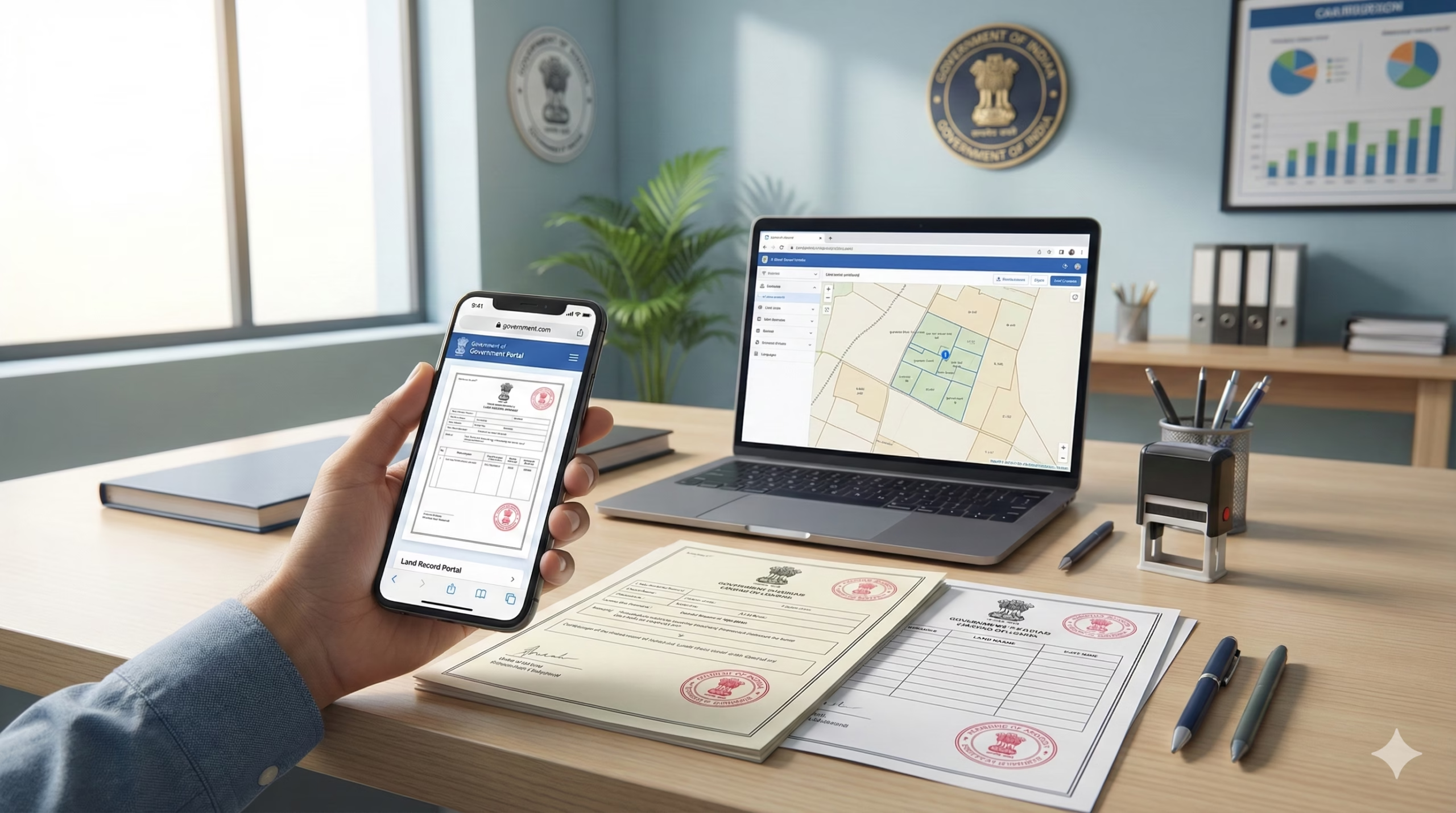
Land records in India are maintained at the state level, with each state having its own portal and terminology. Bhulekh India The Digital India Land Records Modernization Programme (DILRMP) has integrated land records with Bhu-Aadhaar (ULPIN), a unique 14-digit identification system for land parcels. Bhulekh India
Important distinction: Online copies downloaded from portals are for reference only and are not legally certified. Only certified copies issued by revenue offices (Talathi, Tehsildar, or Mamlatdar offices) are legally valid for court cases, property registration, and official transactions. Bhulekh IndiaBhulekh India
Common land record names across states:
- Maharashtra & Gujarat: 7/12 Utara (Saat Baara)
- Karnataka: RTC (Record of Rights, Tenancy and Crops) or Pahani
- Uttar Pradesh: Khasra, Khatauni, Jamabandi
- West Bengal: RoR (Record of Rights), Parcha
- Telangana: Pahani, Adangal
- Haryana: Jamabandi, Nakal
- Tamil Nadu: Patta, Chitta, A-Register
- Madhya Pradesh: Khasra, B-1
Online Application Process – Step by Step
Step 1: Identify Your State’s Official Portal
Visit the official land records portal for your state:
- Maharashtra: https://mahabhulekh.maharashtra.gov.in
- Karnataka: https://landrecords.karnataka.gov.in
- Gujarat: https://anyror.gujarat.gov.in
- Uttar Pradesh: https://upbhulekh.gov.in
- Telangana: https://dharani.telangana.gov.in (for old records) or Bhu Bharati portal (from 2025 onwards)
- Madhya Pradesh: https://mpbhulekh.gov.in
- Haryana: https://jamabandi.nic.in
- West Bengal: https://banglarbhumi.gov.in
- Tamil Nadu: https://eservices.tn.gov.in/eservicesnew/Land
- Rajasthan: http://apnakhata.raj.nic.in
- Punjab: https://jamabandi.punjab.gov.in
- Jammu & Kashmir: https://landrecords.jk.gov.in
- Other states: Check the National Portal at https://www.india.gov.in/e-services-land-records-0
Step 2: Register on the Portal (If Required)
Some portals require registration before accessing services:
- Click on “Register” or “New User” button on homepage
- Enter mobile number and click “Send OTP”
- Enter the 6-digit OTP received on your mobile
- Fill registration form with:
- Full name
- Email address
- Date of birth
- Complete address
- Create password (with uppercase, lowercase, number, and special character)
- Submit form and verify email through link sent to your inbox
- Your User ID and password are now active
Step 3: Login to the Portal
- Go to the official portal homepage
- Click “Login” button
- Enter your registered User ID or mobile number
- Enter password
- Complete CAPTCHA verification
- Click “Submit” to access your dashboard
Step 4: Navigate to Certified Copy Section
Different states have different menu options:
- Karnataka Bhoomi: Click “View RTC and MR” → Select “I-RTC” (Integrated RTC) → Choose “Pay & Download”
- Maharashtra MahaBhulekh: Select revenue division → District → Taluka → Village → Survey number → Click “View 7/12”
- MP Bhulekh: Select “Certified Copy of Land Records (Khasra, Khatauni, Map)” from services menu Sidhi
- Gujarat AnyROR: Select “7/12 Utara” or “Village Form 6” → Enter details
- Telangana: Visit IGRS portal or Bhu Bharati → Select “Certified Copy” service
- UP Bhulekh: Select District → Tehsil → Village → Search by Khasra/Khatauni
Step 5: Enter Property Details
Fill in the required information accurately:
- District: Select from dropdown menu
- Tehsil/Taluka: Choose the subdivision
- Village: Select your village name
- Survey Number/Khasra Number: Enter the unique plot identification number (found in sale deed or previous land records)
- Owner Name: Enter as per revenue records (spelling must match exactly)
- Period/Year: Select current year or financial year
Screenshot description for Karnataka Bhoomi: After login, the page shows dropdowns for District, Taluk, Hobli, and Village selection. Below that, enter Survey Number and Hissa Number. Click “Fetch Details” to see Land ID and Owner Details displayed. Two buttons appear: “View RTC” (free) and “Pay & Download I-RTC” (₹15 fee).
Step 6: Verify Details and Proceed to Payment
- Review all entered information on preview screen
- Check owner name, survey number, land area, and classification
- Select document type:
- Current year RTC/7/12
- Old year records
- Mutation extract
- Tippan (remarks)
- Click “Proceed to Payment” or “Add to Cart”
Step 7: Make Online Payment
Fees vary by state and document type. For example, Karnataka charges ₹15 for RTC Pahani, while other states charge ₹10-₹50 for certified copies. 99 Acres
Payment methods accepted:
- Credit/Debit Card: Visa, Mastercard, RuPay
- Net Banking: All major banks
- UPI: Google Pay, PhonePe, Paytm, BHIM
- Wallet: Some portals accept mobile wallets
Payment process:
- Select payment method
- Enter card/bank details or UPI ID
- Complete OTP authentication
- Payment confirmation message appears
- Transaction ID is generated – save this number
Step 8: Download the Certified Copy
- After successful payment, document generation begins (may take 30 seconds to 2 minutes)
- The digitally certified copy is generated with digital signature and QR code Sidhi
- Download button appears – click to save PDF file
- Document includes:
- Government seal/watermark
- Digital signature of authorized officer
- QR code for verification
- Unique document number
- Issue date and validity period
- Save multiple copies:
- Save to computer
- Email to yourself
- Upload to cloud storage (Google Drive/Dropbox)
- Take printout for physical records
Step 9: Verify the Downloaded Document
Online verification process:
- Visit the same state portal
- Look for “Verify Certificate” or “Authenticate Document” section
- Enter the unique document number or scan QR code
- System confirms authenticity with issue date and officer details
Offline Process – Revenue Office Visit
For citizens without internet access or those requiring physical certified copies:
Step 1: Visit the Concerned Office
Go to the appropriate revenue office:
- Tehsil Office (Tehsildar office) for most states
- Talathi Office for village-level records in Maharashtra and Gujarat
- Revenue Inspector Office in some states
- Sub-Registrar Office for registered deed copies
Office timings: Generally 10:00 AM to 5:00 PM, Monday to Friday (check state-specific timings)
Step 2: Collect Application Form
- Approach the help desk or information counter
- Request “Application for Certified Copy of Land Records”
- Collect prescribed form (usually free or ₹5-₹10)
- Some offices provide forms; others require you to bring plain paper application
Step 3: Fill the Application Form
Include all required information:
- Applicant’s full name, father’s name, and address
- Contact number and email (if available)
- District, Tehsil, Village name
- Survey number/Khasra number/Plot number
- Purpose of requirement (e.g., “For bank loan application”)
- Type of document needed (7/12, RTC, Jamabandi, etc.)
- Period for which record is required
- Number of copies needed
- Date and signature
Step 4: Attach Supporting Documents
Submit photocopies of:
- Identity proof (Aadhaar/PAN/Voter ID)
- Address proof
- Previous land document (if available)
- Succession certificate (if applying as legal heir)
- Authority letter (if applying through representative)
Step 5: Pay Prescribed Fee
Fee structure (varies by state):
- Maharashtra: ₹25-₹50 per document
- Karnataka: ₹15-₹20 per certified copy
- Uttar Pradesh: ₹10-₹30 depending on document type
- Gujarat: ₹15-₹25 per copy
- Other states: Check with local Tehsil office
Payment methods:
- Cash at counter (some offices)
- Demand Draft in favor of Tehsildar/concerned officer
- Online payment through e-portal
- Stamp paper (in some states for certain documents)
Get receipt: Always collect payment receipt with application number for tracking.
Step 6: Submit Application
- Submit completed form with documents at designated counter
- Receive acknowledgment slip with:
- Application reference number
- Submission date
- Expected delivery date (usually 7-15 working days)
- Officer’s signature/stamp
- Keep this slip safe for tracking and collection
Step 7: Track and Collect Document
Processing time: 7 to 15 working days depending on location and workload Bhulekh IndiaBhulekh India
Collection process:
- Visit office on or after expected delivery date
- Show acknowledgment slip at collection counter
- Verify your identity
- Receive certified copy with:
- Official seal and signature of Tehsildar/authorized officer
- Embossed stamp
- Issue date
- “Certified True Copy” marking
- Check document for accuracy before leaving office
How to Check Status and Track Application
For Online Applications:
Method 1: Through Portal Dashboard
- Login to the land records portal
- Go to “My Applications” or “Track Application” section
- View list of all submitted applications with status:
- “Under Process” – Application being verified
- “Payment Pending” – Fee payment incomplete
- “Approved” – Document ready for download
- “Rejected” – Application rejected (with reason)
Method 2: Using Application Number
- Visit state portal without login
- Click “Track Application Status”
- Enter application/transaction reference number
- Enter mobile number or email used during application
- Click “Check Status”
- Status with timeline is displayed
Method 3: SMS Tracking Some states provide SMS tracking:
- Send SMS: STATUS <Application Number> to designated number
- Receive status update via SMS
For Offline Applications:
- Visit Tehsil office with acknowledgment slip
- Inquire at the same counter where application was submitted
- Provide application reference number
- Officer checks system and informs current status
- If delayed beyond expected date, file a written complaint with Tehsildar
Complaint channels if application is delayed:
- Submit written complaint to Tehsildar
- Email to district revenue office
- Call state revenue department helpline
- Use online grievance portal (e.g., CM/PM Portal)
Common Problems and Solutions
Problem 1: “Survey Number Not Found” Error
Cause: Incorrect survey number or village selection, database not updated for recent subdivisions
Solutions:
- Verify survey number from sale deed or previous land record
- Check if you selected correct village (some villages have similar names)
- Try alternative search methods: search by owner name instead of survey number
- For very old records, visit Tehsil office and ask for ‘Missal Haquiyat’ (original settlement record) if not found in online database Rest the Case
- Contact Talathi/Patwari office for correct survey number
- If land was recently subdivided, new survey numbers may not be updated online – visit office
Problem 2: Owner Name Mismatch or Not Showing
Cause: Spelling variations, name not updated after purchase/inheritance, mutation pending
Solutions:
- Try different spelling variations (e.g., Kumar vs Kumare, Singh vs Sinh)
- Use initials instead of full name or vice versa
- Check if property still shows previous owner’s name
- Apply for mutation at Talathi/Tehsildar office if ownership was transferred but not updated in revenue records Bhulekh India
- Submit mutation application with:
- Sale deed copy
- Identity proof
- Previous 7/12/RTC
- Mutation fee (₹50-₹200 depending on state)
- Mutation processing takes 30-60 days
- Download record after mutation is completed
Problem 3: Payment Successful But Document Not Generated
Cause: Server timeout, payment gateway delay, technical glitch during document generation
Solutions:
- Wait for 2-4 hours and check “My Documents” or “Download Documents” section in portal
- Check spam/junk folder for email notification
- Login again and check transaction history
- Note down transaction ID and payment reference number
- Call state helpline with transaction details
- If document not received within 24 hours:
- Email portal support with transaction screenshot
- Visit nearest e-Seva/Mee-Seva center for assistance
- Request manual generation at Tehsil office with payment proof
- For refund (if charged twice): Submit complaint through portal grievance section with bank statement
Problem 4: Portal Not Loading or “Server Busy” Message
Cause: High traffic during peak hours, server maintenance, browser compatibility
Solutions:
- Try accessing during non-peak hours (early morning 6-9 AM or late evening after 8 PM)
- Clear browser cache and cookies
- Use different browsers: Chrome, Firefox, or Microsoft Edge (avoid Internet Explorer)
- Disable VPN if using one
- Check internet connection stability
- Try from different device (mobile app if available)
- If website under maintenance, try again after few hours Bhulekh India
- Use alternative access: Visit Common Service Center (CSC) or Jan Seva Kendra for assistance
Problem 5: Downloaded Copy Shows “Not Certified” or Missing Digital Signature
Cause: Downloaded from wrong section (viewing mode instead of certified copy), incomplete payment, printing issue
Solutions:
- Ensure you selected “Pay & Download Certified Copy” option, not just “View”
- Online EC search in view mode is free, but downloading official certified version requires payment EC Telangana
- Check if PDF has digital signature and government seal
- Verify QR code is present and scannable
- Print in color (not black & white) to show official seal clearly
- If downloaded from email, ensure it’s from official government domain (.gov.in)
- Re-download from portal’s “My Documents” section
- For critical legal use, obtain physical certified copy from Tehsil office with embossed seal
Problem 6: Old Land Records Not Available Online
Cause: Pre-digitization records, archives not scanned, very old records stored separately
Solutions:
- Check portal’s coverage period (most portals have records from 2000-2010 onwards)
- For records before digitization, visit Tehsil office and request access to manual registers or District Archives (Abhilekhagar) Rest the Case
- Submit written application for old record retrieval
- Pay applicable fees for archive search (₹50-₹100)
- Processing time for archived records: 15-30 days
- For properties registered before 1980 in some states, visit Sub-Registrar Office
Problem 7: Aadhaar OTP Not Received During Registration
Cause: Incorrect mobile number linked to Aadhaar, network delay, UIDAI server issue
Solutions:
- Verify mobile number registered with Aadhaar by visiting https://myaadhaar.uidai.gov.in
- Update mobile number at Aadhaar center if incorrect
- Wait 2-3 minutes before requesting OTP again (to avoid blocking)
- Check SMS inbox and spam messages
- Try alternative registration method if available (email OTP or password-based)
- Use offline mode: Visit Mee-Seva/e-Seva center for assisted registration
- Contact Aadhaar helpline 1947 for mobile update issues
Official Helpline Numbers and Contact Details
National Level
- Digital India Land Records Programme (DILRMP): https://dilrmp.gov.in
- National Portal of India: https://www.india.gov.in/e-services-land-records-0
State-Wise Helplines
Telangana
- Toll-Free: 1800-599-4788 EC Telangana
- Email: igrs-support@telangana.gov.in EC Telangana
- Portal: https://registration.telangana.gov.in
Haryana
- Toll-Free: 1800-180-2137 RPR Realty Plus
- Portal: https://jamabandi.nic.in
Karnataka
- Helpline: 080-22025740
- Portal: https://landrecords.karnataka.gov.in
Maharashtra
- Helpline: 020-26127592
- Portal: https://mahabhulekh.maharashtra.gov.in
Uttar Pradesh
- Helpline: 0522-2217145
- Portal: https://upbhulekh.gov.in
Gujarat
- Helpline: 079-23259097
- Portal: https://anyror.gujarat.gov.in
Madhya Pradesh
- Portal: https://mpbhulekh.gov.in
- Contact through portal’s grievance section
Tamil Nadu
- Portal: https://eservices.tn.gov.in
- Contact district revenue offices
West Bengal
- Portal: https://banglarbhumi.gov.in
- Helpline: 1800-345-0686
Rajasthan
- Portal: http://apnakhata.raj.nic.in
- Contact district Tehsil offices
For Other States: Contact your district Tehsildar office or revenue department directly. Numbers available on respective state portals under “Contact Us” section.
Alternative Support Channels
Common Service Centers (CSC)
- Visit nearest CSC/Jan Seva Kendra for assisted service
- Locate center: https://www.csc.gov.in/findCsc
- Small service charge applicable (₹20-₹50)
District e-Governance Centers
- MeeSeva centers (Telangana, Andhra Pradesh)
- e-Seva centers (other states)
- Sahaj centers
- MP Online kiosks (Madhya Pradesh)
Grievance Redressal
- State Revenue Department websites have online complaint forms
- CM/Governor grievance portals
- District Collector office
- RTI application (if information denied)
Important Points to Remember
Legal Validity
- Online downloaded copies are for reference only; certified copies from revenue offices are required for court cases and property registration Bhulekh IndiaBhulekh India
- Always verify document has digital signature, QR code, and government seal
- For critical transactions, obtain physical certified copy with embossed seal
Before Using Land Records
- Verify mutation is complete (ownership updated after purchase)
- Check encumbrance certificate to ensure property is free from loans/liens Bhulekh India
- Cross-verify with cadastral maps (Bhu Naksha) for boundary accuracy
- Never rely only on verbal claims; always check official records
Data Accuracy
- Portal records are updated regularly but verify with revenue authorities for absolute accuracy before legal actions Vocal Media
- Report any errors or discrepancies immediately to Tehsildar office
- Keep both old and new records for comparison
Security
- Never share login credentials with unauthorized persons
- Do not respond to fake SMS/emails asking for portal passwords
- Download documents only from official .gov.in websites
- Verify portal URL before entering payment details
Cost Efficiency
- Online process is faster and cheaper than offline
- Multiple copies can be downloaded from portal without additional charges
- Save documents securely to avoid re-downloading fees
This information is from official sources as of February 2026. Always verify on official portal for latest updates. Land record portals and procedures may vary by state. Contact your state revenue department for specific guidance.
