
Who Needs This Service?
Eligibility:
- All employees registered under the Employees’ State Insurance (ESI) scheme earning up to ₹21,000 per month (gross salary) and their dependents can use ESI medical facilities.
- The ESI card is valid for insured persons (IP), their spouse, dependent children (up to 25 years), and dependent parents.
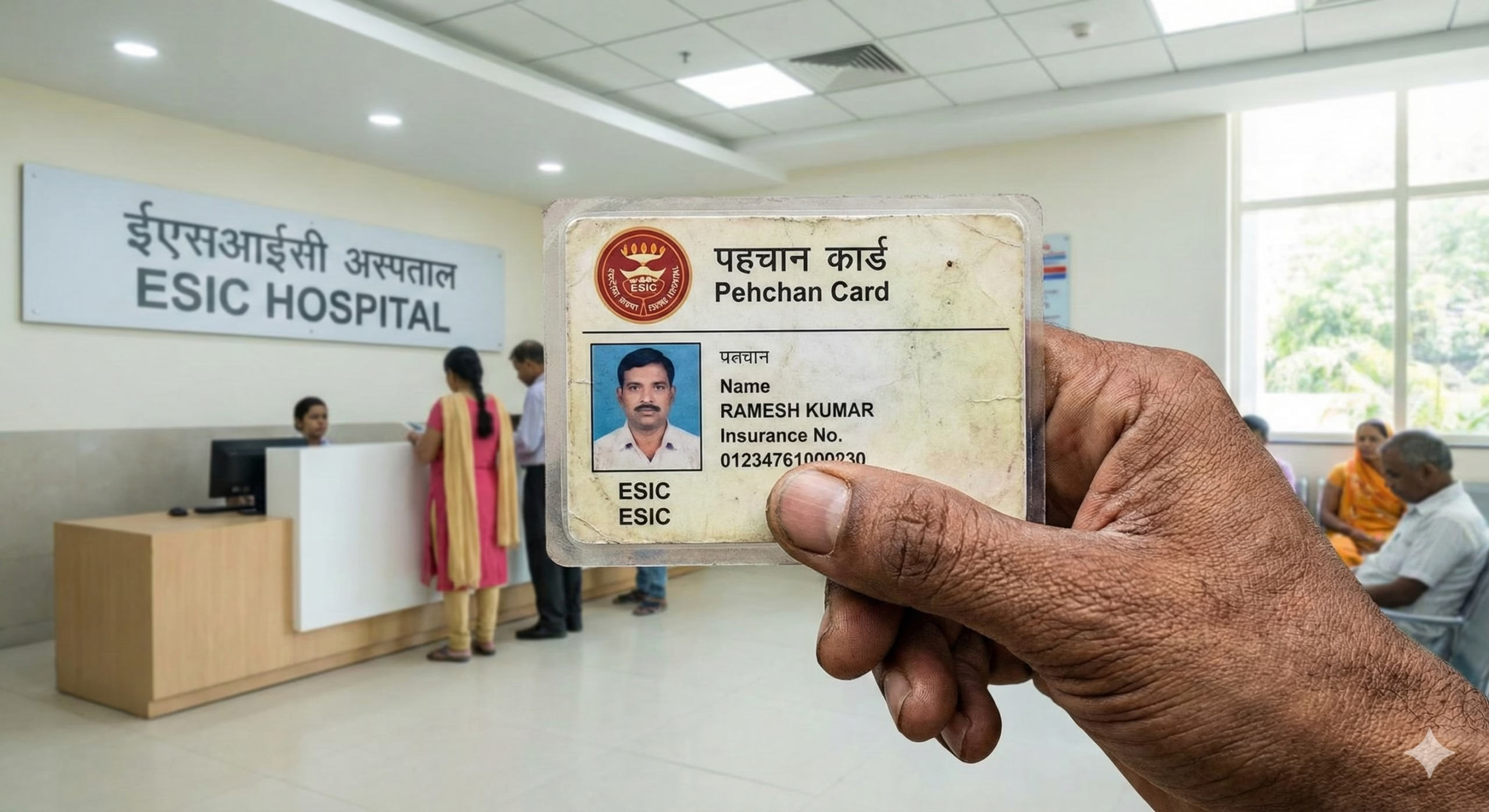
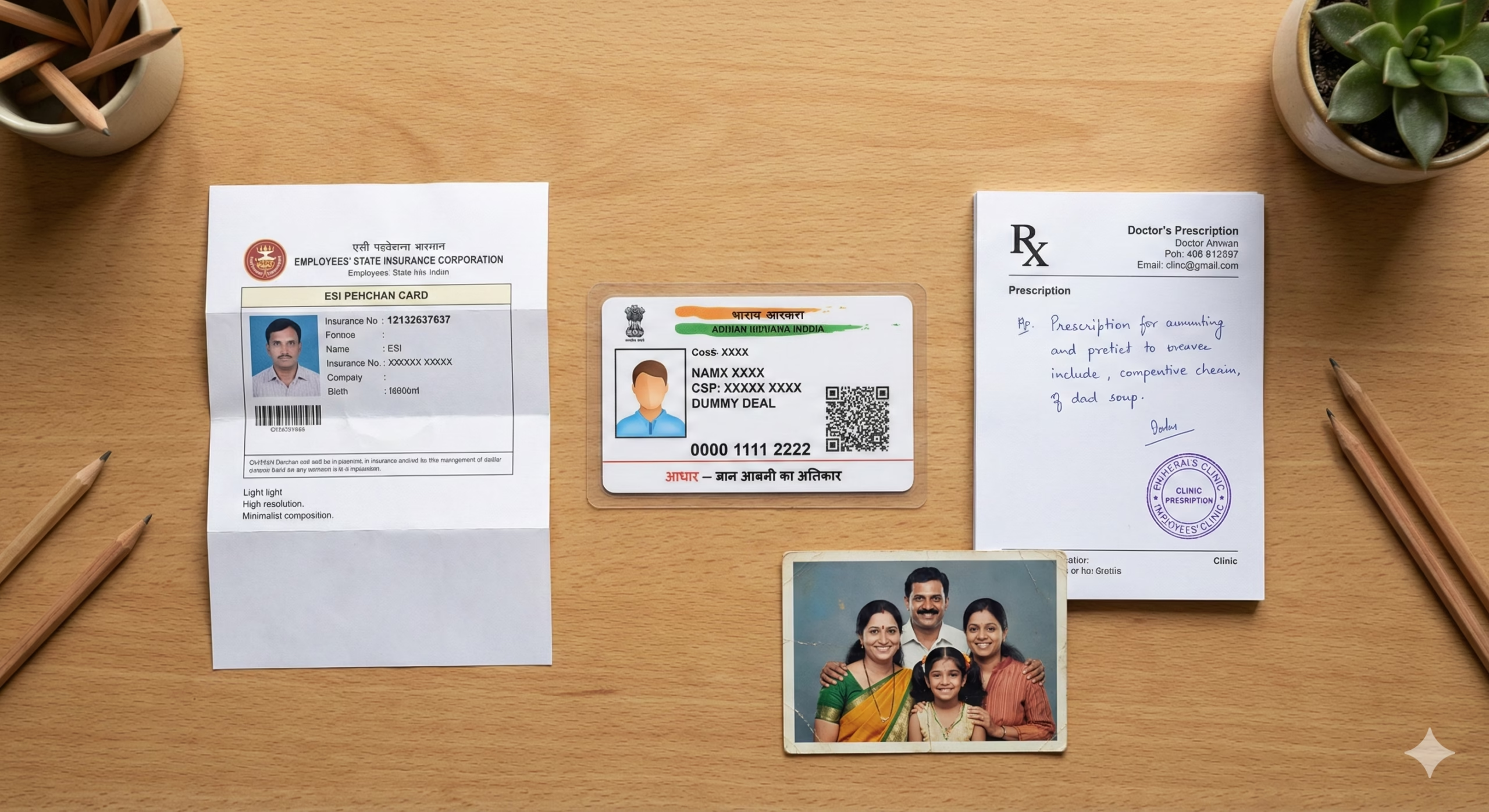
Required Documents for ESI Hospital Treatment
For First-Time Registration/Card Collection:
- ESI number (17-digit Insurance Number)
- Aadhaar card of insured person
- Family photograph (passport size)
- Employer’s attestation letter
- Birth certificates for dependent children
- Marriage certificate (for spouse)
For Hospital Visits:
- ESI card (PEHCHAN card – yellow card for IP, white card for family)
- Photo identity proof (Aadhaar/Voter ID/Driving License)
- Prescription from ESI dispensary (for specialist consultation)
- Previous medical records if any
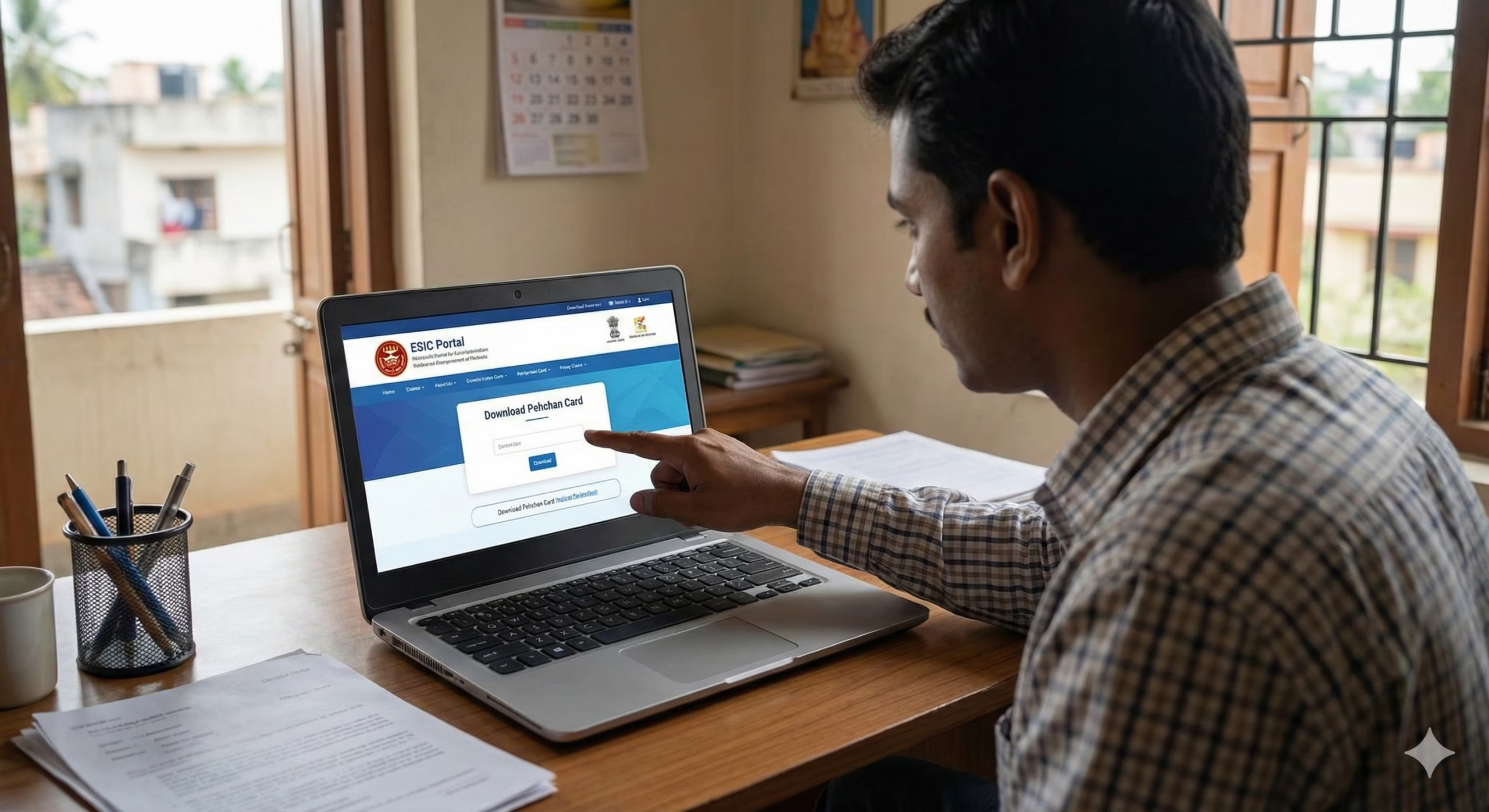
Step-by-Step Process to Use ESI Card in Hospital
Online Registration and Card Download
1. Access the ESI Portal: Visit the official ESIC portal: https://www.esic.gov.in
2. Download PEHCHAN Card Online:
- Go to https://www.esic.gov.in/
- Navigate to “Insured Persons” section
- Click on “Download Pehchan Card”
- Enter your 17-digit Insurance Number (format: XX-XX-XXXXXX-XXX-XXXX)
- Enter mobile number registered with ESIC
- Click “Get OTP”
- Enter the 6-digit OTP received on mobile
- Click “Submit”
- Your PEHCHAN card PDF will be downloaded
- Print the card for hospital use
3. Register on ESIC Member Portal (For Online Services):
- Visit: https://www.esic.gov.in/
- Click “Register” in the top menu
- Select “Insured Person” as user type
- Enter Insurance Number, name, date of birth, mobile number
- Create username and password
- Verify mobile through OTP
- Complete registration
- Login with credentials
Using ESI Card for Hospital Treatment
Step 1: Visit ESI Dispensary First (Mandatory for OPD)
- Locate your nearest ESI dispensary at: https://www.esic.gov.in/find-dispensary
- Carry your PEHCHAN card and photo ID
- Register at the dispensary reception desk
- Get a token number
- Consult the duty medical officer
- Receive prescription and medicines (free)
Step 2: For Specialist Consultation/Hospital Admission:
- The ESI dispensary doctor will issue a referral slip if specialist consultation is needed
- This referral is MANDATORY for hospital OPD visits
- Go to the referred ESI hospital with:
- PEHCHAN card
- Referral slip from dispensary
- Photo ID
- Previous medical records
Step 3: At ESI Hospital:
- Go to the registration counter
- Show your PEHCHAN card and referral slip
- The hospital staff will verify your eligibility online
- You will receive an OPD card/token
- Proceed to the specialist department
- Consultation, medicines, and tests are completely free
- For admission, follow hospital staff instructions
Step 4: For Emergency Cases:
- In genuine emergencies, you can go directly to ESI hospital emergency ward
- Show PEHCHAN card at emergency registration
- No referral needed for emergencies
- Treatment will be provided immediately
- Inform your ESI dispensary within 24 hours
Finding ESI Hospitals and Dispensaries
Online Search:
- Visit: https://www.esic.gov.in/
- Click “Find Medical Facilities”
- Select your state and district
- Choose facility type (Hospital/Dispensary/Diagnostic Centre)
- View complete list with addresses and phone numbers
- You can also download the ESIC mobile app for facility locator
Facility Types:
- ESI Dispensaries: Primary healthcare, general consultation
- ESI Hospitals: Specialist care, admissions, surgeries
- ESI Diagnostic Centres: X-ray, pathology, advanced tests
- Tie-up Hospitals: Private hospitals empanelled with ESIC
Offline Process for ESI Medical Benefits
1. Visit Your Designated ESI Dispensary: Each insured person is assigned a specific ESI dispensary based on their employer’s location.
To Find Your Dispensary:
- Check your PEHCHAN card – dispensary code is printed
- Contact your employer’s HR department
- Call ESIC regional office toll-free: 1800-11-2526
2. Register at Dispensary (First Visit):
- Carry original PEHCHAN card
- Fill dispensary registration form
- Submit family photograph
- Get OPD booklet issued
- Dispensary timings: Usually 8 AM to 2 PM (Monday to Saturday)
3. For Treatment:
- Visit during dispensary hours
- Show PEHCHAN card and OPD booklet
- Get token from reception
- Consult doctor when called
- Collect free medicines from dispensary pharmacy
- For referrals, follow doctor’s instructions
4. For Hospital Admission:
- Get referral from ESI dispensary doctor
- Go to ESI hospital with all documents
- Complete admission formalities at hospital registration
- All treatment, medicines, food, and bed charges are free
- Family can stay with admitted patient (attendant pass issued)
5. District/Regional ESIC Offices: For grievances, card issues, or information:
- Find your regional office: https://www.esic.gov.in/regional-offices
- Visit during working hours (10 AM to 5 PM, Monday to Friday)
- Carry Insurance Number and ID proof
How to Check ESI Card Status and Contribution
Online Status Check:
1. Check Insurance Number Status:
- Visit: https://www.esic.gov.in/
- Click “Insured Persons” → “Know Your IP Number”
- Enter Aadhaar number or previous IP number
- View your active Insurance Number
2. Check Contribution Payment Status:
- Login to ESIC Member Portal: https://www.esic.gov.in/
- Go to “View Contribution” section
- Select period (month/year)
- View employer and employee contributions
- Download contribution statement if needed
3. Track Medical Claim Status (For Tie-up Hospitals):
- Login to member portal
- Navigate to “Claims” section
- Select “Medical Claims”
- View status: Pending/Approved/Rejected/Paid
- Download claim settlement details
4. Check Sickness Benefit Status:
- Login to member portal
- Go to “Benefits” → “Sickness Benefit”
- View application status
- Check payment disbursement details
Via Mobile App:
- Download “ESIC Mobile” app from Google Play Store or Apple App Store
- Login with Insurance Number
- Access all services: card download, hospital locator, contribution status
- Raise grievances through app
SMS Service:
- Send SMS to 7738299899
- Format: ESIC<space>17-digit Insurance Number
- Receive details of latest contribution and balance
Common Problems and Solutions
1. PEHCHAN Card Not Downloading Online
Problem: “Insurance Number not found” or “Invalid details” error
Solutions:
- Verify your 17-digit Insurance Number is entered correctly (check payslip)
- Ensure mobile number is registered with ESIC (contact employer)
- Check if employer has uploaded your details (minimum 1 month after joining)
- Clear browser cache and try again
- Use different browser (Chrome/Firefox recommended)
- If still failing, visit regional ESIC office with ID proof for manual card issuance
2. Hospital Refusing Treatment Saying “Card Not Active”
Problem: Hospital system shows inactive status despite having card
Solutions:
- Check if employer has deposited contributions for last 2 consecutive periods
- Verify with employer that ESI challan was submitted on time
- If contributions are delayed, treatment may be denied for contributory benefits
- For emergencies, treatment cannot be refused – file complaint immediately
- Show payment proof from employer if available
- Contact ESIC helpline: 1800-11-2526 for immediate verification
- File grievance online at: https://www.esic.gov.in/ (Grievance section)
3. Dispensary Doctor Not Giving Hospital Referral
Problem: Need specialist but dispensary doctor refuses referral
Solutions:
- Request doctor to mention reason in OPD booklet
- If genuinely needed, insist politely and ask for medical officer in-charge
- You can file complaint with Medical Superintendent of dispensary
- Lodge grievance on ESIC portal with Insurance Number
- In emergency, go directly to ESI hospital emergency (no referral needed)
- Contact regional medical officer for intervention: find contact at https://www.esic.gov.in/regional-offices
4. Medicines Not Available at ESI Pharmacy
Problem: Prescribed medicines out of stock
Solutions:
- Ask for alternate medicine (generic equivalent)
- Get “Out of Stock” certificate from pharmacy
- Purchase from outside and claim reimbursement within 3 months
- Submit reimbursement claim with:
- Original bills
- Prescription copy
- Out of stock certificate
- PEHCHAN card copy
- Claim form available at: https://www.esic.gov.in/ (Forms section)
- Submit at regional ESIC office or online through member portal
- Reimbursement processed within 60 days
5. Family Member Denied Treatment (Dependent Issue)
Problem: Spouse/children refused treatment at ESI facility
Solutions:
- Check if dependent is added in ESIC database (Form-1 submission)
- White PEHCHAN card should be issued for family members
- Submit dependent addition form to employer immediately
- Required: Marriage certificate (spouse), birth certificate (children)
- Processing takes 15-30 days after employer submission
- For immediate need, get temporary certificate from regional office
- Parents coverage: Dependent on insured person, proof required
- Children above 25 years not covered unless permanently disabled
State-Wise Variations and Special Services
Coverage Variations:
- Emergency Services: Available 24/7 at all ESI hospitals across India
- Tie-up Hospitals: Each region has empanelled private hospitals for specialized treatment
- Tribal Areas: Extended coverage through mobile dispensaries in some states
- Cashless Treatment: Available at all ESI and tie-up facilities nationwide
Special Initiatives:
- Atal Amrit Abhiyan: Super-specialty treatment for ESI beneficiaries at AIIMS and other premier institutes
- “Panchdeep” Scheme: Free spectacles for ESIC beneficiaries
- “Rajiv Gandhi Shramik Kalyan Yojana”: Unemployment allowance (50% of wages for 1 year in case of retrenchment)
Official Helpline Numbers and Contacts
National Helpline:
- Toll-Free Number: 1800-11-2526 (Monday to Friday, 8 AM to 8 PM)
- Email: headoffice@esic.nic.in
- Grievance Email: dir-gc@esic.nic.in
Online Grievance Portal:
- https://www.esic.gov.in/ → Public Grievance → Register Complaint
- Track grievance with registration number
- Response within 30 days guaranteed
Regional Office Contacts: Find your state/regional office with direct phone numbers and email:
- Visit: https://www.esic.gov.in/regional-offices
- Select your state for complete contact details
Emergency Services:
- ESI Hospital Emergency: Contact nearest ESI hospital directly (numbers available on ESIC website facility locator)
For Employers:
- Employer Portal: https://www.esic.gov.in/ (Employer Login)
- Employer Helpline: Available through regional offices
Mobile App Support:
- Download “ESIC Mobile” app for instant assistance
- In-app grievance registration available
Social Media:
- Twitter: @ESICIndia (for quick queries)
- Facebook: ESIC India Official
Important Links Summary:
- Main Portal: https://www.esic.gov.in/
- Pehchan Card Download: https://www.esic.gov.in/ → Insured Persons → Download Pehchan Card
- Find Medical Facilities: https://www.esic.gov.in/ → Find Dispensary/Hospital
- Forms Download: https://www.esic.gov.in/ → Forms
- Regional Offices: https://www.esic.gov.in/regional-offices
- Grievance Portal: https://www.esic.gov.in/ → Public Grievance
This information is compiled from official ESIC sources as of February 2026. ESI schemes, contribution rates, and procedures may be updated periodically. Always verify the latest information on the official ESIC portal (https://www.esic.gov.in/) or contact the national helpline 1800-11-2526 for current guidelines. For medical emergencies, proceed directly to the nearest ESI hospital emergency department without delay.
Author

Discover more from Tips Clear - Content For Daily Life
Subscribe to get the latest posts sent to your email.


