
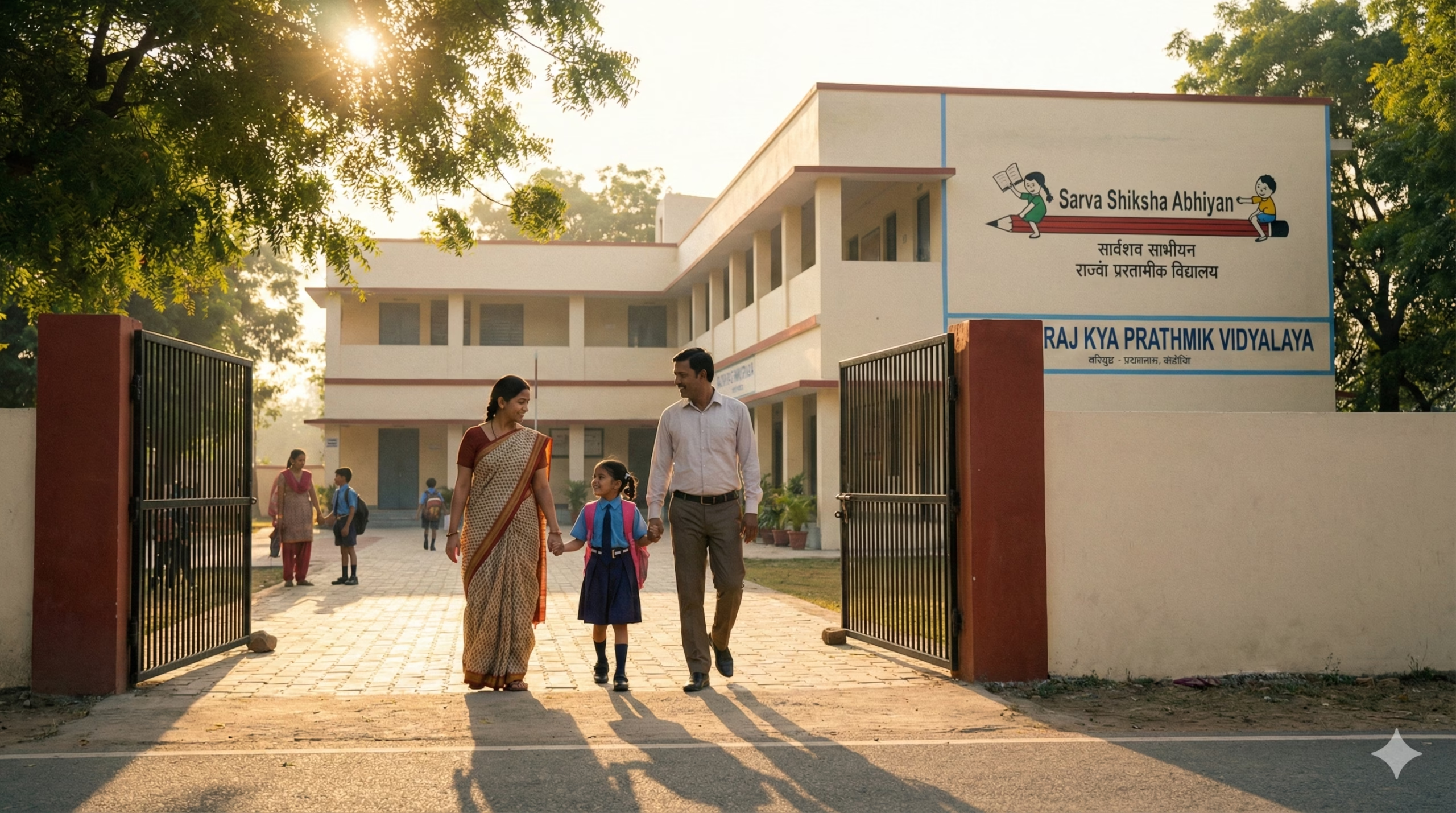
Who Needs This Service?
Parents or legal guardians seeking admission for children in government schools across India need this service. Eligibility varies by state, but generally:
- Class 1 (Entry Level): Children who have completed 5-6 years of age as on March 31st of the admission year are eligible
- Higher Classes (2-12): Students with valid transfer certificate from previous school, age-appropriate for the class, and residence proof in the school’s catchment area
Required Documents
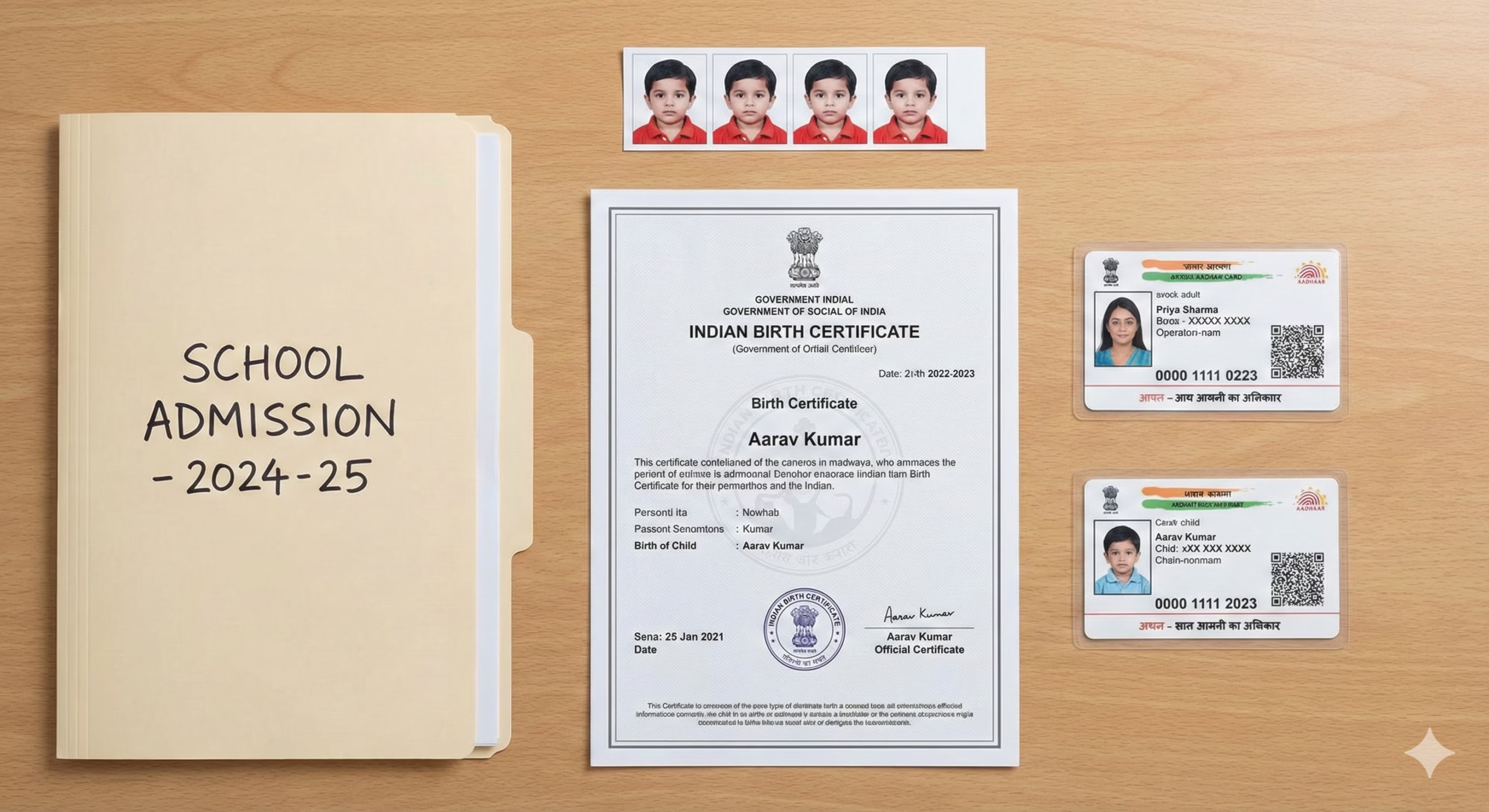
For Class 1 Admission (Common Requirements):
- Child’s Birth Certificate (issued by Municipal Corporation or Gram Panchayat)
- Aadhaar Card of child (mandatory in most states)
- Aadhaar Card of parent/guardian
- Recent passport-size photographs of the child (2-4 copies)
- Residence proof (Ration Card, Electricity Bill, Rent Agreement, or Voter ID)
- Caste Certificate (if applying under reserved category – SC/ST/OBC)
- Income Certificate (for EWS/BPL category applicants)
- Disability Certificate (if applicable, issued by competent medical authority)
For Higher Classes (Class 2-12):
- All documents listed above for Class 1
- Transfer Certificate (TC) from previous school
- Last year’s mark sheet/progress report
- School Leaving Certificate
- Migration Certificate (if changing education board)
Note: Document requirements vary by state. Delhi requires RTE (Right to Education) application for private school quota, while Maharashtra requires domicile certificate for certain admissions.
Online Application Process
A. Delhi (Directorate of Education)
1. Visit the Official Portal Go to: https://edudel.nic.in or https://www.edudel.nic.in/mis/eis/admission/admission.htm
2. Registration Process
- Click on “Admission” section from the homepage
- Select “Online Admission System”
- Click “New Registration” button
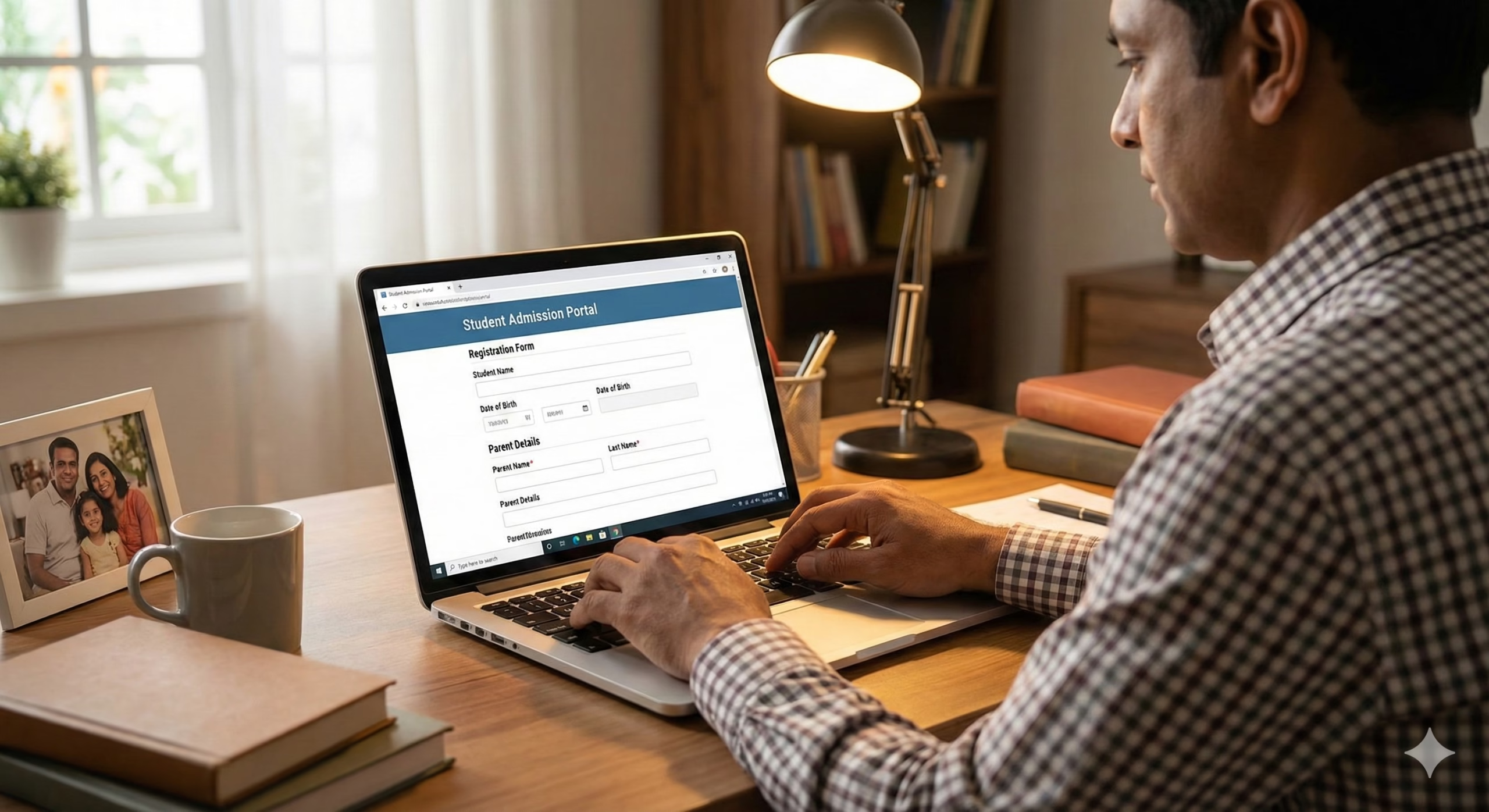
- Enter child’s details: Name, Date of Birth, Gender
- Enter parent’s details: Name, Mobile number, Email ID
- Create Login ID and Password
- Enter Aadhaar number (both child and parent)
- Verify mobile number through OTP
- System generates unique Registration ID – note this down
3. Login and Fill Application
- Login using Registration ID and Password
- Complete the application form with:
- Personal details of child
- Parent/Guardian details
- Address with PIN code (system shows nearby schools)
- Category details (General/SC/ST/OBC/EWS)
- Special considerations (single girl child, sibling, etc.)
- Upload scanned documents (JPG/PDF format, max 200KB each):
- Birth Certificate
- Residence Proof
- Aadhaar Card
- Caste Certificate (if applicable)
- Recent photograph
4. School Selection
- View list of schools in your area based on PIN code
- Select up to 20-25 schools in order of preference
- Check school details, seats available, and distance
- Save school preferences
5. Submit Application
- Review all entered information carefully
- Click “Final Submit” button
- Download and print acknowledgment slip with unique Application Number
- Note down Application Number for future reference
B. Maharashtra (Student Enrolment System)
1. Access Portal Visit: https://student.maharashtra.gov.in
2. Registration
- Click “New Student Registration”
- Select District and Taluka from dropdown
- Enter student’s basic details and Aadhaar number
- Enter parent mobile number for OTP verification
- Receive Login credentials on registered mobile
3. Complete Application
- Login with credentials
- Fill complete student profile
- Upload documents in prescribed format
- Select schools within 1km radius (3km for rural areas)
- Submit application before deadline
4. Admission Confirmation
- Check allotment result on portal
- Visit allotted school within specified timeline (usually 7 days)
- Complete physical verification and admission
C. Uttar Pradesh (Basic Shiksha Portal)
1. Visit Portal Go to: https://basicshiksha.up.gov.in or https://eprerna.up.gov.in
2. Registration Process
- Click on “Admission” section
- Select “Class 1 Admission” or relevant class
- Register using parent’s mobile number
- Verify through OTP
- Create student profile with Aadhaar details
3. Application Submission
- Fill admission form online
- Upload required documents
- Select nearby schools (within 1km radius)
- Submit and download acknowledgment
D. Karnataka (School Education Department)
1. Portal Access Visit: https://schooleducation.kar.nic.in or https://kseab.karnataka.gov.in
2. Application Process
- Register on KSEAB portal
- Complete student registration with SATS (Student Achievement Tracking System) number
- Fill online admission form
- Upload documents
- Select schools based on preference
- Submit before deadline (typically March-April for new academic year)
E. Tamil Nadu (School Education Department)
1. Official Portal Go to: https://www.tnschools.gov.in
2. Online Application
- Click “Admissions” link
- Register with parent’s mobile and email
- Enter student details and EMIS number (if transferring)
- Upload scanned copies of documents
- Select preferred schools
- Submit application and save acknowledgment
Offline Application Process
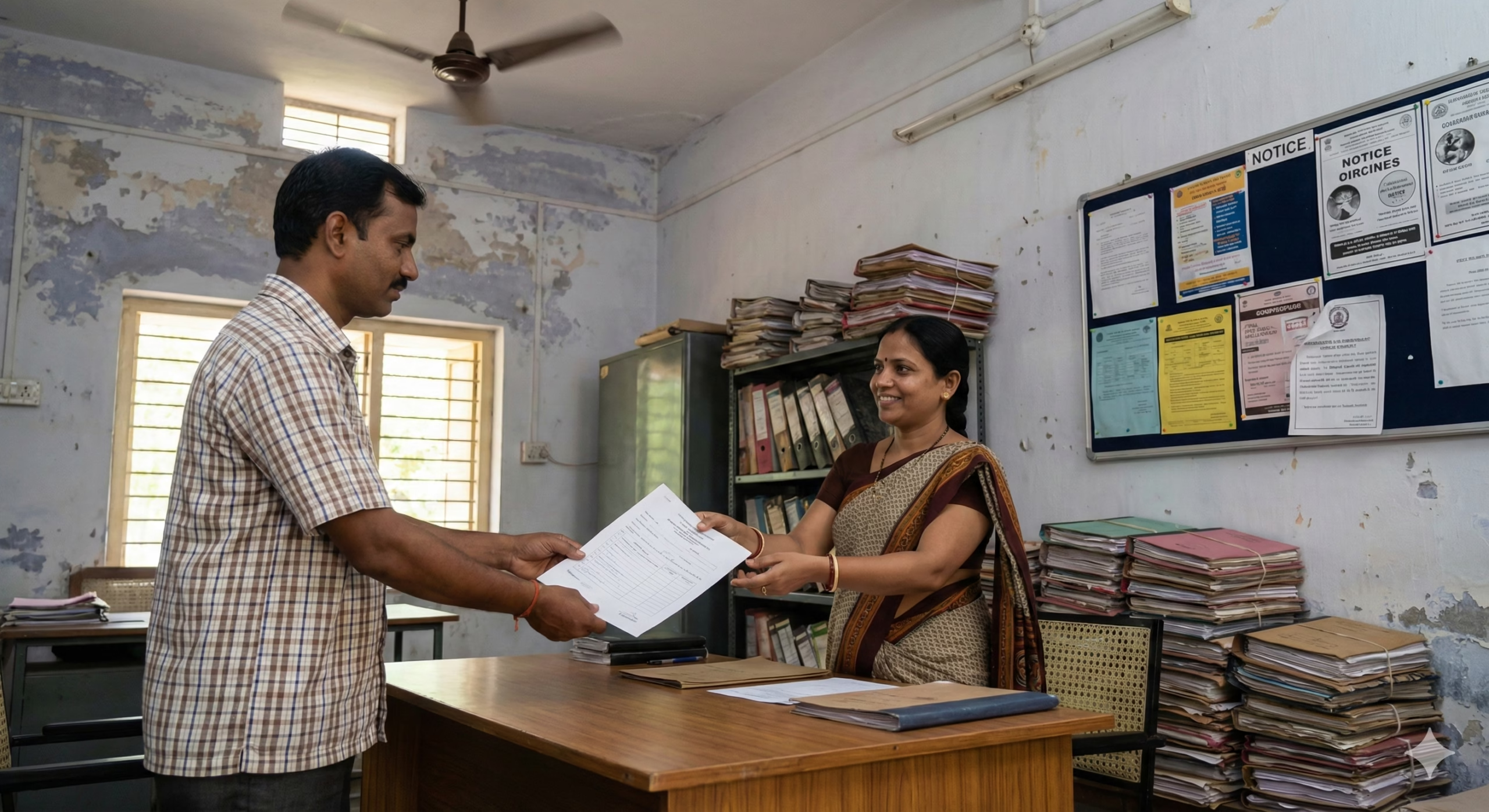
When Online is Not Available or Preferred
1. Visit School Directly
- Go to the government school in your catchment area
- Request admission form from school office
- Office hours: Usually 10:00 AM to 4:00 PM on working days
2. Fill Application Form
- Obtain physical application form (usually free)
- Fill all details clearly in BLOCK LETTERS
- Attach required documents:
- Attach photocopies, carry originals for verification
- Paste recent photograph of child
- Get all copies self-attested
3. Submit at School
- Submit completed form at school office
- School clerk will verify original documents
- Receive acknowledgment receipt with application number
- Note down important dates for result/admission
4. District Education Office (DEO) For issues or appeals:
- Each district has District Education Officer office
- Address available at: District Collectorate or on state education portal
- Submit grievances or admission appeals here
- Carry all documents and previous correspondence
Example: Delhi DEO offices located at district headquarters – North Delhi DEO at Civil Lines, South Delhi DEO at Defence Colony, etc. Contact details: https://edudel.nic.in/contact_us.htm
How to Check Status/Track Application
Delhi
Portal: https://edudel.nic.in
- Login with Registration ID and Password
- Click “Check Application Status”
- Enter Application Number or Registration ID
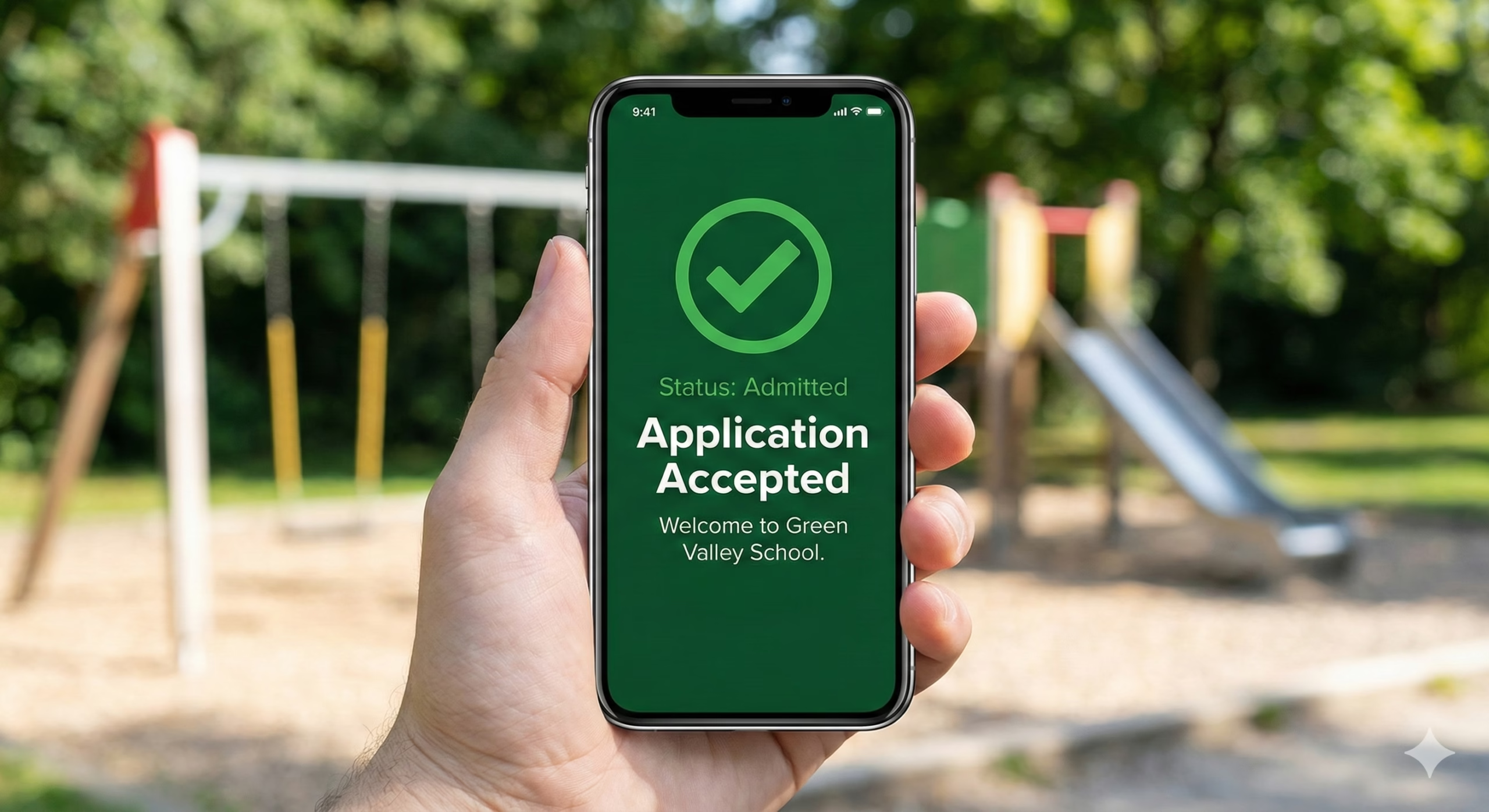
- View current status: Submitted/Under Verification/Accepted/Allotted
- Check allotment result by entering child’s details
- Download allotment letter when schools are assigned
Maharashtra
Portal: https://student.maharashtra.gov.in
- Login with credentials
- Dashboard shows application status
- Check “Admission Status” section
- View allotted school details
- Download admission confirmation letter
Uttar Pradesh
Portal: https://basicshiksha.up.gov.in
- Use “Track Application” option
- Enter Application Number and Date of Birth
- Check verification status
- View admission allotment
Karnataka
Portal: https://schooleducation.kar.nic.in
- Login to student account
- Check admission status under “My Applications”
- Download provisional admission letter
General Tracking Steps (Most States)
- Visit state education department portal
- Look for “Track Application” or “Admission Status” link
- Enter Application/Registration Number
- Enter Date of Birth or Aadhaar number
- View detailed status and next steps
Common Problems and Solutions
1. Error: “Aadhaar Authentication Failed”
Problem: System cannot verify Aadhaar details or shows mismatch error.
Solutions:
- Ensure Aadhaar number entered matches exactly with Aadhaar card (12 digits, no spaces)
- Check if child’s name in application matches Aadhaar card exactly (spelling, initials)
- Verify mobile number linked to Aadhaar is active for OTP
- If Aadhaar not seeded with mobile, visit Aadhaar enrollment center to update
- Use Aadhaar name correction facility at: https://uidai.gov.in if name mismatch exists
- For children without Aadhaar, apply for Aadhaar enrollment first (mandatory in most states)
- Some portals accept Aadhaar Enrollment ID (EID) – check state-specific guidelines
2. Error: “Age Not Eligible” or “Over Age/Under Age”
Problem: System shows child doesn’t meet age criteria for the class.
Solutions:
- Verify age calculation: Most states require age as on March 31st of admission year
- For Class 1: Child should be 5+ to 6+ years (varies by state)
- Check birth certificate date matches what’s entered in portal
- Delhi: 5+ years for Class 1; UP: 6+ years for Class 1
- If genuinely eligible but error shows, contact school head or DEO with birth certificate
- Some states allow age relaxation for specific categories (SC/ST) – check state rules
- For over-age admissions (higher classes), approach school principal with previous TC and request age-appropriate class admission
3. Document Upload Failure: “Invalid Format” or “File Size Too Large”
Problem: Cannot upload documents to portal, error messages appear.
Solutions:
- Convert documents to accepted format (usually JPG, JPEG, or PDF)
- Reduce file size to under 200KB (most portals limit to 100-500KB)
- Use online compression tools: https://www.ilovepdf.com or https://tinypng.com
- Ensure image is clear and readable after compression
- Scan or photograph documents in good lighting, avoid shadows
- Use mobile apps like CamScanner for better quality
- File naming: Use simple names without special characters (e.g., birth_certificate.pdf)
- If error persists, try different browser (Chrome recommended) or clear browser cache
- Ensure stable internet connection during upload
4. “No Schools Available in Your Area” or “Outside Catchment Area”
Problem: Portal shows no schools for entered address or rejects school selection.
Solutions:
- Verify PIN code entered is correct
- For rural areas: Catchment area extends to 3km; urban areas: 1km (varies by state)
- Check if residence proof address matches PIN code in application
- Some states require 1-year residence proof – ensure document is dated accordingly
- Contact nearby schools directly to confirm catchment area boundaries
- If genuinely in catchment but system rejects, submit manual application at school
- For inter-district admissions, check if NOC (No Objection Certificate) required from current district
- Delhi specific: Use “Search School” feature with school ID if PIN code search fails
5. “Application Rejected” or “Documents Not Verified”
Problem: Application status shows rejection or pending verification for extended period.
Solutions:
- Login to portal and check “Rejection Reason” or “Remarks” section
- Common reasons: unclear documents, name mismatch, missing mandatory fields
- Re-upload corrected documents if portal allows
- Visit school with original documents for manual verification
- If documents are correct, file grievance on portal or contact helpline
- Check if additional documents requested – upload within specified timeline
- For name variations (e.g., initials vs full name), submit affidavit from notary
- Keep checking portal regularly – verification may take 7-15 days
- After verification deadline, contact DEO with complaint number and documents
- Use RTI (Right to Information) if no response after multiple follow-ups
6. Unable to Login or “Forgot Password”
Problem: Cannot access portal after registration, password not working.
Solutions:
- Use “Forgot Password” option on login page
- Enter registered mobile number for OTP-based reset
- Check spam/junk folder for password reset emails
- Ensure using correct Registration ID (not Application Number)
- Clear browser cookies and cache, try again
- Try different browser or incognito mode
- If mobile number changed, visit school with acknowledgment slip for manual reset
- Contact portal helpline with Registration ID and Date of Birth for assistance
Official Helpline Numbers and Contact Information
National Level
MHRD (Ministry of Education) Helpline:
- Toll-Free: 1800-11-4000
- Email: http://www.education.gov.in (contact section)
State-wise Helplines
Delhi
- Directorate of Education Helpline: 011-23937324, 011-23970290
- Admission Helpline: 011-23862173
- Email: edudel.helpdesk@gmail.com
- Portal: https://edudel.nic.in/contact_us.htm
Maharashtra
- Student Helpline: 022-22025778
- Education Department: 020-26127395
- Email: education.department@maharashtra.gov.in
- Portal Support: helpdesk.education@maharashtra.gov.in
Uttar Pradesh
- Basic Shiksha Toll-Free: 1800-180-5169
- Director Basic Education: 0522-2287042
- Email: directorbasicinup@gmail.com
- Portal: https://basicshiksha.up.gov.in
Karnataka
- Commissioner of Public Instruction: 080-22867323
- Admission Helpline: 080-22352081
- Email: cpibangalore@gmail.com
- Portal: https://schooleducation.kar.nic.in
Tamil Nadu
- School Education Helpline: 044-24360122
- Directorate of School Education: 044-28541993
- Email: dsetn@tn.gov.in
- Portal: https://www.tnschools.gov.in
Rajasthan
- Shala Darpan Helpline: 0141-2700872
- Admission Support: 0141-2710350
- Email: rajshaladarpan@gmail.com
- Portal: https://rajshaladarpan.nic.in
West Bengal
- School Education Helpline: 033-23371379
- Admission Cell: 033-23376300
- Email: wbsed.admin@gmail.com
- Portal: https://wbresults.nic.in
Gujarat
- Admission Helpline: 079-23259953
- Education Department: 079-23256436
- Email: sse-admission-guj@nic.in
- Portal: https://gujssse.com
Madhya Pradesh
- Education Portal Helpline: 0755-2552106
- Admission Support: 1800-233-4435
- Email: shikshaportal.mp@mp.gov.in
- Portal: https://educationportal.mp.gov.in
Bihar
- Education Helpline: 0612-2230012
- Admission Cell: 0612-2230012
- Email: dsebihar@gmail.com
- Portal: http://secondary.biharboardonline.com
General Contact Process
- Before Calling: Keep ready your Application Number, Registration ID, and child’s Date of Birth
- Call Timings: Most helplines operate 10:00 AM – 5:00 PM on working days
- Email Response: Typically 3-7 working days for email queries
- Visit in Person: If unresolved, visit respective DEO office with all documents
Grievance Redressal
Most state portals have online grievance/complaint registration:
- Login to admission portal
- Look for “Grievance” or “Complaint” section
- Submit issue with Application Number
- Track complaint status online
- Escalate to DEO if no response in 15 days
Additional Resources
Right to Education (RTE) Act Information:
- Portal: http://www.rte.gov.in
- Helpline: 1800-11-4000
CM/PM Helplines (State-specific): Most states have Chief Minister’s helpline for education grievances – check respective state government websites.
This information is from official sources as of February 2026. Always verify on official state education department portals for latest updates, as admission processes, document requirements, and deadlines vary by state and may change annually. Visit your respective state education department website or contact local school for current academic year’s specific requirements.
Author

Discover more from Tips Clear - Content For Daily Life
Subscribe to get the latest posts sent to your email.


