Who needs this service?
-
Old Age (IGNOAPS): Citizens aged 60+ years living Below Poverty Line (BPL).
-
Widow (IGNWPS): Widows aged 40+ years living Below Poverty Line (BPL).
-
Disability (IGNDPS): Citizens aged 18+ years with 80%+ severe disability (BPL).
-
Note: Many states (like Delhi, Haryana, Telangana) have higher income limits or different age criteria (e.g., 55+ for women). Check your state section below.
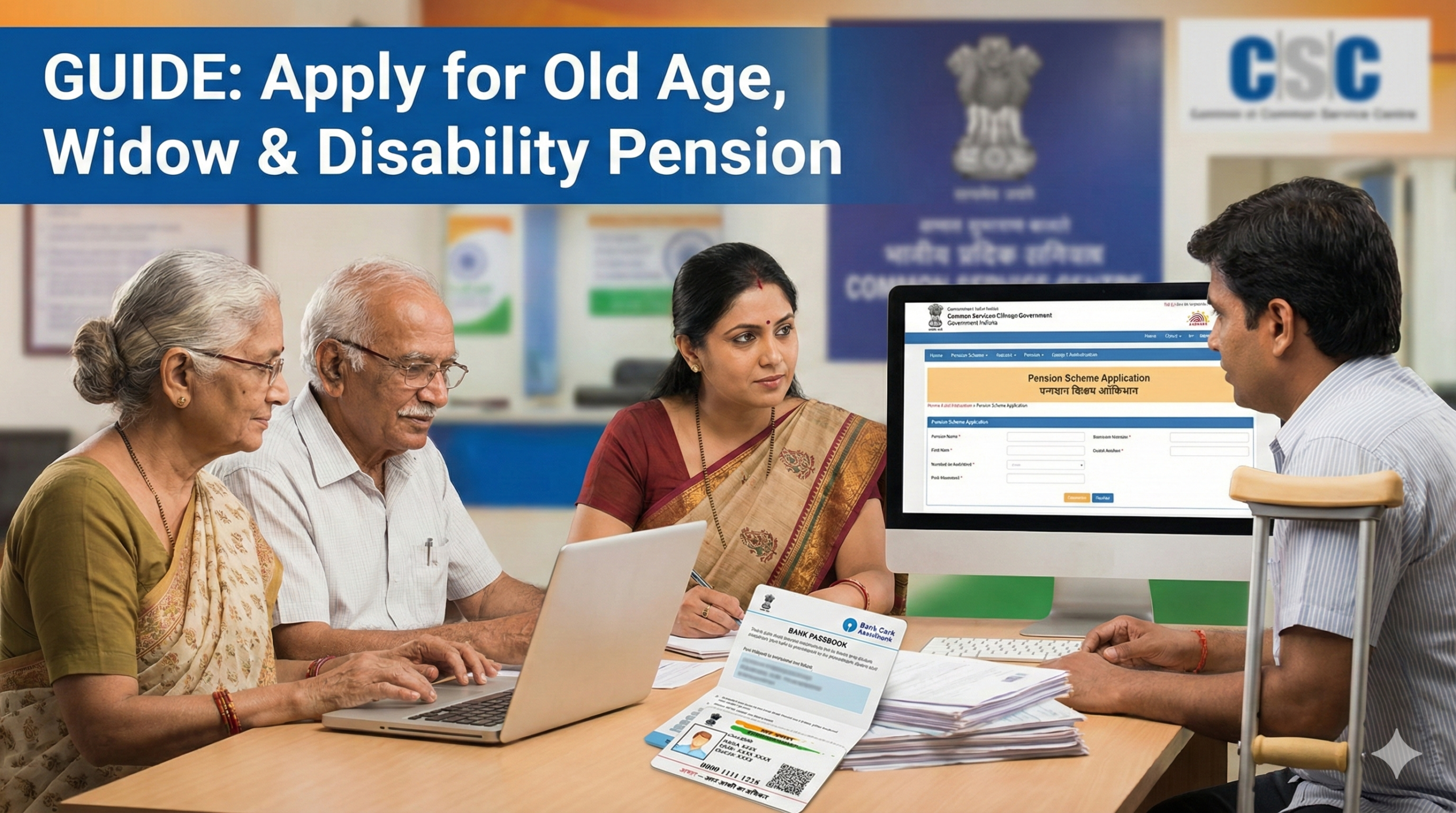
1. Required Documents (Keep These Ready)
Before opening any website, scan these documents (PDF/JPG format, under 200KB).
-
Aadhaar Card (Mobile number must be linked for OTP).
-
Bank Passbook (First page with Account No. & IFSC. Account must be active).
-
Passport Size Photo.
-
Age Proof: Birth Certificate, School Certificate, or Voter ID.
-
Income Certificate/BPL Card/Ration Card (Proof of economic status).
-
Specific Documents:
-
For Widow Pension: Husband’s Death Certificate.
-
For Disability Pension: UDID Card or Disability Certificate from Govt Hospital (40% or 80% as per state rule).
-
2. Official State-wise Application Portals
Do not use private websites. Use these exact official Government links to apply.
| State | Official Pension Portal | Action |
| National (General) | UMANG / NSAP | Apply via UMANG App |
| Uttar Pradesh | sspy-up.gov.in | Click “Old Age/Widow Pension” > “Apply Online” |
| Bihar | sspmis.bihar.gov.in | Apply via Block Office / RTPS |
| Rajasthan | ssp.rajasthan.gov.in | Apply via E-Mitra or SSO ID |
| Madhya Pradesh | pension.samagra.gov.in | Apply via Local Body / Samagra ID |
| Haryana | [suspicious link removed] | Register on Saral Portal |
| Delhi | edistrict.delhigovt.nic.in | Register > Apply for Services |
| Maharashtra | aaplesarkar.mahaonline.gov.in | Service: “Shravanbal/Indira Gandhi Pension” |
| Karnataka | nadakacheri.karnataka.gov.in | Apply for “Social Security Pension” |
| Tamil Nadu | tnesevai.tn.gov.in | Visit nearest e-Seva Centre |
| Andhra Pradesh | sspensions.ap.gov.in | Apply via Gram Sachivalayam |
| Telangana | aasara.telangana.gov.in | Apply via Meeseva Centre |
| Kerala | welfarepension.lsgkerala.gov.in | Apply via Akshaya Centre / Panchayat |
3. Step-by-Step Online Application Process
(Example process for Uttar Pradesh/General NSAP. Most states follow a similar flow.)
Step 1: Registration
-
Go to your state’s official website (links above).
-
Click on “New Registration” or “Apply Online”.
-
Select the Scheme: Old Age, Widow, or Divyang (Disability).
-
Enter District, Resident Type (Rural/Urban), and Name exactly as per Aadhaar.
-
Enter Aadhaar Number and Mobile Number. Click “Verify Aadhaar”.
-
Critical: If Aadhaar verification fails, fix your name spelling in Aadhaar first.
-
Step 2: Fill Application Form
-
Personal Details: Father/Husband’s name, Gender, DOB.
-
Address: Block, Tehsil, Village/Ward, Pincode.
-
Bank Details: Select Bank Name, Branch. Account number must be typed twice to confirm.
-
Income Details: Enter your Annual Income and Income Certificate Application Number (issued by Tehsildar).
Step 3: Upload Documents
-
Upload Photo (JPEG, max 20KB).
-
Upload Age Proof/Death Certificate/Disability Certificate (PDF, max 200KB).
-
Check the “Declaration” box and submit.
Step 4: Final Submission
-
You will get a Registration ID. Note it down.
-
Some portals require you to “Lock” or “Final Submit” the application after previewing.
-
Print the final acknowledgement receipt.
4. Offline Process (For those who cannot apply online)
If you cannot use a computer, follow this offline route:
-
Visit Common Service Centre (CSC): Go to your nearest CSC/Jan Seva Kendra/e-Mitra. The operator will fill the form for a small fee (approx ₹30-₹50).
-
Visit Govt Office:
-
Rural Areas: Go to the Block Development Officer (BDO) or Gram Panchayat office.
-
Urban Areas: Go to the SDM Office or District Social Welfare Office (DSWO).
-
-
Submit Hard Copies: Take the printed application form along with photocopies of all documents (Aadhaar, Bank Passbook, etc.) to the office mentioned above. Ask for a receiving stamp on your copy.
5. How to Check Application Status
Don’t just wait. Track your application weekly.
-
Go to the same portal where you applied.
-
Look for a link saying “Track Application Status” or “Search Pensioner”.
-
Enter your Application ID or Sanction Order Number.
-
Alternative: Some states (like UP, Bihar) allow searching by Bank Account Number or Aadhaar Number.
-
-
Status Meanings:
-
Pending at BDO/SDM: Application is waiting for initial verification.
-
Pending at DSWO: Waiting for District Officer approval.
-
Reverted: Something is wrong (usually documents), check comments and re-upload.
-
Approved/Sanctioned: Pension has been started.
-
6. Common Problems & Solutions
| Error | Reason | Solution |
| “Aadhaar Not Verified” | Name spelling differs in Aadhaar vs. Form. | Update Aadhaar card first, then apply with the exact new spelling. |
| “PFMS Rejected” | Bank account is inactive or name mismatch in Bank. | 1. Do e-KYC at your bank. 2. Ensure account is “DBT Enabled” (Direct Benefit Transfer). |
| “Income Limit Exceeded” | Income certificate shows amount higher than limit. | Apply for a new Income Certificate from Tehsildar showing income within state limits (e.g., <₹46,000/year). |
| “Data Not Found” | Typing error in search. | Try searching status using Bank Account Number instead of Application ID. |
| Pension Stopped | Life Certificate (Jeevan Pramaan) not submitted. | Visit your Bank or Post Office specifically to submit “Life Certificate” (submission usually required every year in Nov-Dec). |
7. Official Helplines
If you face issues, call these government numbers (Working hours: 10 AM – 5 PM).
-
National NSAP Helpline: 1800-111-555
-
Uttar Pradesh: 1800-419-0001
-
Bihar: 1800-345-6262
-
Rajasthan: 0141-2226627 (RajSSP)
-
Haryana: 0172-3968400 (Saral)
-
Delhi: 1031
-
Madhya Pradesh: 0755-2556916
Next Step for You: Would you like me to find the exact PDF application form or the specific income limit for your particular state? Just name the state.
This information is from official sources (NSAP, State Social Welfare Depts) as of January 2026. Always verify details on your state’s official portal.
