Who needs this service?
Any Indian citizen with an active domestic LPG connection (Indane, Bharat Gas, or HP Gas).
Individuals wishing to book a refill cylinder from home without visiting a distributor.
Required documents:
Consumer Number / LPG ID: Found on your gas passbook or previous cash memo.
Registered Mobile Number (RMN): The phone number linked to your gas account (Mandatory for IVRS/SMS/WhatsApp).
Aadhaar Card: Only if re-doing KYC or linking for subsidy (not needed for simple booking).

1. Book by WhatsApp (Fastest Method)
This is the easiest method. You do not need to log in or remember passwords. Just save the number and send a message from your Registered Mobile Number.
| Provider | WhatsApp Number | Message to Send |
| Indane Gas | 75888 88824 | Type REFILL |
| Bharat Gas | 1800 22 4344 | Type BOOK or Hi |
| HP Gas | 92222 01122 | Type BOOK or Hi |
Steps:
Save the relevant number in your contacts.
Open WhatsApp and send the keyword.
You will receive an instant confirmation message with your Booking Reference Number and payment link.
2. Book by Missed Call & IVR (No Internet Required)
Use this if you don’t have a smartphone or internet. Call from your registered mobile number only.
| Provider | Missed Call Number (Free) | IVR Calling Number (Standard Charges) | SMS Booking Format |
| Indane Gas | 84549 55555 | 77189 55555 | REFILL to 77189 55555 |
| Bharat Gas | 77109 55555 | 77150 12345 or 77180 12345 | LPG to 77150 12345 |
| HP Gas | 94936 02222 | 88888 23456 (or State-specific*) | HPGAS to 88888 23456 |
*Note for HP Gas: While 88888 23456 is widely used, some states have specific IVR numbers. If this doesn’t work, check the state-wise list on the official HP Gas website.
Process:
Missed Call: Dial the number. The call will disconnect automatically after 1-2 rings. You will get an SMS confirmation immediately.
IVR Call: Dial the number -> Select Language -> Press 1 to confirm LPG ID -> Press 1 to Book Cylinder.
3. Online Application Process (Official Apps & Website)
Use this method to pay online immediately and track delivery.
A. Using Official Mobile Apps
Indane: Download IndianOil ONE App.
Login > Click “Order Cylinder”.
Check details > Click “Order Now”.
Bharat Gas: Download Bharatgas App.
Login > Tap “Book Now” (Cylinder Icon).
Select “Cash on Delivery” or “Pay Online”.
HP Gas: Download HP Pay App.
Login > Select “LPG” > “Book Cylinder”.
Pay via UPI/Card within the app.
B. Using Official Websites (Direct Links)
Go to the central portal: https://www.mylpg.in
Select your provider: Click the cylinder image for Indane, HP, or Bharat Gas.
Login/Register:
If new, click “New User” and enter Consumer Number + Registered Mobile Number.
If existing, click “Sign In”.
Book: Click “Book Your Cylinder” on the dashboard.
Confirm: Verify your distributor name and hit “Submit”.
4. How to Check Booking Status
If you booked but haven’t received the cylinder, track it here:
Indane: https://cx.indianoil.in → Login → “Track Your Service”.
Bharat Gas: https://my.ebharatgas.com → Login → “View Order History”.
HP Gas: https://myhpgas.in → Login → “Track Your Cylinder”.
Alternatively, check status via WhatsApp by sending “STATUS” to the booking numbers listed in Section 1.
5. Offline Process (Distributor Visit)
If digital methods fail:
Visit your local Gas Agency (Distributor) office.
Carry your Gas Passbook.
Fill the small booking slip or tell the operator your Consumer Number.
Pay cash (if required) and get a stamped booking receipt.
6. Common Problems and Solutions
| Error / Problem | Solution |
| “Mobile Number Not Registered” | You cannot use SMS/Missed Call. Fix: Login to the official website (mylpg.in) -> Go to Profile -> “Update Mobile Number”. Or submit a request at your distributor’s office. |
| Booking Cancelled Automatically | Usually happens if you have a duplicate booking or KYC is pending. Fix: Check KYC status on the app or visit the distributor with your Aadhaar card. |
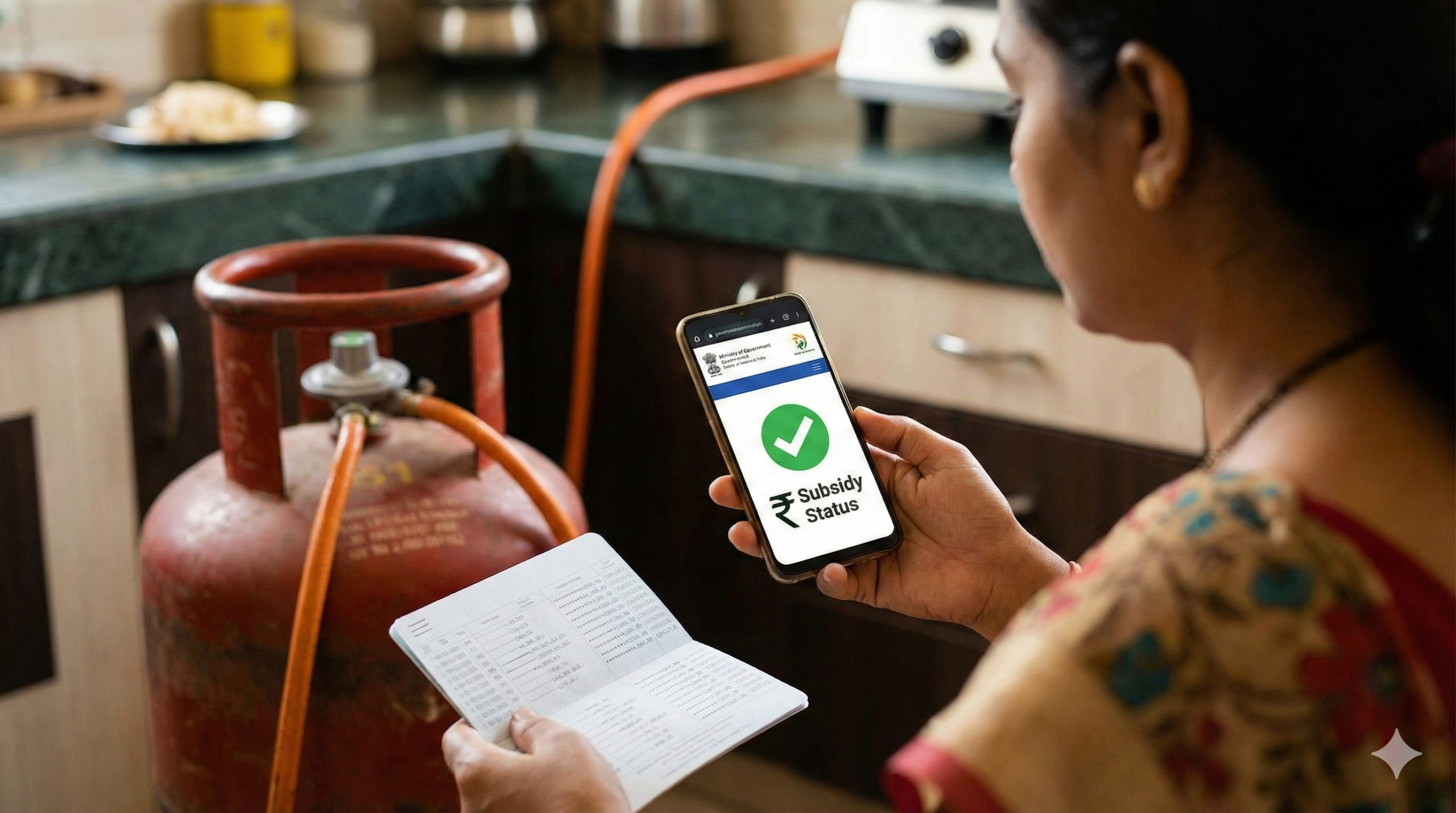
| Subsidy Not Received | Your Aadhaar might not be linked to the bank. Fix: Check status on mylpg.in > “Check PAHAL Status”. Link Aadhaar to your bank account immediately. |
| “Service Temporarily Unavailable” | The IVR/App server is down. Fix: Try the Missed Call method (Section 2) as it works on a different system and is more reliable. |
| Overcharging by Delivery Boy | Delivery agents sometimes ask for “tips” or extra charges. Fix: Pay only the amount mentioned on the Cash Memo/Invoice. Report overcharging to 1906. |
7. Official Helplines
For complaints (leakage, rude behavior, overcharging):
LPG Emergency Helpline (Gas Leakage): 1906 (24×7, All India)
Indane Toll-Free: 1800 2333 555
Bharat Gas Toll-Free: 1800 22 4344
HP Gas Toll-Free: 1800 2333 555
This information is from official sources (mylpg.in, iocl.com, https://www.google.com/search?q=ebharatgas.com, hindustanpetroleum.com) as of January 2026. Always verify prices and latest updates on the official portal.
Next Step for You:
Would you like me to help you find the specific “Update Mobile Number” link for your gas provider so you can start using the missed call service?
Author

Discover more from Tips Clear - Content For Daily Life
Subscribe to get the latest posts sent to your email.