Who needs this service?
-
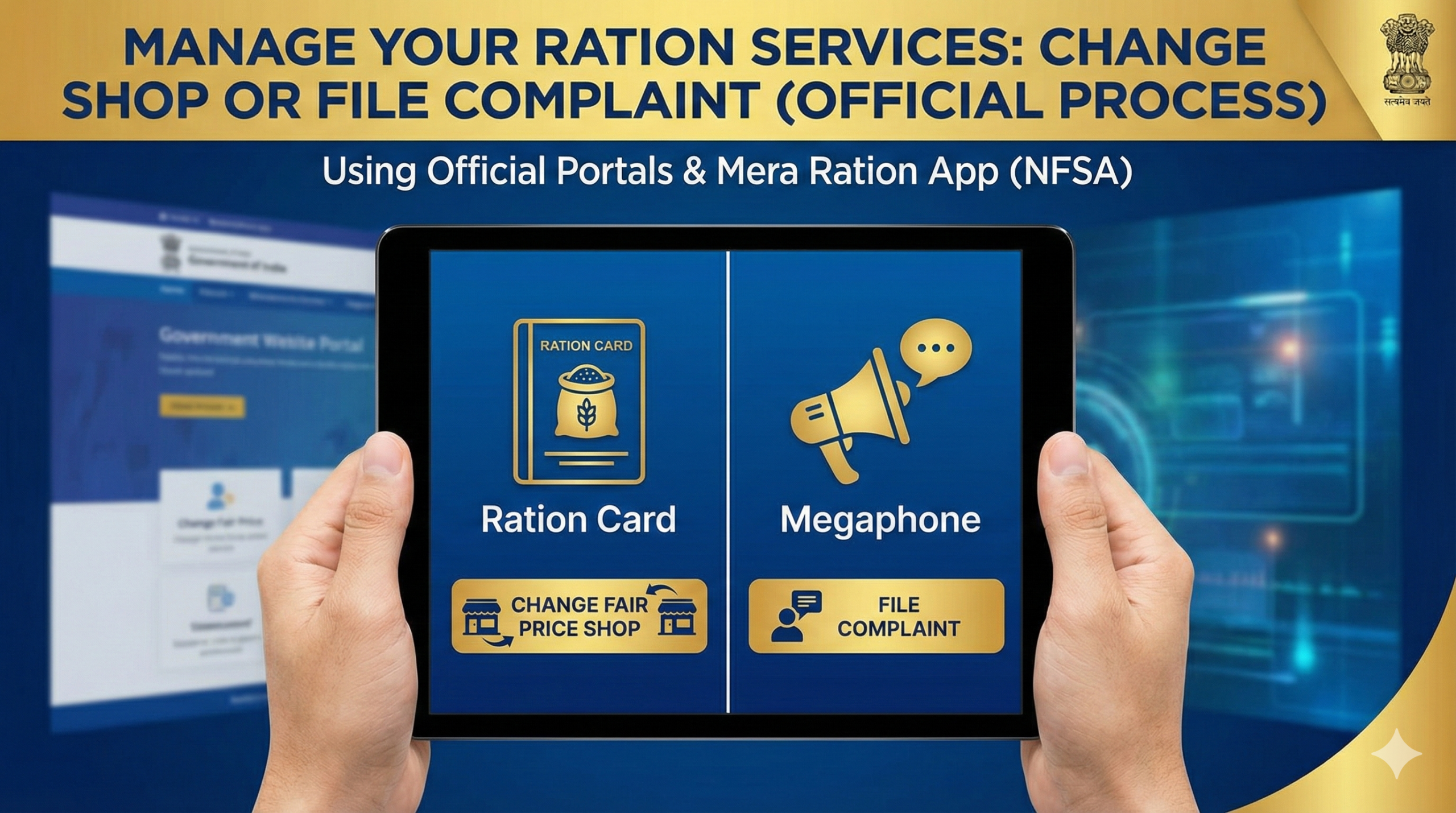
For Shop Change: Citizens who have shifted residence (within or outside the state) or face persistent issues (rude behavior, stock denial) with their current dealer.
-
For Complaints: Beneficiaries facing corruption, under-weighing, overcharging, poor grain quality, or denial of ration by the dealer.
Important Note: Under the One Nation One Ration Card (ONORC) scheme, you do not need to formally change your shop to buy rations if you are just travelling or want to try a different dealer nearby. You can walk into any e-POS enabled shop in India and buy ration using Aadhaar authentication. Formally changing the shop is only necessary if you want your name permanently mapped to a new dealer for convenience or address updates.
Required Documents
Keep these ready before applying (Scanned copies for online, photocopies for offline):
-
Aadhaar Cards of all family members (especially Head of Family).
-
Current Ration Card (Original or photocopy).
-
Proof of New Address (if shifting): Rent Agreement, Electricity Bill, Water Bill, or Gas Connection book.
-
Surrender Certificate (Only if moving permanently to a different state and applying for a fresh card there—though ONORC has largely removed this need).
-
Self-Declaration (Simple handwritten application stating reason for change).
1. How to Change Fair Price Shop (FPS) Online
Since Ration Cards are state subjects, the exact interface varies, but the core process is similar across most state portals (e.g., UP, Bihar, West Bengal, Maharashtra, Delhi).
Step-by-Step Process:
-
Visit the NFSA Central Hub:
-
Go to nfsa.gov.in.
-
Hover over the “Transparency Portal” menu and select “State Food Portals”.
-
Click on your specific state. This redirects you to your official State PDS portal.
-
-
Login to Citizen Corner:
-
Look for a section named “Citizen Corner,” “Ration Card Services,” or “e-Services”.
-
Click “Login” or “Apply for FPS Change”.
-
Login Method: Enter your Ration Card Number and Captcha. You will receive an OTP on your Aadhaar-linked mobile number.
-
-
Fill the Application:
-
Select the service: “Change of Fair Price Shop” or “Modification in Card”.
-
Reason: Select “Shift of Residence” or “Other”.
-
Select New Shop: The portal will show a dropdown of FPS dealers in your new Ward/District. Select the one nearest to you.
-
Upload Documents: Upload the address proof (PDF/JPG, usually under 200KB).
-
-
Submit & Note ID:
-
Click “Submit”. You will get an Application Reference Number/Acknowledgement ID. Save this screenshot.
-
2. How to File a Complaint Against a Ration Dealer
If a dealer refuses ration, weighs less, or demands extra money, you can file a formal complaint instantly.
Method A: The “Mera Ration” App (Easiest)
-
Download “Mera Ration” app from Google Play Store.
-
Tap on “Grievance” or “Feedback”.
-
Enter your Ration Card number and Dealer Code (usually written on the shop board).
-
Describe the issue (e.g., “Dealer denies stock despite active card”) and submit.
Method B: National Consumer Helpline (For serious fraud)
-
Visit consumerhelpline.gov.in or use the Umang App.
-
Register/Login with mobile number.
-
Under “Grievance Registration,” select “Department of Food & Public Distribution”.
-
Attach photos/videos if you have evidence of the dealer’s misconduct.
-
You will get a unique Docket Number to track the case.
Method C: State Grievance Portals (Direct Action)
-
Uttar Pradesh: fcs.up.gov.in > “Complaint/Grievance”
-
Delhi: fs.delhi.gov.in > “Public Grievance”
-
West Bengal: wbpds.wb.gov.in > “Grievance”
-
Bihar: sfc.bihar.gov.in > “Consumer Grievance”
3. Offline Process (District Office)
If online portals are down or difficult to use:
-
Visit the Office: Go to your local District Supply Office (DSO) or Food Inspector’s Office at the Tehsil/Taluk level.
-
Submit Application:
-
Write a plain paper application addressed to the “District Supply Officer”.
-
Subject: “Request to Change FPS” or “Complaint against Dealer [Name/Shop No]”.
-
-
Attach Documents: Copy of Ration Card + Aadhaar.
-
Get Receipt: Ensure the clerk stamps your copy of the letter. This “Receiving” is crucial for tracking.
4. How to Check Application Status
-
Go back to your State PDS Portal (via nfsa.gov.in).
-
Look for “Check Application Status” or “Track Food Security Application”.
-
Enter the Reference Number you got during submission.
-
Statuses:
-
Pending at DSO: Application is with the officer.
-
Approved: Your name has been moved; download the new e-Ration card.
-
Rejected: Check the “Remarks” column for the reason (usually “Document blur” or “Incorrect Ward”).
-
5. Common Problems & Solutions
| Problem | Why it happens | Solution |
| “Ration Card Inactive” error | Card not used for 3+ months. | Visit the DSO office immediately for physical verification to reactivate it. |
| Biometric Failure (Fingerprint mismatch) | Worn-out fingerprints or technical glitch. | Request “Iris Scan” at the shop OR ask the dealer for OTP-based distribution (available in many states). |
| Dealer says “Server Down” | Often a lie to turn you away. | Check the “Mera Ration” app to see active transactions in your area. If others are buying, file a complaint. |
| Dealer demands Aadhaar card copy every time | Illegal data collection. | Do not give physical copies repeatedly. Biometric auth is sufficient. Complaint to 1967. |
| Cannot find new shop in dropdown | Shop quota is full. | Select the next nearest shop. You can still buy from the preferred shop using ONORC later. |
6. Official Helpline Numbers
Save these numbers. They work for Complaints and General Queries.
-
National Food Security Helpline (All India):
1967or1800-11-4000 -
National Consumer Helpline (For cheating/fraud):
1915 -
State-Specific Toll-Free Numbers:
-
Delhi: 1800-11-6888
-
Uttar Pradesh: 1800-180-0150
-
Bihar: 1800-345-6194
-
Maharashtra: 1800-22-4950
-
West Bengal: 1800-345-5505
-
Tamil Nadu: 1800-425-5901
-
Karnataka: 1967
-
Next Step for You:
If you are facing an immediate issue with a dealer, download the “Mera Ration” App now and check if your Aadhaar is seeded. If yes, try visiting a different shop in your neighborhood tomorrow—you likely don’t even need to fill out a form!
This information is from official sources (NFSA, Dept of Consumer Affairs) as of January 2026. Always verify on your specific state government portal for the latest local updates
