Who needs this service?
-
Citizens who have recently applied for a new Ration Card (APL/BPL/AAY) and want to verify if their name has been added.
-
Existing cardholders who need to check if family members’ names (e.g., new child or spouse) have been successfully updated or if their card is active.
Required documents:
You do not need to upload documents just to check the list, but keep these handy to enter details:
-
Aadhaar Card Number (of the Head of Family or the member you are searching for).
-
Ration Card Number (if you already have the old/current card).
-
Application Acknowledgement Receipt (if you are tracking a new application).
-
Registered Mobile Number (for OTP verification on some state portals).
Step-by-Step Online Process
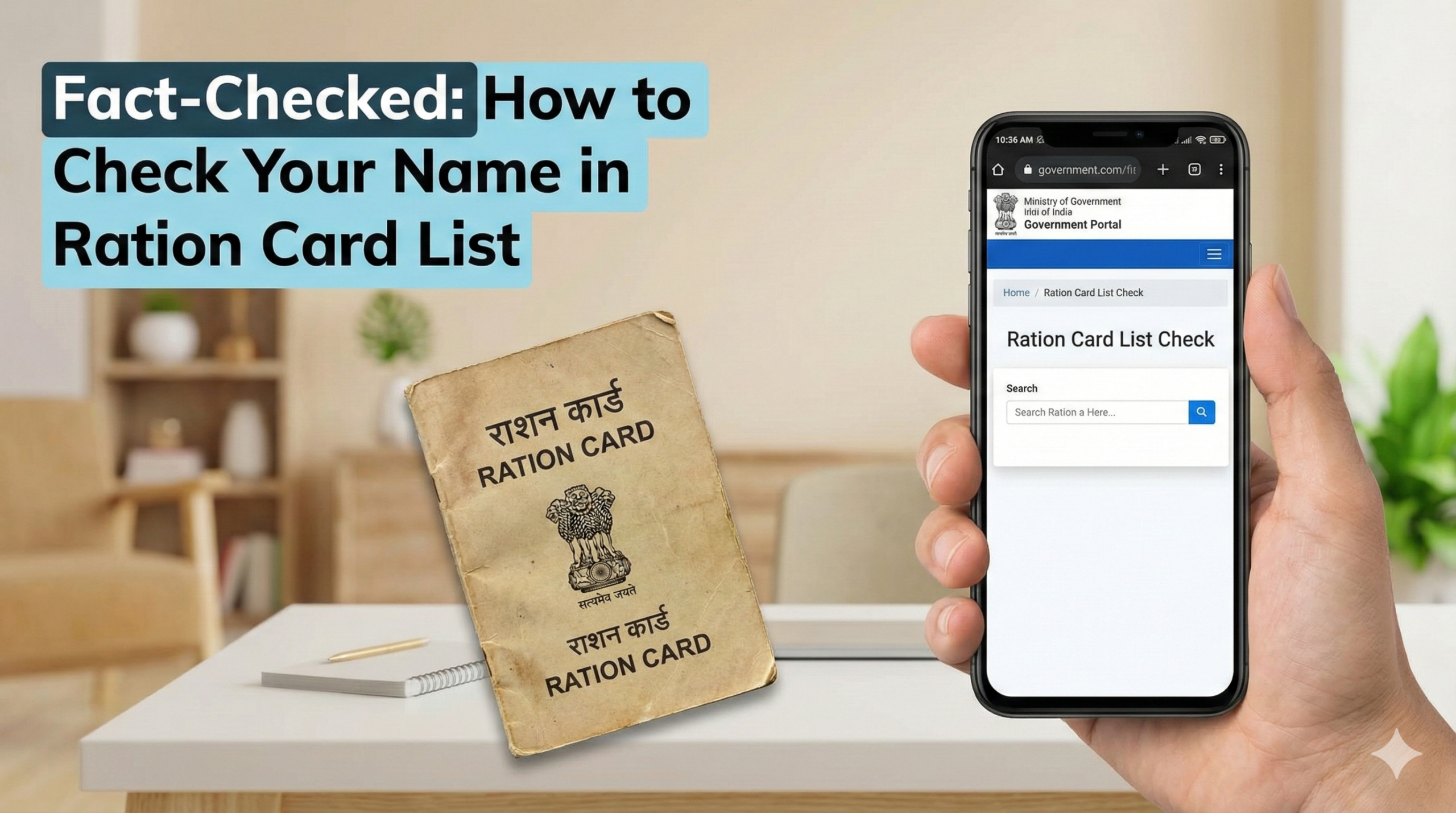
Since every state has a different website, the most reliable method is to go through the National Food Security Portal (NFSA) of the Government of India, which links to all state databases.
Method 1: Using the Central NFSA Portal (Works for All States)
-
Go to the Official Portal:
Visit the National Food Security Portal: nfsa.gov.in
-
Navigate to State Portals:
-
On the top menu bar, hover over “Ration Cards”.
-
Select “Ration Card Details on State Portals” from the dropdown menu.
-
-
Select Your State:
-
You will see a list of all Indian states (e.g., Uttar Pradesh, Bihar, Maharashtra, Tamil Nadu).
-
Click on your State’s name.
-
Note: A popup may appear saying “You are being redirected to an external website.” Click OK.
-
-
Find the List (District-Wise):
-
Once on your state’s official page, look for a report named “RCMS Report”, “Ration Card List”, or “District-wise Allocation”.
-
Select your District from the list.
-
Select your Tehsil/Taluk/Block.
-
Select your FPS (Fair Price Shop) or Dealer’s Name.
-
-
View Your Name:
-
A list of all Ration Card holders under that dealer will appear.
-
Press
Ctrl + F(on computer) or use “Find in Page” (on mobile) and type your Name or Ration Card Number to highlight it.
-
Method 2: Direct State Portal Links (Major States)
If Method 1 is slow, use these direct links to the “Transparency Portals” of major states.
| State | Official Section Name to Look For | Official Link |
| Uttar Pradesh | “Ration Card ki Patrata Suchi” | fcs.up.gov.in |
| Bihar | “RCMS Report” | epds.bihar.gov.in |
| West Bengal | “Check Ration Card Details” | wbpds.wb.gov.in |
| Maharashtra | “RC Details” (AePDS) | mahaepos.gov.in |
| Tamil Nadu | “Smart Card Application Status” | tnpds.gov.in |
| Karnataka | “e-Status” / “e-Ration Card” | ahara.kar.nic.in |
| Delhi | “View Your Ration Card Details” | nfs.delhigovt.nic.in |
(For other states, Google “Food and Civil Supplies Department [State Name]” and look for the .gov.in domain.)
Offline Process (If Online Data is Missing)
If you cannot find your name online, or if the website is down, you must visit the office physically.
-
Visit the Circle Office: Go to the Food and Civil Supplies Department office in your Tehsil or District.
-
Contact Your Dealer: Visit your local Fair Price Shop (Ration dealer). They have a physical register (updated monthly) of all eligible beneficiaries linked to their shop.
-
Submit Written Request: If your name is missing despite approval, submit a written complaint to the District Supply Officer (DSO) with a copy of your Aadhaar and Acknowledgement slip.
How to Check Application Status (For New Applicants)
If you applied recently and your name is not yet on the main list, check the application status instead.
-
Go to your state’s Food Supply portal (links above).
-
Look for a button labeled “Track Application Status” or “Know Your Status”.
-
Enter your Reference ID or Acknowledgement Number given when you applied.
-
Status Meanings:
-
Pending at inspector: Verification is still ongoing.
-
Approved: Your card will be generated in the next monthly cycle.
-
Rejected: The reason (e.g., incorrect income, wrong document) will be displayed.
-
Common Problems and Solutions
1. “Record Not Found” Error:
-
Reason: You may be entering the wrong Ration Card number, or your card has been cancelled due to inactivity.
-
Solution: Double-check the number. If correct, search using your Aadhaar Number instead (many portals have a “Search by Aadhaar” option).
2. Name is on the list, but marked “Inactive”:
-
Reason: You have not picked up ration for 3+ consecutive months, or Aadhaar seeding is pending.
-
Solution: Visit your Ration Dealer immediately for biometric authentication (e-KYC) to reactivate the card.
3. Family Member’s Name Missing:
-
Reason: The member (usually a child) was not added during the initial survey or Aadhaar was not linked.
-
Solution: Use the “Member Addition” form online (if available in your state) or submit Form-3 at the Food Supply Office with the child’s Birth Certificate and Aadhaar.
4. Website Not Loading / Server Error:
-
Reason: High traffic on government servers.
-
Solution: Try accessing the site late at night (after 10 PM) or early morning.
5. Spelling Mistakes in Name:
-
Reason: Data entry error by the operator.
-
Solution: This can block Aadhaar linking. File a “Correction Request” online or at the Common Service Centre (CSC).
Official Helpline Numbers (Govt Only)
If you face corruption, denial of ration, or technical issues, use these official toll-free numbers.
-
National Grievance Helpline (One Nation One Ration Card): 14445
-
NFSA General Helpline: 1967 (Works in almost all states)
State-Specific Toll-Free Numbers:
-
Bihar: 1800-345-6194
-
Uttar Pradesh: 1800-180-0150
-
Maharashtra: 1800-22-4950
-
West Bengal: 1800-345-5505
-
Delhi: 1800-11-0841
This information is sourced from the National Food Security Portal (NFSA) and State Food Departments as of January 2026. Government portals are subject to updates; always verify details on the official gov.in website of your respective state.
