Who needs this service?
All Indian Citizens with a bank account who want to enable digital transactions (UPI/AePS).
Beneficiaries of Government Schemes (PM-KISAN, LPG Subsidy, Scholarships, Pension) who need to receive Direct Benefit Transfer (DBT).
Required documents:
Original Aadhaar Card (for verification) & Self-attested photocopy.
Bank Passbook copy (account details page).
Registered Mobile Number (linked to Aadhaar for OTP).
Debit Card/Net Banking Credentials (for online mode).

1. Online Application Process (Step-by-Step)
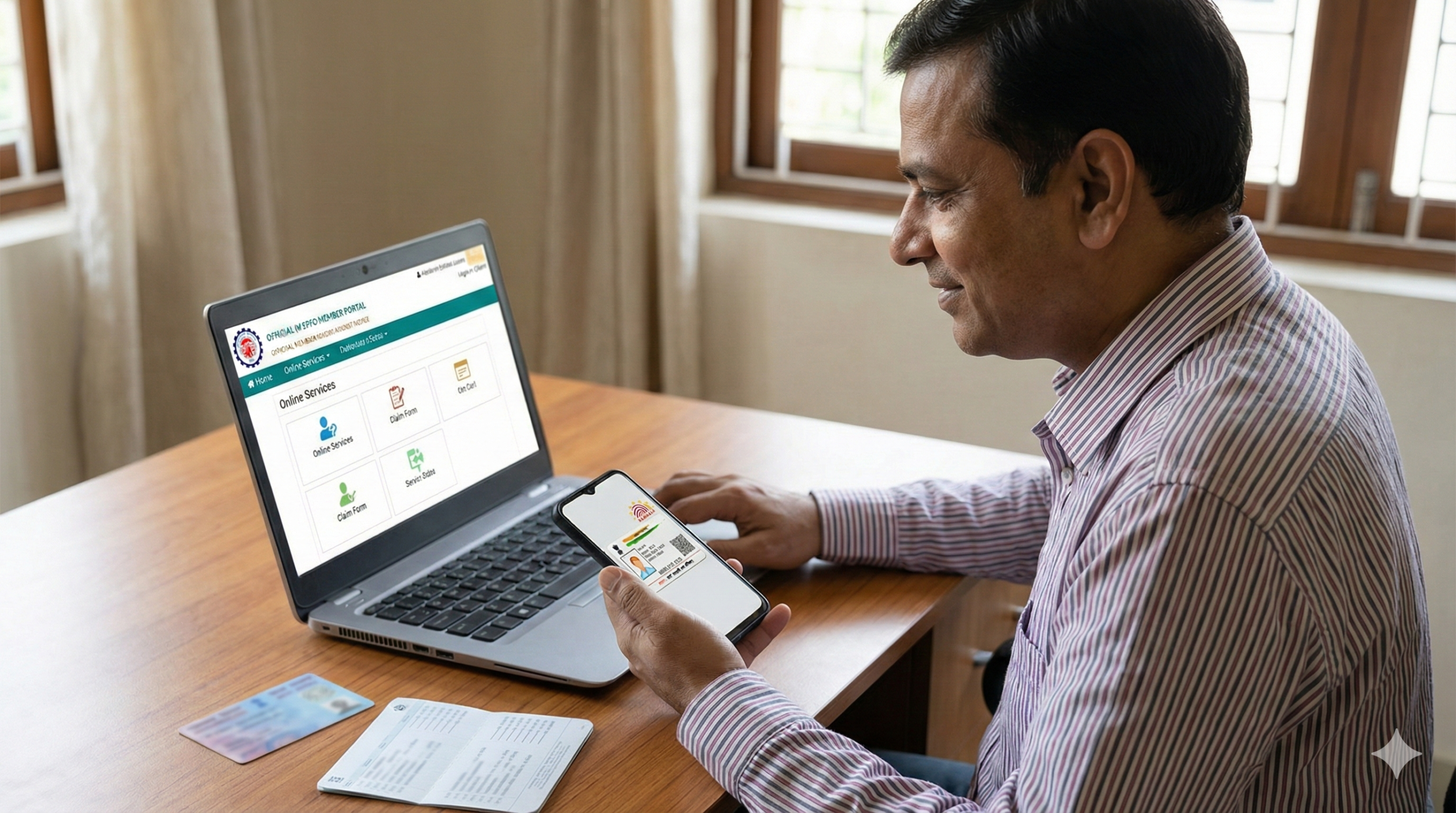
Most banks allow Aadhaar linking via Net Banking or Mobile App without visiting the branch.
Method A: Via Internet Banking (SBI, HDFC, ICICI, etc.)
Log in to your bank’s official Net Banking portal.
Navigate to the “Service Requests” or “My Account” section.
Look for the option: “Link your Aadhaar”, “Aadhaar Seeding”, or “Update Aadhaar”.
Enter your 12-digit Aadhaar Number and re-enter to confirm.
Select the Account Number you want to link.
Verify with OTP: You will receive an OTP on your Aadhaar-registered mobile number. Enter it to submit.
Success: You will see a reference number. The bank will verify details with UIDAI within 24-48 hours.
Specific Direct Links for Major Banks:
SBI:
onlinesbi.sbi→ Login → e-Services → “Update Aadhaar with Bank Accounts (CIF)”HDFC:
netbanking.hdfcbank.com→ Login → Request → “View/Update Aadhaar Number”PNB:
pnbibanking.in→ Services → “Aadhaar Registration”ICICI:
icicibank.com→ Login → Customer Service → Service Requests → “Link Aadhaar”
Method B: Via Mobile App
Open your bank’s official app (e.g., SBI YONO, iMobile Pay, Bob World).
Go to “Service Request” → “Profile” → “Manage Aadhaar”.
Enter Aadhaar number and submit via OTP.
2. Offline Process (Branch Visit)
If you do not use Net Banking or your mobile number is not updated, use this method.
Visit your Home Branch (where you opened the account).
Ask for the “Aadhaar Seeding Form” or “KYC Update Form”.
Fill details: Name, Account Number, and Aadhaar Number exactly as per the card.
Attach Photocopies: Self-attested copy of Aadhaar and Bank Passbook.
Verification: The bank officer may ask to see your Original Aadhaar card.
Receipt: Get the stamped acknowledgement counterfoil.
Processing Time: Usually takes 2–3 working days.
3. How to Check Status / Track Application
You must verify if the linking is successful on both the UIDAI server and your Bank’s server.
Step 1: Check on UIDAI Portal (Official Method)
This confirms if your Aadhaar is mapped to any bank for DBT.
Go to the official myAadhaar Portal: myaadhaar.uidai.gov.in
Click on “Login” using your Aadhaar Number and OTP.
On the dashboard, click on “Bank Seeding Status”.
Result:
Active: Shows the name of the bank currently linked for DBT.
Inactive: Means no bank is currently linked to receive government benefits.
Step 2: Check via USSD Code (No Internet Required)
Dial *99*99*1# from your registered mobile number.
Enter your 12-digit Aadhaar Number.
Confirm the number.
The screen will display the Bank Name and Linking Status.
Step 3: Check on Bank Portal
Log in to Net Banking → “My Profile” → “Aadhaar Status”. It should show “Linked” or “Verified”.
4. Common Problems & Solutions
| Error / Problem | Solution |
| “Demographic Mismatch” | Your Name or Date of Birth in the Bank account does not match your Aadhaar exactly. Fix: Update your Bank details to match Aadhaar (carry an Affidavit if needed) or update Aadhaar details first. |
| “Inactive” Status on UIDAI | Your bank account is dormant or KYC is pending. Fix: Visit the branch, do a small deposit/withdrawal to activate the account, and submit a re-KYC form. |
| Multiple Accounts Linked | You have linked Aadhaar to 3 banks. Fix: Only the latest linked bank will receive DBT/Subsidy. To change this, submit a request at the new bank branch to “overwrite” the previous mapping in the NPCI mapper. |
| OTP Not Received | Your mobile number is not linked to Aadhaar. Fix: Visit an Aadhaar Seva Kendra to update your mobile number first. |
| “Transaction Failed” at ATM | If trying to link via ATM, the server might be down. Fix: Try using the Branch or Net Banking method instead. |
5. Official Helplines
UIDAI (Aadhaar) Helpline:
1947(Toll-free)Email:
help@uidai.gov.inDBT Bharat Helpline:
1800 180 1551NPCI (National Payments Corporation of India):
twitter.com/NPCI_NPCI(For technical mapping issues)
Next Step for You: Would you like me to find the specific “Aadhaar Seeding Form” PDF for your particular bank (e.g., SBI, PNB, Bank of Baroda) so you can print it out?
This information is from official sources as of January 2026. Always verify on the official UIDAI or Bank portal for the latest updates.
Author

Discover more from Tips Clear - Content For Daily Life
Subscribe to get the latest posts sent to your email.