
Who Needs This Service?
Eligibility:
- Any Indian citizen or resident seeking outpatient department (OPD) consultation at government hospitals that have implemented online registration systems.
- Patients requiring specialist consultations, routine check-ups, or follow-up visits at central government hospitals (AIIMS, CGHS), state government hospitals, and select district hospitals offering digital appointment booking.
Note: Online OPD registration availability varies significantly across states and hospitals. Not all government hospitals have implemented this facility yet.
Required Documents
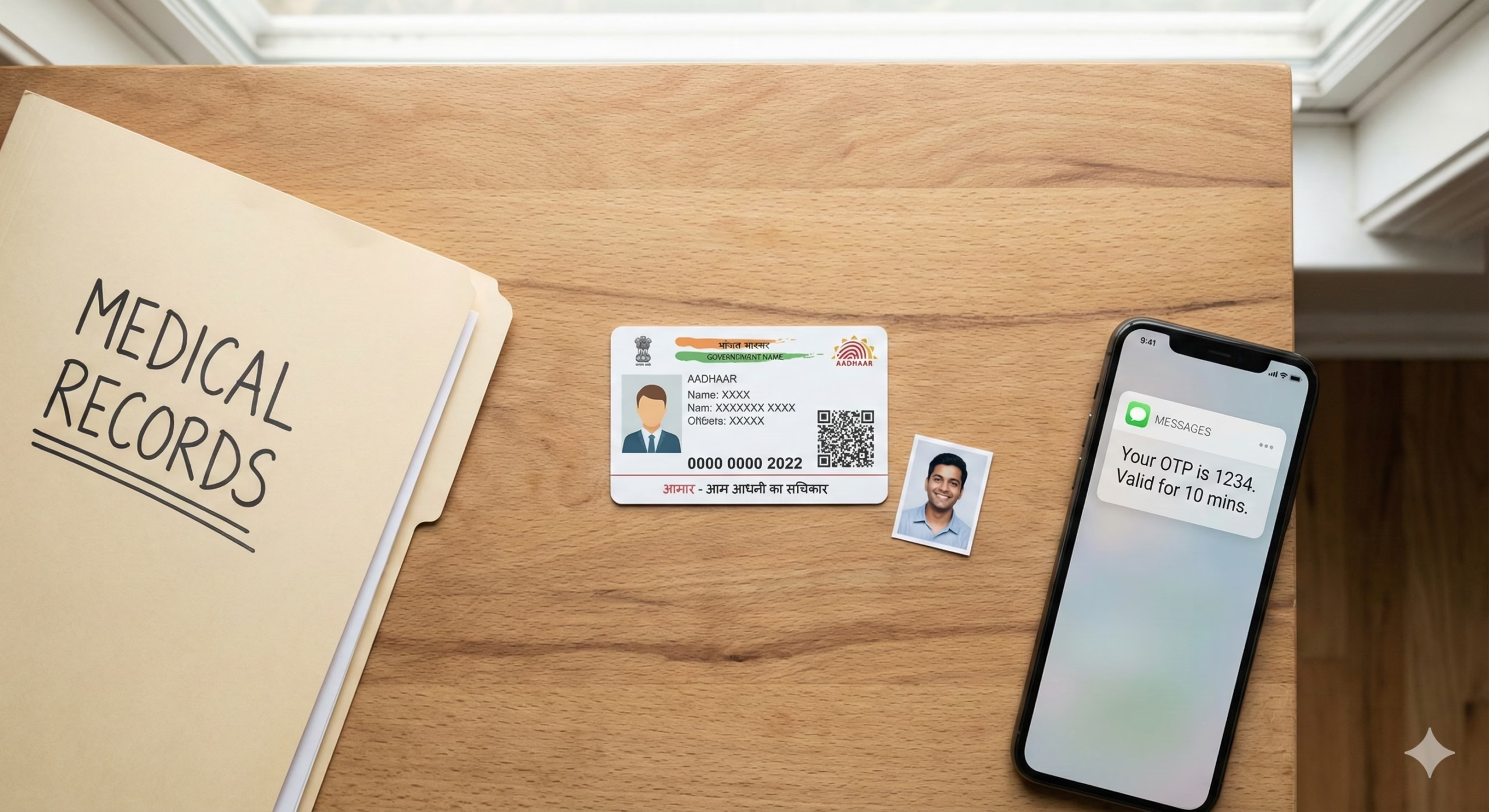
To complete online OPD registration at government hospitals, keep these documents ready:
- Aadhaar Card (mandatory for most central and state hospital portals)
- Mobile number (registered with Aadhaar for OTP verification)
- Valid email ID (for appointment confirmation)
- Previous hospital registration number (if already registered as a patient at that hospital)
- Referral letter (if applicable, for specialist consultations)
- CGHS/ECHS card number (for beneficiaries of Central/Ex-Servicemen schemes)
- Ayushman Bharat card or State health scheme card (if applicable)
- Passport-size photograph (digital copy for first-time registration)
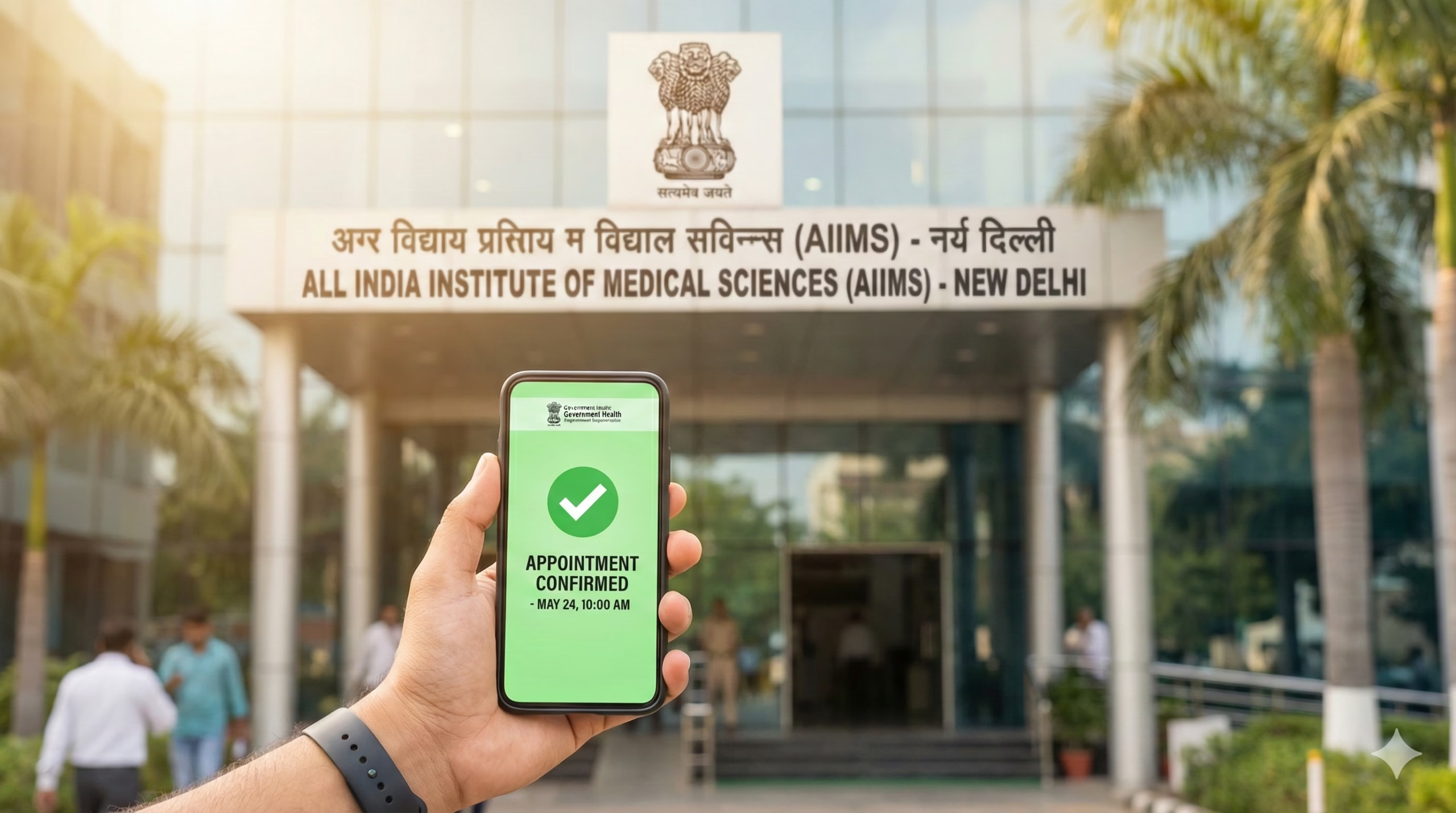
Step-by-Step Online OPD Registration Process
For AIIMS Hospitals (All India Institute of Medical Sciences)
1. Visit the Official AIIMS Portal Navigate to the specific AIIMS website for your city:
- AIIMS Delhi: https://www.aiims.edu/en/component/content/article/40.html (ORS – Online Registration System)
- AIIMS New Delhi main portal: https://ors.aiims.edu/
- Other AIIMS: Check respective city AIIMS websites
2. New User Registration
- Click on “New Registration” or “Register as New User” button on the homepage
- A registration form will appear on screen
- Enter patient details: Full name (as per Aadhaar), date of birth, gender, mobile number, email ID
- Select ID proof type (Aadhaar recommended) and enter Aadhaar number
- Enter complete residential address with PIN code
- Upload passport-size photograph (JPG/PNG format, less than 100 KB)
- Click “Submit” button
3. OTP Verification
- An OTP (One-Time Password) will be sent to your registered mobile number
- Enter the 6-digit OTP in the verification box within 10 minutes
- Click “Verify” to complete registration
- Your UHID (Unique Hospital Identification Number) will be generated and displayed on screen
- Note down this UHID number – it’s required for all future appointments
4. Book OPD Appointment
- Login using your UHID and password (created during registration)
- Click on “Book Appointment” or “New Appointment” option
- Select department/specialty from dropdown menu (Medicine, Surgery, Orthopedics, etc.)
- Choose available date from calendar (typically shows next 7-14 days)
- Select available time slot
- Confirm appointment details and click “Submit”
- Appointment confirmation slip will be generated with appointment number, date, time, and token number
5. Download/Print Appointment Slip
- Download the appointment slip in PDF format
- Print the slip or save it on your mobile phone
- Carry this slip when visiting the hospital
For CGHS (Central Government Health Scheme) Beneficiaries
1. Access CGHS Portal Visit: https://cghs.gov.in/ or https://cghs.nic.in/
2. Login to CGHS Beneficiary Portal
- Click “Beneficiary Login” option
- Enter your CGHS card number (11-digit number on your card)
- Enter registered mobile number
- Submit OTP received on mobile
- Complete login process
3. Book Wellness Centre/Polyclinic Appointment
- Navigate to “Book Appointment” section
- Select your nearest CGHS Wellness Centre or Empanelled Hospital from dropdown list
- Choose department and doctor (if specific doctor selection is available)
- Select preferred date and time slot
- Submit booking request
- Receive confirmation SMS with appointment details
For State Government Hospital Portals
Variation by State – Examples:
Delhi Government Hospitals: Portal: https://delhi.gov.in/health (Check individual hospital websites)
- Some Delhi government hospitals use individual booking systems
- Visit specific hospital website (e.g., GTB Hospital, LNJP Hospital websites)
- Follow similar registration process as AIIMS
Maharashtra (Mumbai) – e-Sushrut Portal: Portal: https://esushrut.com/ or https://arogya.maharashtra.gov.in/
- Register as new patient with Aadhaar
- Select hospital from list of participating government hospitals
- Book OPD appointment by selecting department and date
- Receive appointment slip via email and SMS
Karnataka – Samagra Portal: Some Karnataka government hospitals use: https://karnataka.gov.in (health services section)
- Registration requires Aadhaar linking
- Select hospital and specialty
- Book available slots
Tamil Nadu: Portal: https://tnhealth.org/ or individual hospital portals
- District hospitals may have separate booking systems
- Check specific hospital websites for online facility
Telangana: Portal: https://health.telangana.gov.in/
- Some government hospitals offer online appointment booking
- T-App Folio mobile application also provides hospital appointment booking
West Bengal: Portal: https://www.wbhealth.gov.in/
- Select government hospitals offer online registration
- Check individual hospital websites
Important Note: Each state has different implementation levels. Always verify on the specific hospital’s official website whether online OPD booking is available.
For Mobile Applications
Aarogya Setu App:
- Download from Google Play Store or Apple App Store
- Some government hospitals integrated with Aarogya Setu for appointment booking
- Login with mobile number
- Navigate to “Book Hospital Appointment” if available
- Select government hospital from list
- Complete booking process
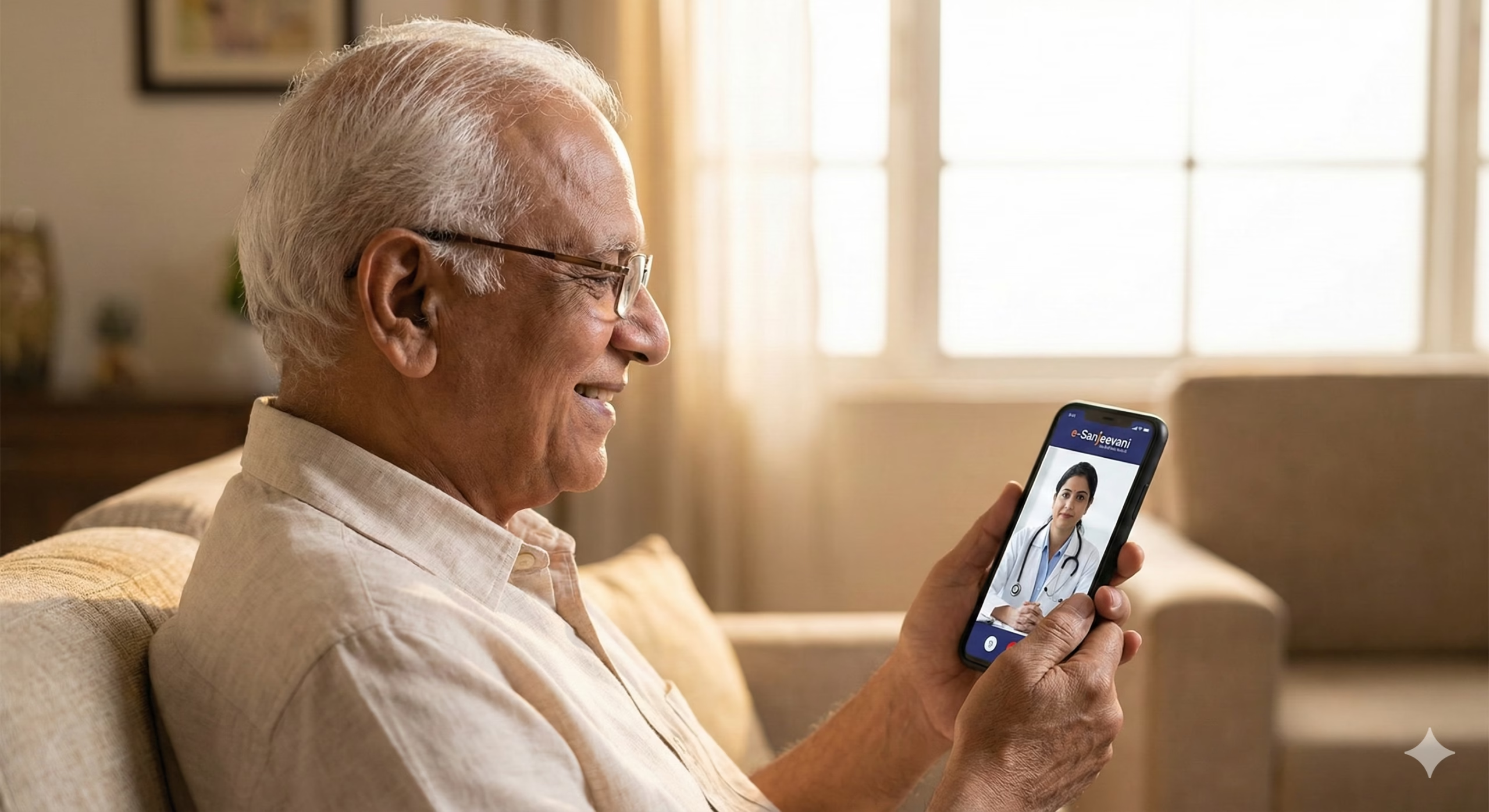
e-Sanjeevani OPD (Telemedicine): Portal: https://esanjeevaniopd.in/
- For online video consultation (not physical OPD visit)
- Register with Aadhaar or mobile number
- Book appointment with available doctors
- Attend video consultation at scheduled time
Offline OPD Registration Process
If online registration is unavailable or you prefer in-person registration:
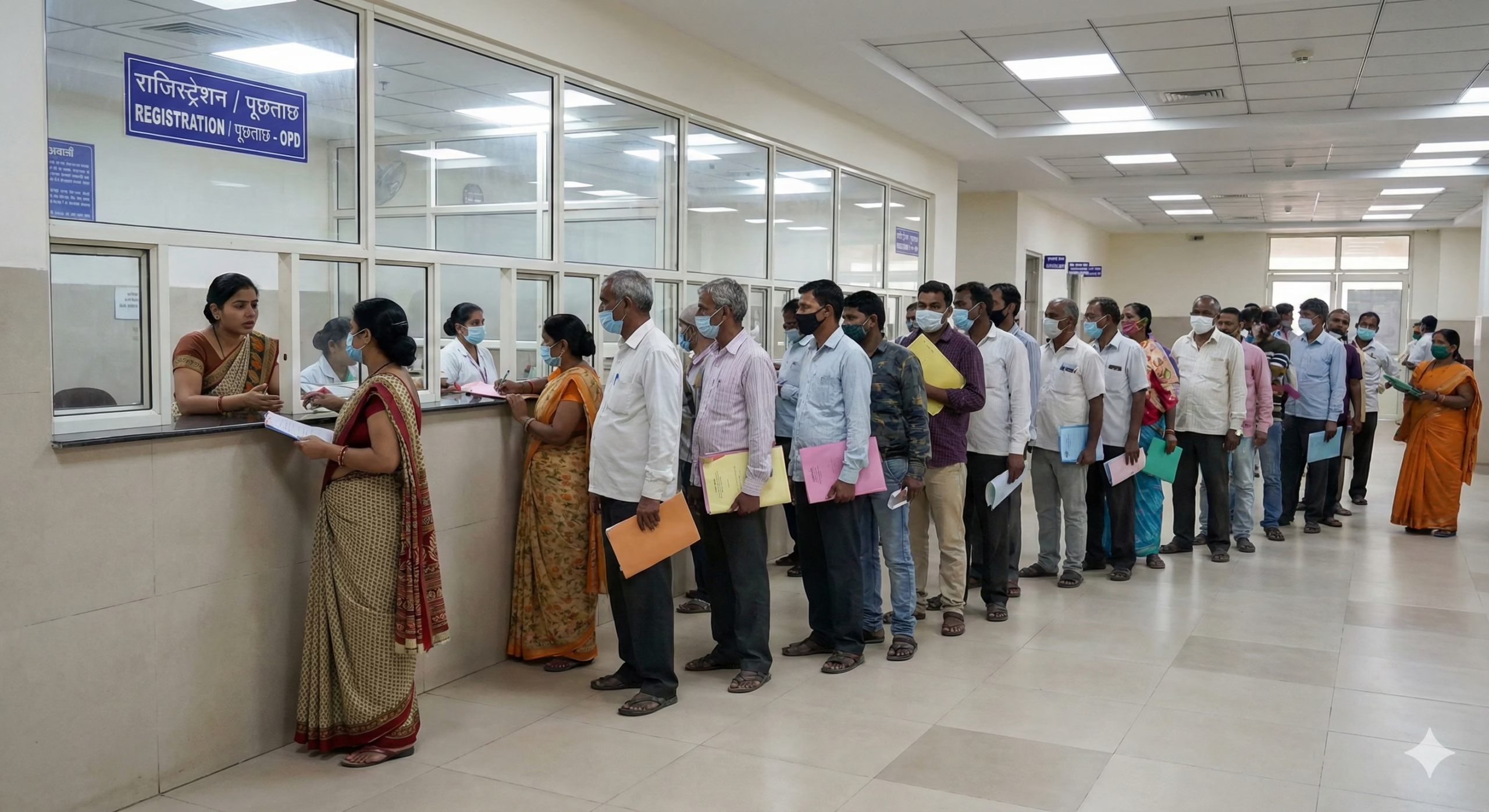
1. Visit Hospital Registration Counter
- Go to the hospital’s OPD registration/reception desk during working hours (usually 8 AM – 12 PM for new registrations)
- Timings vary by hospital; major hospitals have 8 AM – 11 AM for new patient registration
2. Submit Required Documents
- Provide Aadhaar card photocopy
- One passport-size photograph
- Address proof (if Aadhaar doesn’t have current address)
- CGHS/ECHS card if applicable
3. Fill Registration Form
- Collect patient registration form from counter
- Fill complete details: name, age, gender, address, mobile number, emergency contact
- Submit form with documents at counter
4. Receive OPD Card/UHID
- Hospital staff will create your patient record
- You’ll receive OPD card or slip with UHID number
- Registration fee (if applicable): ₹10-₹20 in most government hospitals; free for BPL cardholders
5. Get Token for Doctor Consultation
- Proceed to respective department (Medicine, Surgery, etc.)
- Collect token number from department counter
- Wait for your token to be called
- Consultation is typically free or nominal fee (₹5-₹20)
District Hospital Contact Information:
- Visit your district hospital’s administrative office or enquiry desk
- District hospital websites: Search “[Your District] District Hospital” online
- Contact numbers available on respective district health department websites: https://nhm.gov.in/ (select your state)
How to Check Status and Track Appointment
For AIIMS Online Registration System:
- Visit https://ors.aiims.edu/
- Click “Login” and enter your UHID and password
- Navigate to “My Appointments” or “Appointment History” section
- View all upcoming and past appointments
- Check appointment status: Confirmed/Cancelled/Rescheduled
- Option to cancel or reschedule available (if permitted, usually 24 hours before appointment)
For CGHS Appointments:
- Login to CGHS portal: https://cghs.gov.in/
- Go to “My Appointments” section
- View appointment details and status
- SMS confirmation also sent to registered mobile number
For State Hospital Portals:
- Login to respective state health portal with credentials
- Check “Appointment Status” or “My Bookings” section
- Appointment confirmation typically sent via SMS and email
SMS/Email Tracking:
- Most systems send automatic SMS to registered mobile number
- Email confirmation includes appointment date, time, department, and hospital address
- Save confirmation message for hospital visit
Helpline Verification:
- Call hospital helpline (numbers listed below) with your UHID/appointment number
- Verify appointment details over phone
Common Problems and Solutions
1. Problem: Aadhaar OTP Not Received During Registration
Solutions:
- Ensure mobile number is linked with Aadhaar; verify at https://resident.uidai.gov.in/verify-email-mobile
- Check network connectivity and SMS inbox
- Wait 5-10 minutes; sometimes OTPs are delayed
- Try “Resend OTP” option (usually can resend after 2 minutes)
- If persistent issue, use offline registration at hospital counter
- Update mobile number in Aadhaar database if changed: Visit Aadhaar enrollment center or use online update at https://ssup.uidai.gov.in/
2. Problem: No Available Slots Showing for Desired Department
Solutions:
- Slots typically open at midnight or early morning (12 AM or 6 AM); try booking immediately when slots release
- Check multiple dates; some departments have limited weekly OPDs
- For urgent cases, visit hospital emergency department directly
- Some hospitals reserve slots for offline walk-in patients; visit hospital directly for same-day consultation
- Call hospital helpline to inquire about next slot availability date
- Consider alternative government hospitals in your area
3. Problem: Website Showing “Technical Error” or Not Loading
Solutions:
- Clear browser cache and cookies; try again
- Use different browser (Chrome, Firefox, Edge)
- Disable browser extensions/ad-blockers temporarily
- Try during off-peak hours (after 11 PM or before 8 AM) when server load is lower
- Check internet connection stability
- Try from different device (mobile phone instead of computer, or vice versa)
- If website down for extended period, register offline at hospital counter
- Report technical issues to hospital IT helpdesk (contact details on website)
4. Problem: Forgot UHID or Login Password
Solutions:
- UHID Recovery: Click “Forgot UHID” link on login page; enter registered mobile number and Aadhaar; UHID will be sent via SMS
- Password Reset: Click “Forgot Password”; enter UHID and registered mobile number; reset link sent to mobile/email
- Check previous appointment slips or hospital OPD card; UHID is printed there
- Check email inbox for previous appointment confirmations containing UHID
- Contact hospital registration desk with Aadhaar card for UHID retrieval
- For AIIMS: Email ors[at]aiims.edu with patient details for UHID recovery
5. Problem: Appointment Booked But Need to Cancel/Reschedule
Solutions:
- Login to portal and navigate to “My Appointments”
- Select appointment to cancel/reschedule
- Click “Cancel” or “Reschedule” button (if available)
- Cancellation usually allowed up to 24 hours before appointment time
- Rescheduling may have limitations; some systems allow only one reschedule
- If online option not available, call hospital helpline immediately
- No-show without cancellation may result in temporary blocking from online booking (policy varies by hospital)
- For unavoidable emergencies, inform hospital registration desk on appointment day
Official Helpline Numbers and Contact Information
AIIMS Hospitals
AIIMS New Delhi:
- Helpline: 011-26588500, 011-26588700
- ORS Support: 011-26594040
- Email: ors[at]aiims.edu
- Website: https://www.aiims.edu/
Other AIIMS Centers:
- AIIMS Bhopal: 0755-2672355
- AIIMS Bhubaneswar: 0674-2476214
- AIIMS Jodhpur: 0291-2740700
- AIIMS Patna: 0612-2451070
- AIIMS Raipur: 0771-2574638
- AIIMS Rishikesh: 0135-2462343 (Check respective AIIMS websites for updated numbers)
CGHS (Central Government Health Scheme)
- Toll-Free Helpline: 1800-180-1900
- Email: cghs[at]gov.in
- Website: https://cghs.gov.in/
- For technical issues: cghs.nic[at]nic.in
National Health Portal
- Website: https://www.nhp.gov.in/
- Ayushman Bharat Helpline: 14555
- Email: nhp[dot]nhsrc[at]gmail.com
State-Wise Health Department Helplines
Delhi:
- Delhi Health Department: 011-23921272
- Centralized Accident & Trauma Services (CATS): 102
Maharashtra:
- Health Department: 022-22025131
- Arogya Helpline: 104
Karnataka:
- Health Department: 080-22340676
- Arogya Karnataka Helpline: 104
Tamil Nadu:
- Health Department: 044-28590100
- Chief Minister’s Health Helpline: 104
Telangana:
- Health Department: 040-23390228
- Health Helpline: 104
West Bengal:
- Health Department: 033-22143526
- Swasthya Sathi Helpline: 1800-313-444-44
Uttar Pradesh:
- Health Department: 0522-2237515
- Health Helpline: 104
Rajasthan:
- Health Department: 0141-2227949
- Rajasthan Health Helpline: 104
Gujarat:
- Health Department: 079-23250607
- Health Helpline: 104
For Other States: Visit National Health Mission state websites: https://nhm.gov.in/ → Select your state → Contact details
Emergency Services
- National Ambulance Service: 102 or 108 (varies by state)
- Emergency Medical Services: 112 (all-India emergency number)
Disclaimer: This information is compiled from official government sources as of February 2026. Online OPD registration availability varies significantly across government hospitals and states. Implementation is ongoing, and not all facilities offer this service yet. Always verify on the specific hospital’s official website or contact their helpline for current availability, timings, and procedures. For emergency medical conditions, visit the hospital’s emergency department directly without waiting for online appointments.
Sources:
- AIIMS Official Website: https://www.aiims.edu/
- CGHS Official Portal: https://cghs.gov.in/
- National Health Mission: https://nhm.gov.in/
- e-Sanjeevani OPD: https://esanjeevaniopd.in/
- State Health Department Official Portals
Author

Discover more from Tips Clear - Content For Daily Life
Subscribe to get the latest posts sent to your email.


