Who needs this service?
Low to Middle-Income Families: Households earning less than ₹5 Lakhs/year (limits vary by state).
Ration Card Holders: Families with White, Yellow, Orange, or Antyodaya Anna Yojana (AAY) cards.
Unorganized Workers: Farmers, construction workers, and street vendors.
Senior Citizens: Those needing critical care coverage (Cancer, Kidney, Heart issues) without cash payments.

1. Introduction: Is My Family Already Covered?
Most Indian state schemes are now linked with the central Ayushman Bharat (PM-JAY). Before applying for a state scheme, check if you are already eligible for the central ₹5 Lakh cover.
Quick Check (National Portal):
Go to beneficiary.nha.gov.in.
Enter Mobile Number -> Click “Verify” -> Enter OTP.
Select your State, Scheme (PMJAY), District, and Search by “Aadhaar Number” or “Ration Card”.
If your name appears, you are eligible. You can download your card immediately.
If you are not on this list, check your specific State Scheme below.
2. State-Wise Application & Status Guides
A. MAHARASHTRA: Mahatma Jyotiba Phule Jan Arogya Yojana (MJPJAY)
Status: Integrated with Ayushman Bharat. Now covers up to ₹5 Lakhs (and ₹1.5 Lakhs for non-PMJAY categories).
Who is eligible: Families with Yellow, Antyodaya, or Orange Ration Cards. (White card holders available in specific distressed districts).
Required Documents:
Valid Ration Card (Orange/Yellow).
Pan Card/Voter ID (for identity).
Online/Offline Process:
Note: There is no direct “Online Application” for new users. Coverage is automatic based on your Ration Card.
To avail treatment: Go directly to an Empanelled Network Hospital. Look for the “Arogyamitra” desk. Show your Ration Card and Aadhaar. They will generate the pre-authorization request.
Check Eligibility Online:
Visit mjpjay.gov.in.
Click on “Beneficiary Guide” or check the Hospital List to find the nearest center.
B. ANDHRA PRADESH: Dr. YSR Aarogyasri
Status: One of the most comprehensive schemes. Cover up to ₹25 Lakhs for eligible families.
Who is eligible: Families with annual income < ₹5 Lakhs, owning < 35 acres of land, and holding a Rice Card (White Ration Card).
Required Documents:
Rice Card / White Ration Card.
Aadhaar Card.
Income Certificate (if Rice Card not available).
Online Status Check & Card Download:
Go to ysraarogyasri.ap.gov.in.
Menu -> “EHS” (Employee Health Scheme) or “Citizen Portal”.
You can also use the YSR Aarogyasri App on Android.
Enter Aadhaar Number to check status.
How to Apply:
If you have a Rice Card but no Health Card, visit your local Gram Sachivalayam (Village Secretariat).
Submit the “Navasakam” application. The card is usually generated within 2-3 weeks.
C. WEST BENGAL: Swasthya Sathi
Status: Universal coverage (Every household is eligible, regardless of income). The card is issued in the name of the female head of the family.
Who is eligible: Every resident family in West Bengal (unless covered by other govt schemes like CGHS).
Required Documents:
Aadhaar Card of all members.
Khadyasathi (Ration) Card.
Mobile Number.
Online Application Process:
Visit swasthyasathi.gov.in.
Click “Apply Online” -> “Form B” (for new registration).
Enter Mobile Number & OTP.
Fill in family details and upload Aadhaar/Ration card scans (PDF/JPG under 200KB).
Submit. You will get a Registration ID.
Check Status:
Go to portal -> “Check URN status”.
Select District and enter details.
Offline: Visit “Duare Sarkar” camps when announced for instant photo-biometric registration.
D. RAJASTHAN: Mukhyamantri Ayushman Arogya Yojana (formerly Chiranjeevi)
Status: Renamed in 2024. Offers insurance up to ₹25 Lakhs.
Who is eligible:
Free: NFSA (Ration Card), SECC families, Contractual workers, Small farmers.
Paid: Other families can pay ₹850/year to get covered.
Required Documents:
Jan Aadhaar Card (Mandatory for Rajasthan).
Aadhaar Card.
Online Application Process:
Visit maayojana.rajasthan.gov.in or SSO Portal sso.rajasthan.gov.in.
Login with SSO ID.
Open the “Ayushman Arogya” app icon.
Enter Jan Aadhaar number.
For paid category: Click “Pay Premium” -> Pay ₹850 online -> Print Policy Document.
Status Check: Enter Jan Aadhaar number on the homepage of the official website under “Registration Status”.
E. TAMIL NADU: CM’s Comprehensive Health Insurance Scheme (CMCHIS)
Status: Covers ₹5 Lakhs/family/year.
Who is eligible: Residents with annual income below ₹1.2 Lakh (verify current limit at VAO) and hold a Smart Ration Card.
Required Documents:
Income Certificate (from Village Admin Officer – VAO).
Smart Ration Card.
Aadhaar Card.
Application Process (Offline mostly):
Get an Income Certificate from the VAO/Revenue Department.
Take the certificate + Ration Card + Aadhaar to the District Collectorate Office (Health Insurance Section).
The operator will take your photo and biometrics (fingerprint).
An ID number is generated immediately; the card is sent later.
Official Portal: cmchistn.com (Use for Hospital Search and Beneficiary status check).
3. Common Problems & Solutions
| Problem | Reason | Solution |
| “Record Not Found” | Aadhaar/Ration card not linked. | 1. Link Aadhaar to Ration Card at PDS shop.
2. Wait 15 days and search again. |
| Name Spelling Mismatch | Name in Aadhaar differs from Ration Card. | Carry an Affidavit or Voter ID to the hospital/center. Use the name exactly as per Aadhaar for e-KYC. |
| e-KYC Fails (Bio-metric) | Fingerprints not matching (common for seniors/laborers). | Use “Iris Scan” option available at CSC centers or Govt Hospitals. It is more accurate. |
| Card Not Generated | Application stuck in “Pending”. | Call the toll-free number of your state (below) or visit the District Program Coordinator (DPC) office at the Civil Hospital. |
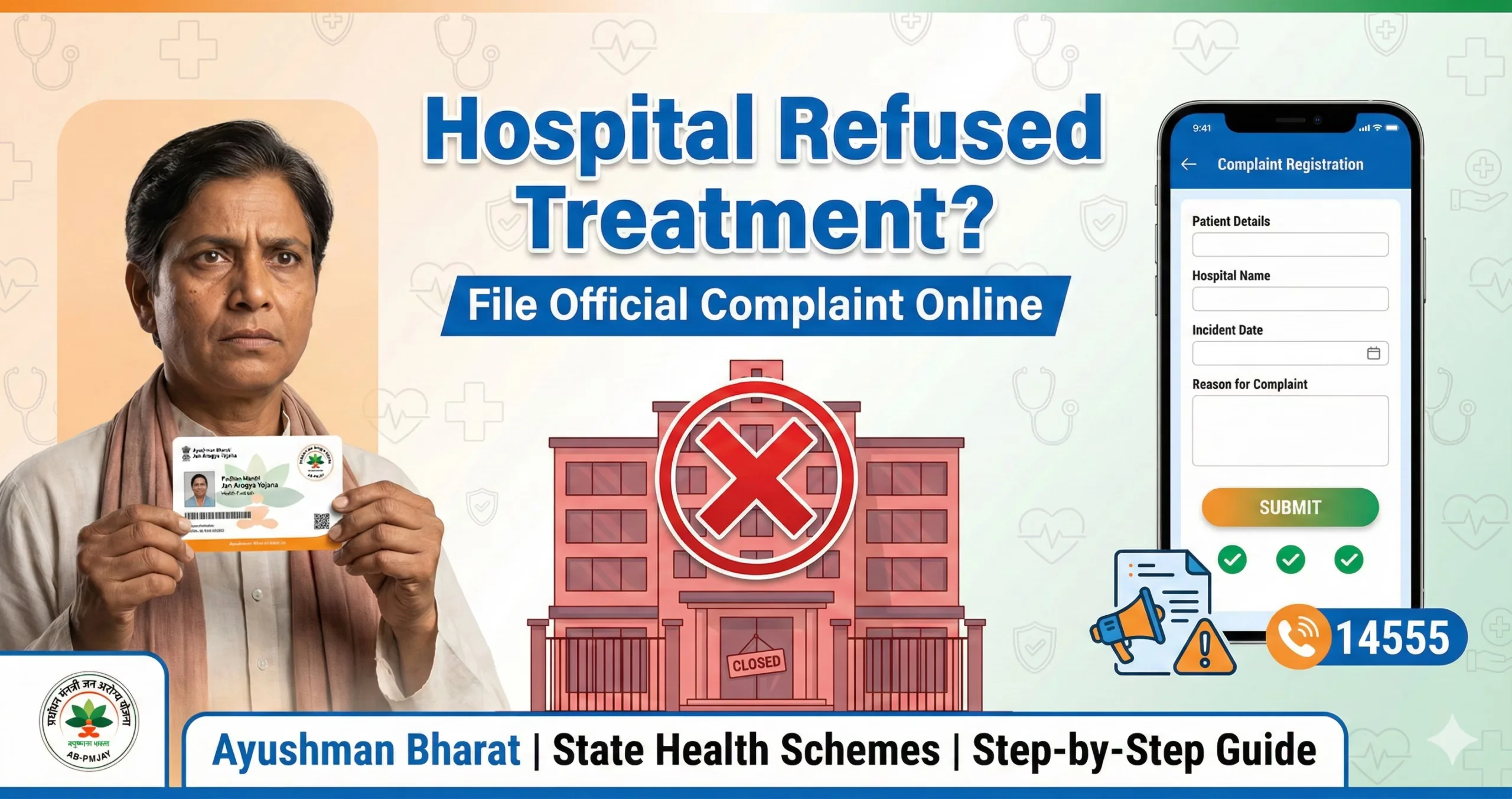
| Hospital Refuses Treatment | Hospital says “Quota full” or “System down”. | Immediately call the 14555 (National) or State Helpline from the hospital premises. Lodge a grievance online. |
4. How to Download Your Card (General Method)
If you are approved but don’t have the physical plastic card, you can download a digital copy legally valid for treatment.
Download the “Ayushman App” (National Health Authority) from Google Play Store.
Login as “Beneficiary”.
Enter Mobile Number -> Verify OTP.
Search by State and Aadhaar.
If e-KYC is done, you will see a “Download Card” button.
Note: For West Bengal (Swasthya Sathi) and AP (Aarogyasri), use their specific state apps mentioned above.
5. Official Helplines (Govt Only)
| State / Scheme | Helpline Number (Toll-Free) |
| National (Ayushman Bharat) | 14555 / 1800-111-565 |
| Andhra Pradesh (Aarogyasri) | 104 |
| Maharashtra (MJPJAY) | 155388 / 1800-233-2200 |
| Rajasthan (Ayushman Arogya) | 181 |
| Tamil Nadu (CMCHIS) | 1800-425-3993 |
| West Bengal (Swasthya Sathi) | 1800-345-5384 |
| Karnataka (Arogya Karnataka) | 104 / 1800-425-8330 |
Important Note: This information is from official sources as of January 2026. Schemes and income limits change frequently. Always verify the latest rules on the official government portal before visiting a hospital.
Would you like me to find the specific “List of Empanelled Hospitals” for your city or district to ensure you go to the right place?
Author

Discover more from Tips Clear - Content For Daily Life
Subscribe to get the latest posts sent to your email.