
Who Needs This Service?
- When ownership of a motor vehicle is transferred through sale, the buyer must apply within 14 days (same state) or 45 days (interstate transfer) Parivahan Sewa to update the Registration Certificate in their name at the Regional Transport Office.
- Until the RC is officially updated with the new owner’s name, the original owner remains responsible for road violations, insurance claims, and legal issues, making this transfer mandatory for both buyer and seller protection.
Required Documents
Both the seller (transferor) and buyer (transferee) must arrange the following documents:
Seller’s Documents:
- Original Registration Certificate (RC book or smart card)
- Valid insurance certificate
- Pollution Under Control (PUC) certificate
- Photocopy of Aadhaar card or other government-issued ID proof
- Form 29 in duplicate (Notice of Transfer of Ownership) Transport Department
Buyer’s Documents:
- Form 30 (Application for Transfer of Ownership) Parivahan Sewa
- Address proof (Aadhaar card, electricity bill, rent agreement, or passport)
- Two recent passport-size photographs
- Valid driving license
- PAN card photocopy
Additional Documents (When Applicable):
- Form 35 and bank NOC if the vehicle has an active loan or hypothecation
- Form 28 (NOC from original RTO) for interstate transfers
- Clearance of all pending traffic challans and FASTag toll dues (mandatory as of 2026)
Online Application Process
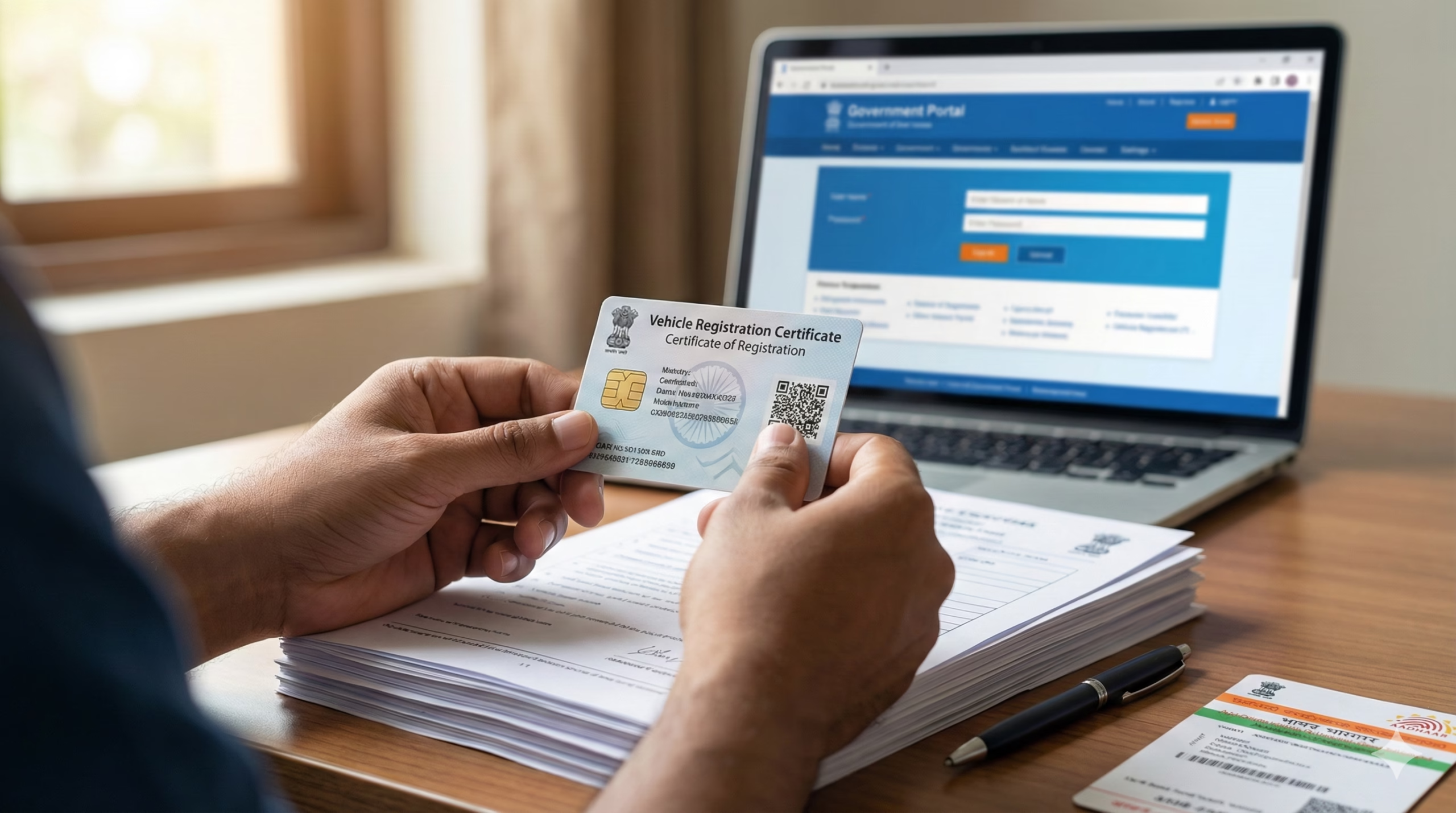
Vehicle ownership transfer can be initiated online through the Parivahan portal by selecting “Vehicle Related Services” and submitting the transfer application. Follow these exact steps:
Step 1: Visit the Official Parivahan Portal Go to https://parivahan.gov.in/parivahan/ – this is the Ministry of Road Transport and Highways’ official website for all vehicle-related services.
Step 2: Navigate to Vehicle Services Click on “Online Services” in the top menu, then select “Vehicle Related Services” from the dropdown options.
Step 3: Select Your State and RTO A new page displays a map of India. Select your state from the dropdown menu, then choose the specific RTO where your vehicle is currently registered. Click the “Proceed” button.
Step 4: Register or Login If you’re a first-time user, click “New User Registration” and create an account using your mobile number and Aadhaar. Existing users can log in directly with their credentials. You will receive an OTP on your registered mobile number for verification.
Step 5: Access Transfer of Ownership Service After login, navigate to the “Services” tab at the top. Select “Misc (TO/CoA/HPA/HPS/HPT/DupRC)” from the menu. Then click on “Transfer of Ownership” option.
Step 6: Enter Vehicle Details Enter your vehicle registration number and chassis number, then click “Verify Details” . The system will display your vehicle information for confirmation.
Step 7: Fill Transfer Details Enter the new owner’s details including name, current address, permanent address, and insurance details. Make sure all information matches exactly with the supporting documents.
Step 8: Upload Documents Upload scanned copies of all required documents in PDF format:
- Form 29 (signed by both parties)
- Form 30 (signed by both parties)
- ID proof and address proof of buyer
- Valid insurance certificate
- PUC certificate
- NOC from bank (if applicable)
Step 9: Payment Click on “Payment” and pay the necessary transfer fee. Transfer fees range from ₹1,000-₹1,800 for cars and ₹500-₹900 for two-wheelers, plus ₹200-₹300 for smart card issuance, depending on your state.
Step 10: Download Receipts After fee payment, two payment receipts along with Form 29 and Form 30 will be generated. Download and print these documents. Both parties must sign the hard copies and submit them to the RTO if physical verification is required.
Important Note: The Parivahan portal offers partial online processing in states like Delhi, Maharashtra, Gujarat, Karnataka, and Uttar Pradesh. Physical RTO visits may still be required for verification.
Offline Process at District RTO
For states without complete online facilities or when you prefer in-person submission, visit your local Regional Transport Office:
Step 1: Collect and Fill Forms Download Form 29 and Form 30 online or collect them from the RTO. Fill out both forms with accurate details about buyer and seller. Two copies of Form 29 are required. Both parties must sign all forms.
Step 2: Clear All Dues Verify on the Vahan portal that all traffic challans and FASTag toll dues are cleared, as NOC for transfer cannot be issued if there are pending dues.
Step 3: Visit RTO Office Hand over your vehicle to the RTO for physical inspection along with Form 29 (two copies), Form 30, original RC, PUC certificate, valid insurance certificate, buyer’s address proof, and buyer’s passport-size photographs.
Step 4: Vehicle Inspection Many RTOs require manual verification including physical inspection of the chassis number, where a pencil print of the number is taken on paper and attached to the file.
Step 5: Pay Fees at Counter Pay the applicable transfer fee and road tax at the RTO counter. Collect the payment receipt.
Step 6: Collect Acknowledgement The RTO will provide an acknowledgement slip with an application number. Keep this safe for tracking your application status.
Step 7: Receive New RC Processing time is typically 7-15 working days for complete transfer. The new RC with the buyer’s name will be sent to the registered address, or you can collect it from the RTO.
For Interstate Transfer: Fill out Form 28 and submit it to the vehicle’s original RTO to apply for a No Objection Certificate. Obtain all clearance certificates from police and National Crime Records Bureau. Once NOC is issued, complete re-registration in the new state’s RTO.
How to Check Application Status
Method 1: Using Application Number
Visit https://parivahan.gov.in/parivahan/ and follow these steps:
- Click “Online Services” → “Vehicle Related Services”
- Select your state and RTO, click “Proceed”
- Click on the “Status” tab at the top of the page
- Select “Know Your Application Status” option
- Enter your application number and submit
- Your application status will display on screen
Method 2: Using Registration Number
Select the registration option, enter your vehicle registration number, and submit to display your application status along with vehicle details such as owner name, vehicle type, and model.
Method 3: Via mParivahan App
Download the mParivahan app from Google Play Store or Apple App Store to check your vehicle documents and application status on your mobile device.
Common Problems and Solutions
Problem 1: Signature Mismatch
RTO officials compare signatures on Form 29 and Form 30 with the original signature from when the car was first registered. If signatures don’t match perfectly, which is common if years have passed, the application is rejected.
Solution: Sign carefully in your current signature style. If your signature has changed significantly, attach a self-declaration explaining the change and provide additional ID proof with your current signature.
Problem 2: Unpaid Challans or FASTag Dues
As of 2026, Ministry of Road Transport and Highways has tightened rules – a No Objection Certificate for transfer cannot be issued if there are pending traffic challans or unpaid FASTag toll fees.
Solution: Check all pending challans on https://echallan.parivahan.gov.in before applying. Pay all dues immediately. Wait 24-48 hours for the payment to reflect in the system before submitting your transfer application.
Problem 3: Hypothecation Not Removed
Vehicles purchased on loan often have hypothecation entries. The loan must be closed and NOC issued by the bank before ownership transfer.
Solution: If you’ve cleared your loan, obtain Form 35 (Hypothecation NOC) from your bank or finance company. Submit this with your transfer application to remove the hypothecation entry.
Problem 4: Document Verification Delays
Internal RTO delays are caused by server downtimes on the Vahan portal, high volume of applications during peak months, or time taken to verify historical data if the vehicle has changed hands multiple times.
Solution: Apply during non-peak periods (avoid month-end and festive seasons). Ensure all documents are crystal clear scans or photocopies. Follow up with your RTO using the application number every 7 days.
Problem 5: Interstate Transfer Double Taxation
The owner must first pay the full road tax in the new state before applying for a refund from the old state. This process is currently offline and manual across most of India and can take months or years The Pioneer.
Solution: Budget for double taxation initially. After receiving your new RC from the destination state RTO, immediately apply for refund in the original state using Form 16, original tax receipt, and proof of migration. Consider consulting a vehicle documentation service for complex interstate cases.
Official Helpline Numbers and Contact
National Parivahan Services:
- Vahan (Vehicle Registration) Helpdesk: vahan@gov.in, +91-120-2459168 (6:00 AM to 10:00 PM) Kerala Motor Vehicle Department
- eChallan Support: echallan@gov.in, +91-120-2459171 (6:00 AM to 10:00 PM) Kerala Motor Vehicle Department
- mParivahan App Support: mparivahan@gov.in, +91-120-2459171 (6:00 AM to 10:00 PM) Kerala Motor Vehicle Department
- General Parivahan Helpline: 0120-492 5505 India Customer Care
Ministry of Road Transport and Highways:
- Official Portal: https://parivahan.gov.in
- Email: For technical issues, contact Web Information Manager through the “Contact Us” section on the official website
State-Specific RTO Contacts: For your local RTO office addresses and phone numbers, visit the “RTO Offices” section on your state transport department website. Each state maintains separate contact directories for their regional transport offices.
To File a Complaint: Visit the grievance redressal section on the Parivahan portal or your state transport website to register complaints about delays or service issues.
This information is from official sources as of February 2026. Always verify on the official Parivahan portal (https://parivahan.gov.in) for the latest updates, as rules and procedures may vary by state and are subject to change.
Author

Discover more from Tips Clear - Content For Daily Life
Subscribe to get the latest posts sent to your email.


